



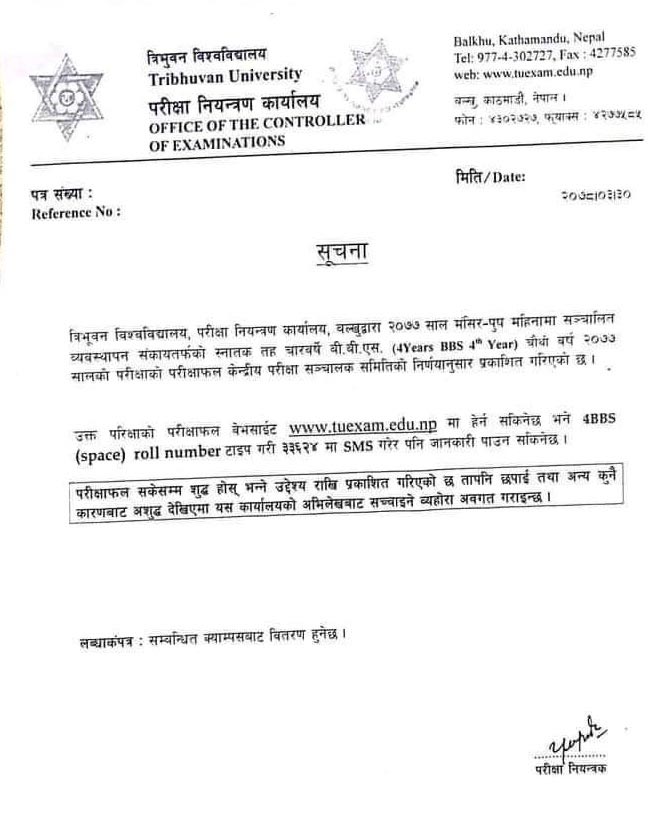
Tribhuvan University (TU), Office of the Controller of the Examinations (OCE) has published the examination results of BBS (Bachelor of Business Studies) Fourth Year. The examination of 4 Year BBS 4th year was held on Mangsir- Poush 2077.
Students can check their results from the official website of OCE- https://tuexam.edu.np
Also, Check Result Via SMS:
Type 4BBS (Space) Roll Number and Send to 33624
Follow the following step to Check BBS Fourth Year Result:
1. Lon on to www.tuexam.edu.np
2. Select Result: 4-Yrs BBS-Fourth Year 2077
3. Type your Roll Number / Symbol Number
4. Click on the "View Result" Tab
5. Finally, You will get result details



Comments 0
No comments yet. Be the first to start the conversation.