



SEE Result 2082/2083: How to Check Online, by SMS and Marksheet
The National Examination Board (NEB) has published (2083 Baishakh 29 at 9:00 PM) the results of the Secondary Education Examination (SEE). According to the results, 65.98 students have passed.
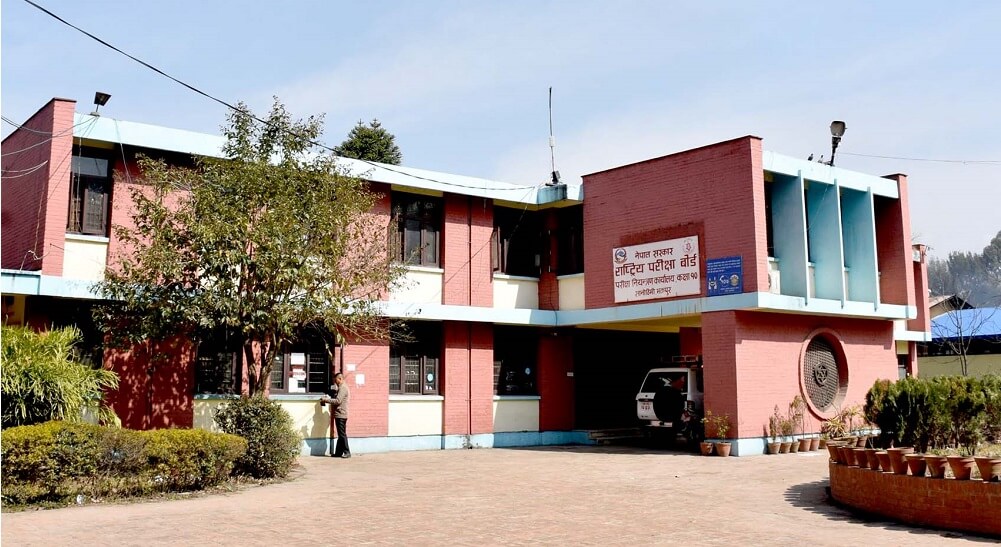
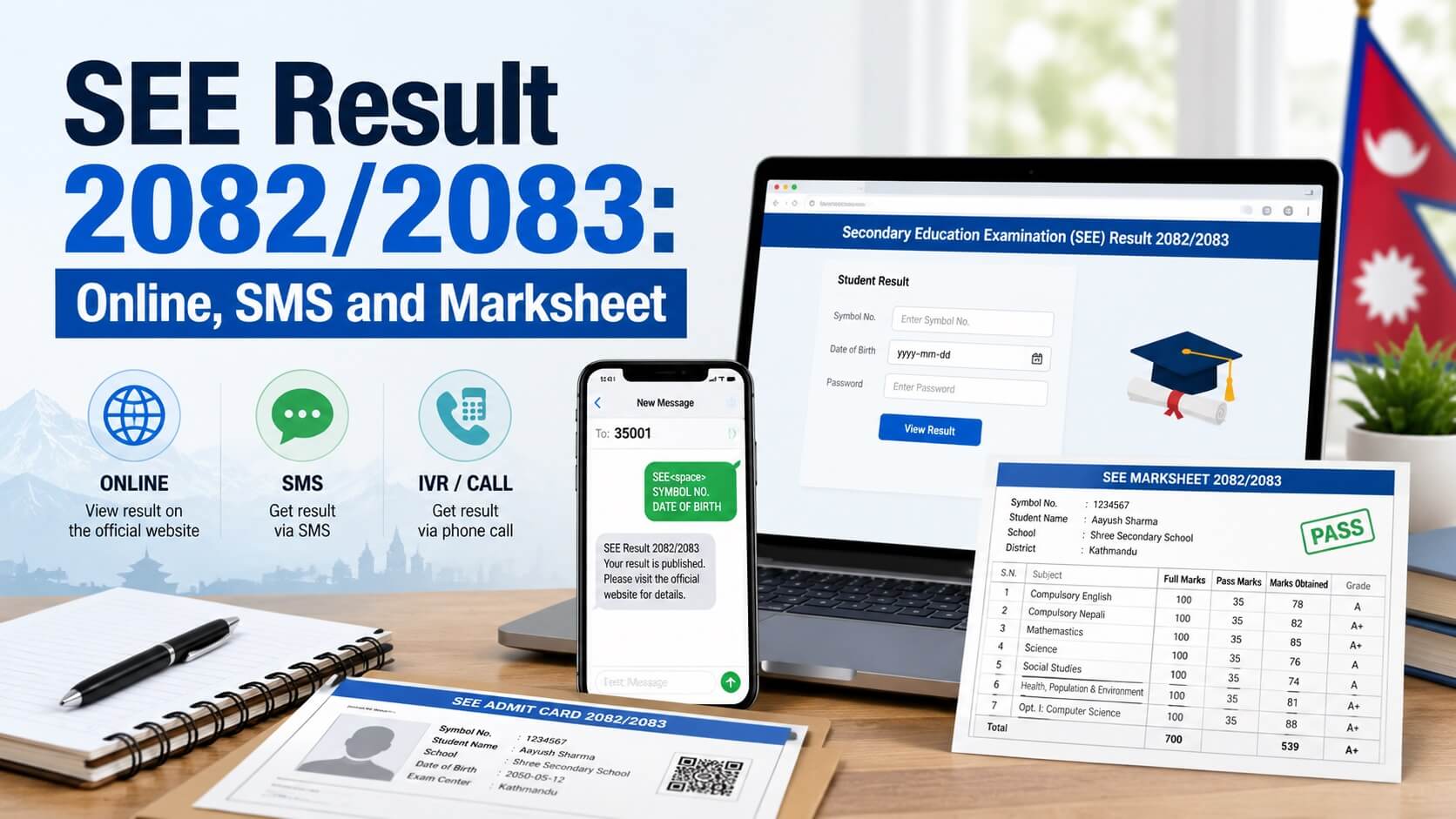
Students can check the SEE Result 2082/2083 through approved online, SMS, and IVR channels published by the National Examination Board (NEB), Examination Control Office Class 10, Sanothimi, Bhaktapur.
The result-checking channels include approved websites, SMS shortcodes and IVR service. Students should use only the approved result channels and enter their details carefully.
This guide explains the available methods, required details, marksheet access and common precautions for students and parents.
SEE Result Improves to 65.98 Percent
This year, 430,667 students from across the country participated in the SEE examination. Of them, 284,160 students received various grades, while 146,507 students fell under the Non-Graded (NG) category.

Key Result Statistics
| Description | Number / Percentage |
|---|---|
| Total students who participated in the SEE examination this year | 430,667 |
| Students who received various grades | 284,160 |
| Students placed in the Non-Graded (NG) category | 146,507 |
| Pass percentage in SEE result of 2081 BS | 61.81% |
| Pass percentage this year | 65.98% |
| Improvement compared with the previous year | 4.17 percentage points |
| Pass percentage in SEE result of 2080 BS | 47.86% |
| Students placed in NG category in SEE result of 2080 BS | 52.14% |
Compared with the previous year, this year’s result has improved by 4.17 percentage points. Before that, in the SEE examination of 2080 BS, only 47.86 percent of students had passed, while 52.14 percent had fallen under the NG category.
With improvement seen for the second consecutive year, a positive signal has emerged in the education sector.
GPA-wise Student Statistics
According to the published result, the number of students by GPA range is as follows:
| GPA Range | Number of Students |
|---|---|
| 3.6 to 4.0 GPA | 48,392 |
| 3.2 to 3.6 GPA | 80,372 |
| 2.8 to 3.2 GPA | 94,222 |
| 2.4 to 2.8 GPA | 55,977 |
| 2.0 to 2.4 GPA | 5,190 |
| 1.0 to 2.0 GPA | 7 |
The board stated that 5,190 students secured a GPA between 2.0 and 2.4, while seven students secured a GPA between 1.0 and 2.0.
Details Needed to Check SEE Result
Before checking the result, keep the following details ready:
- SEE symbol number
- Date of birth, if requested by the result website
- Mobile phone, if checking by SMS or IVR
- Internet connection, if checking online
- SEE admit card or school record for verification
Students should enter the symbol number exactly as printed on the admit card. An incorrect symbol number may show an error or the wrong record.
How to Check SEE Result Online
Online result checking is useful when students need grade details or a temporary digital record.
Steps to Check Online
- Visit an approved SEE result website.
- Enter your SEE symbol number.
- Enter date of birth or other details only if the website asks for them.
- Submit the form.
- Check the result details shown on the screen.
- Save, print or take a screenshot only for temporary reference.
Students should avoid unofficial pages that ask for unnecessary personal information.
Approved Websites for SEE Result 2082/2083
The notice lists the following approved websites for viewing SEE 2082 result details:
National Examination Board and Official Result Websites
- National Examination Board, Examination Control Office Class 10, Sanothimi: see.gov.np
- National Examination Board, Sanothimi: neb.gov.np
- Nepal Telecom: see.ntc.net.np
Other Approved Result Websites
- Kantipur Publications Ltd.: ekantipur.com
- Edu Sanjal Pvt. Ltd.: see.edusanjal.com
- IME Khalti Ltd.: khalti.com/app
- College Info Nepal Pvt. Ltd.: see.collegeinfonepal.com
- The Connect Plus Pvt. Ltd.: theconnectplus.com
- Ncell Axiata Limited: ncellapp.ncell.com.np/result
- Neema Education Foundation: result.neemaacademy.com
- Phoenix Education Foundation Pvt. Ltd.: resultayo.com
- Ambition Guru Pvt. Ltd.: see.ambition.guru
- N.E.B. Results and News Pvt. Ltd.: see.merostudy.net
- Indreni Times Network Pvt. Ltd.: nebeducation.com/see
How to Check SEE Result by SMS
SMS can be useful when result websites are slow because of high traffic.
SMS Format
Type:
SEE <space> Symbol NumberExample:
SEE 0201382DSend the message to an approved shortcode. Use your own SEE symbol number in place of the example.
Approved SMS and IVR Shortcodes
| Service Provider | Service | Shortcode |
|---|---|---|
| Nepal Telecom | SMS/USSD and IVR | 1600 |
| Janaki Technology Pvt. Ltd. | SMS | 35001 |
| Ambition Guru Pvt. Ltd. | SMS | 31069 |
How to Check SEE Result by IVR
IVR is a voice-based service for checking the result by phone.
Steps to Check by IVR
- Dial 1600.
- Follow the voice instructions.
- Enter the SEE symbol number when asked.
- Listen carefully to the result details.
- Note down the result information.
How to View SEE Marksheet or Grade Details
Some online result platforms may show grade details or a marksheet-style result page. Students should check the available option on the specific result website they are using.
Steps to View Grade Details
- Visit an approved result website that provides grade details.
- Enter the required student information.
- Submit the details.
- Check the displayed result carefully.
- Save or print the result only for temporary reference.
The online result should be treated as a quick reference. For official academic or admission use, students should collect the original grade sheet or official document through their school or the concerned authority.
What to Do If the Result Website Is Slow
Result websites may become slow when many students check results at the same time.
Students can try the following options:
- Recheck the symbol number.
- Try another approved website.
- Use SMS if the website is not loading.
- Use IVR if internet access is limited.
- Try again later if the server is busy.
Students should not rely on unverified screenshots, social media posts or unofficial result links.
Common Mistakes to Avoid
Students should avoid these mistakes while checking the result:
- Entering the symbol number from memory
- Using unofficial websites
- Sharing admit card details publicly
- Treating a screenshot as an official grade sheet
- Entering personal details on suspicious pages
- Assuming all websites provide the same result format
After Checking SEE Result
After checking the result, students should review their grade details carefully and keep a temporary copy for reference.
Students planning for Grade 11, technical education or other academic pathways should confirm admission requirements from the concerned school, college or official admission notice. Requirements may vary by institution, program and year.
Students can also read practical guidance on choosing the right subject after SEE in Nepal.




Can I download the see MarkSheet online
Can I download the see MarkSheet online