




A digital footprint is the information trail connected to your activities on the internet. It includes what you deliberately share, what other people publish about you, and information collected by websites, applications, and digital services.
Not all of this information is public. Some appears in search results, some is visible to a limited group, and some remains within the systems that collect it.
For students, understanding these differences matters more than worrying that every online action will remain visible forever. The useful questions are who can access your information, how it may be used, what you can change, and where your control ends.
This article explains those distinctions and how to make informed decisions about your online activity.
What Is a Digital Footprint?
A digital footprint is the collection of information associated with a person's online identity and activities.
Common Sense Education distinguishes between active digital footprints, created through information people deliberately share, and passive digital footprints, generated through information collected automatically when they use digital services.
Both categories matter, but they describe how information enters your footprint, not necessarily who can see it.
Information You Choose to Share
An active digital footprint develops when you intentionally contribute information online.
For students, this can include posting photographs, commenting on videos, creating gaming profiles, participating in public discussions, or uploading academic work.
Consider a student who publishes a programming project on a public website. The project becomes part of their digital footprint, along with any name, username, description, or contact information attached to it.
The work may demonstrate useful skills. Whether the accompanying personal information needs to be public is a separate decision.
Even a small contribution can create an identifiable record if it is associated with an account or username.
A comment may remain connected to an account long after the student stops participating in the discussion. Its visibility depends on the platform, the account's settings, and whether other users have reproduced it.
Information Created by Other People
Your digital footprint also includes information that other people publish about you.
A classmate may tag you in a photograph. A school may publish details of an event in which you participated. A club may list its members, or a friend may mention your username in a public conversation.
You may have had no role in deciding whether that information should appear online.
This distinction matters because advice about deleting your own posts does not solve every privacy concern.
When another person controls the content, changing your account settings may have no effect on the original publication. You may need to request a correction, removal, or restriction from whoever published it.
Information Collected Without a Public Post
A passive digital footprint can develop while you browse websites, use applications, or interact with online services.
The US Federal Trade Commission (FTC) explains that websites and applications may collect information through cookies, tracking pixels, device identifiers, and device fingerprinting.
These methods can help services remember preferences, measure website activity, personalize content, or support advertising. Different services collect and use different information.
For example, a student may use an educational website without creating a public profile. The website may still record information about visits or interactions.
This does not mean strangers can search for those records. Information collected by a service is different from information published for everyone to see.
Who Can See Your Digital Footprint?
The visibility of a digital footprint depends on where information is stored, how it is shared, and who has permission to access it.
Thinking about three levels of access helps students distinguish a public post from a private conversation or a record held by an application.
|
Information category |
Student-related examples |
Who may have access |
|---|---|---|
|
Publicly discoverable |
Public profiles, comments, published projects, school announcements |
Anyone who can access the page; some material may also appear in search results |
|
Shared with a restricted audience |
Group messages, private-account posts, shared coursework, collaborative documents |
Selected recipients, group members, or authorized users, depending on permissions |
|
Held by websites, apps, or institutions |
Account records, activity logs, technical information, platform interactions |
The provider and other authorized parties, according to the service's practices and applicable rules |
These categories can overlap.
A photograph shared in a restricted group may also be stored by the service operating that group. A document intended for classmates can become publicly accessible if someone changes its sharing permissions.
The distinction is especially important when deciding what action will improve privacy.
Public Information Is Not the Entire Footprint
Searching your name online can reveal public profiles, photographs, and pages associated with you.
However, search engines do not provide an inventory of all information held by websites, applications, or educational institutions.
A search that returns no relevant results does not establish that no digital footprint exists.
Similarly, a search result containing your name does not necessarily refer to you. Names can be shared by different people, and search results may appear without sufficient context.
Checking the source of a result is therefore important before drawing conclusions.
Private Accounts Still Produce Digital Records
A private account can restrict who views your posts, but it does not necessarily prevent the platform from collecting information about your activity.
It also cannot guarantee that an authorized recipient will refrain from copying or redistributing material.
Suppose a student shares a photograph with a restricted group of friends. The account's settings may prevent outsiders from viewing the original post. However, a group member may save the image or share it elsewhere.
The initial audience and the eventual audience may become different.
Private settings remain useful because they limit access through the original service. Their limitation is that they do not provide control over every recipient's subsequent actions.
How Schools and Learning Platforms Contribute to Digital Footprints
Digital footprints are created through schoolwork as well as social media.
When students use learning management systems, educational applications, shared documents, and online assessment tools, information may be created or recorded as part of their educational activities.
The exact information depends on the service and the institution's arrangements.
Assignments and Learning Activity
An online learning platform may store assignment submissions, feedback, account information, and activity associated with coursework.
Some systems may also record technical or contextual information, such as interactions with an assessment.
In February 2014, the US Department of Education published guidance addressing privacy and security considerations for third-party online services used in American schools. It distinguished school-related educational services from students' personal online activities outside school.
That guidance provides a useful example of the issues institutions need to consider. It does not establish what every school worldwide collects or who can access every student's activity.
A student should not assume that teachers can see personal browsing activity simply because the student uses an online classroom.
Equally, students should not assume that school-managed accounts have the same privacy conditions as independently managed personal accounts.
Shared Documents and Group Projects
A collaborative document can have several audiences depending on its sharing permissions.
For example, a student preparing a group presentation may intend to share it with three classmates and a teacher.
If the document is configured for broader access, people outside that group may also be able to view it.
The problem is not necessarily the content of the presentation. It may be an unintended sharing permission or personal information included in the document.
Before sharing coursework, students can check who has access, whether recipients can edit or redistribute it, and whether the document contains personal details unrelated to the assignment.
Publicly presenting a project also differs from submitting it privately for assessment. Students should understand when their work, names, photographs, or contributions will be published.
What Should Students Ask Their School?
Students cannot determine every aspect of institutional data collection through personal account settings.
When a school requires a digital service, useful questions include:
-
What information does this service collect about students?
-
Who can access submitted work and related activity records?
-
Can other students view my files or personal details?
-
What happens to the account and its information when I leave the institution?
-
Who should I contact if information is inaccurate or exposed?
Answers may appear in institutional privacy notices, provider documentation, or school information-technology policies.
If a school does not explain these matters clearly, asking an authorized staff member is more reliable than making assumptions based on a different institution's practices.
Privacy rights, retention rules, and access arrangements vary between countries and educational systems.
Why Does a Digital Footprint Matter for Students?
A digital footprint can affect privacy, personal safety, and how others interpret information associated with a student.
It can also document educational work and meaningful participation.
The consequences are determined by context, visibility, accuracy, and how information is used—not simply by whether an online record exists.
Privacy and Unwanted Exposure
A single piece of personal information may reveal relatively little. Several connected details may provide a clearer picture of someone's identity or routine.
A profile might identify a student's school. A public photograph may reveal another regularly visited location. Other posts may disclose contact information.
Someone encountering these details together may learn more than the student intended.
This is why privacy decisions should consider the information available across accounts, not exclusively the content of one post.
Students can limit unnecessary exposure by separating information needed for public participation from information meant for personal use.
There is usually no educational reason to include a home address or private telephone number in a publicly accessible project description.
Digital Footprint and Online Reputation Are Different
Your digital footprint consists of information associated with you online. Your online reputation concerns how other people interpret that information.
A public comment may be factually connected to your account, but an observer may misunderstand its meaning without knowing the original discussion.
An older post may also reflect views or interests that have changed.
A digital record is not a complete measure of someone's character, judgement, or abilities.
Still, publicly accessible information can influence impressions.
For students preparing for educational or professional opportunities, a reasonable review of public profiles may be useful.
That does not mean every university or employer examines applicants' social media accounts. Practices vary, and there is no sound basis for treating such screening as universal.
Students should avoid responding to this uncertainty by removing every personal interest or attempting to construct an artificial public identity.
Digital Footprints Can Also Have Educational Value
A digital footprint may include completed projects, public writing, creative work, or participation in academic communities.
A student applying for an opportunity may choose to share a relevant portfolio if it helps demonstrate work that cannot be adequately represented through a brief application.
However, not every student needs a public portfolio.
Some work belongs in private submissions. Other achievements can be documented through references, certificates, or materials shared directly with an intended recipient.
The meaningful question is whether making something public serves a purpose that outweighs the additional exposure.
How to Check and Manage Your Digital Footprint
Managing a digital footprint starts with identifying information you can see or control, then choosing actions that address a specific concern.
A useful review does not require publishing your personal information, downloading unfamiliar assessment tools, or sharing private search results with classmates.
1. Check What Is Publicly Visible
Search for your name and existing public usernames.
Review results that appear to refer to you, including profiles, photographs, comments, and pages published by schools or community organizations.
When evaluating a result, consider whether the information is accurate, whether it is intended to be public, and who controls the page.
If the material belongs to someone else with the same name, avoid treating it as part of your own footprint.
A public search is a starting point, not a complete account of information collected by services.
2. Review Accounts You Still Use
Open the privacy and account settings of your main platforms.
Check who can view your posts, contact you, find your profile, or tag your account.
Review older public content that may reveal identifying information you no longer intend to share.
A student who uses one account for public educational work and another for personal communication may reasonably want different visibility settings for each.
Some platforms allow separate controls for posts, messages, tags, and profile information. Review each relevant area rather than assuming that one privacy setting governs everything.
UNICEF recommends reviewing account visibility, contact settings, and the permissions granted to applications, while also involving young people in decisions about their online privacy.
3. Check Application and Device Permissions
Review which applications can access your location, photographs, contacts, camera, and microphone.
Consider whether each permission is necessary for the function you use.
For example, access to a microphone may be appropriate during an online lesson. Continuous access may not be necessary for an unrelated application.
The FTC recommends examining browser and application privacy settings and limiting unnecessary permissions. It also explains that available protections differ between services.
Students should pay particular attention to permissions that reveal personal locations or provide access to information about other people.
4. Review Older Accounts and Connected Services
Accounts created for past activities can remain associated with a student after they stop being useful.
Review accounts you recognize and determine whether they should remain active.
Where available, examine options for changing visibility, downloading account information, deactivating the account, or requesting deletion.
An account may also be connected to other services. Removing an account without considering those connections can affect access to information or work that the student still needs.
For school-managed accounts, ask the institution about its account closure and retention policies rather than assuming the student can independently remove all records.
5. Secure Important Accounts
Unauthorized account access can expose information that was not intended to become public.
Protecting the accounts containing personal and educational records is therefore part of managing a digital footprint.
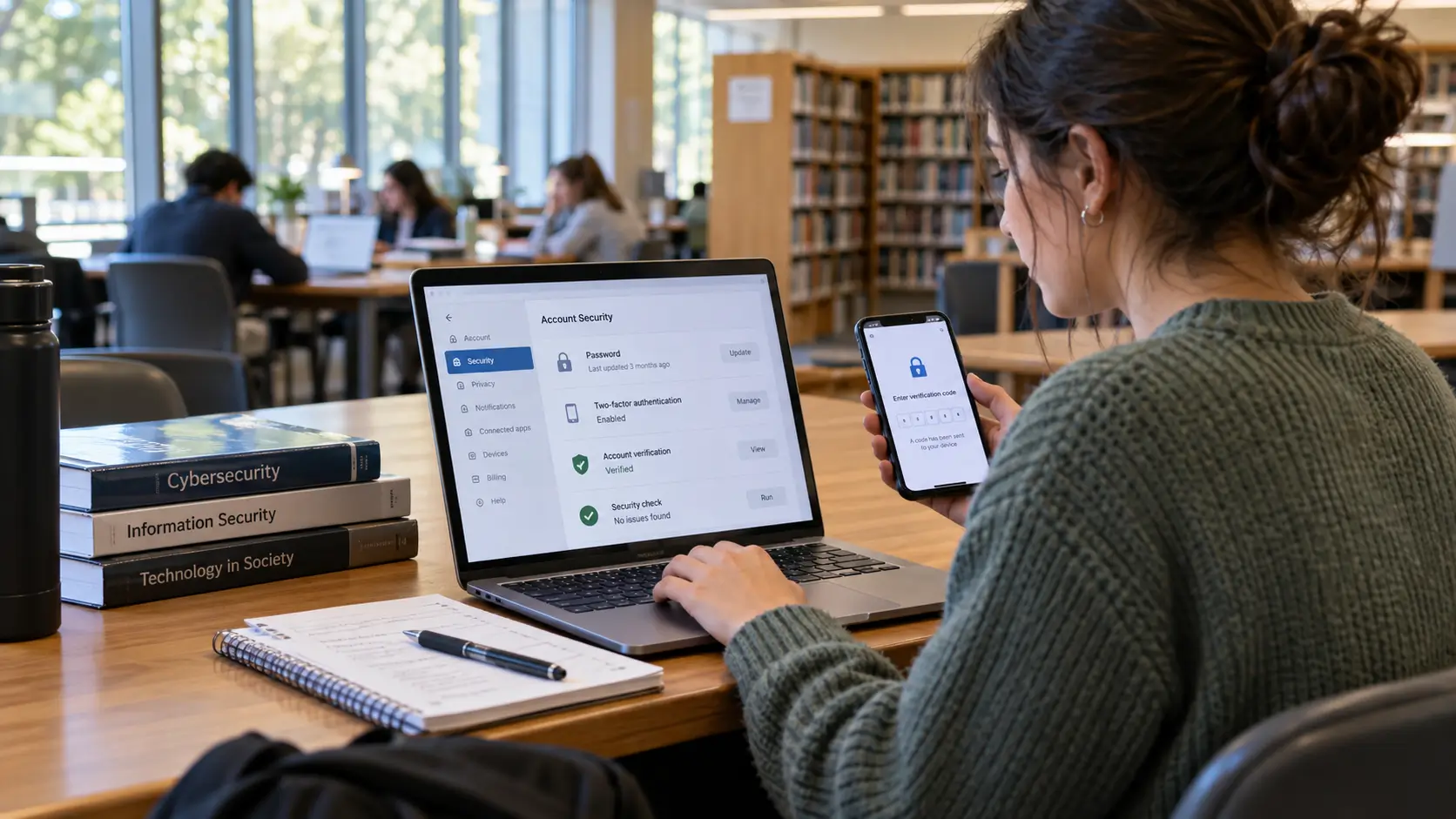
Use distinct, strong passwords and enable multifactor authentication where available. Review account recovery information and unfamiliar sign-in activity through the provider's legitimate security settings.
UNICEF recommends strong passwords, password managers, and multifactor authentication as ways to protect online accounts.
Students seeking further account-security guidance can read Cybersecurity Basics for Students and Young Professionals.
These actions protect account access. They do not erase information already published or collected.
What Can Students Remove From Their Digital Footprint?
The appropriate removal method depends on where information exists and who controls it.
Changing visibility, deleting a post, requesting deletion of stored data, and removing a search result are different actions.
|
Action |
What it can achieve |
Important limitation |
|---|---|---|
|
Restrict visibility |
Limits access to information through the original account or service |
Does not necessarily remove earlier copies or information already shared |
|
Delete content at its source |
Removes material from the original account or website when permitted |
Copies or retained records may still exist |
|
Request correction or removal |
Gives another person, organization, or provider an opportunity to change information they control |
The request may not be accepted or may be subject to restrictions |
|
Request search-result removal |
Can reduce discoverability of eligible information |
Does not necessarily remove the original webpage |
Removing Your Own Content
If you control the account or webpage, begin by checking the available editing, visibility, and deletion options.
Removing personal details may be sufficient when the content itself remains useful.
For example, a student may want to retain a public project while removing unnecessary contact information from its description.
In another situation, deleting the entire post may be more appropriate.
The decision should reflect the actual concern rather than an assumption that all older content is harmful.
When Someone Else Controls the Information
If a classmate, school club, or other organization has published information about you, identify the original source.
When it is safe and appropriate, request a specific change.
You might ask for an incorrect name to be corrected, an unnecessary personal detail to be removed, or a photograph to be taken down.
A clear request explains what information is involved and what outcome you want.
If the person or organization does not respond, the service hosting the content may have reporting or removal procedures.
The available options depend on the nature of the information and the service's rules.
Removing Information From Search Results
A search engine displays links to information hosted elsewhere.
Removing a search result therefore differs from deleting the underlying webpage.
Google Search Help explains that people may request removal of certain web results under applicable policies. Successful removal from Google Search does not necessarily remove the material from the website where it was published.
For information you want removed more broadly, addressing the original publication may be necessary.
Search-removal requests can still be useful when eligible personal information appears prominently in results and removal from the original source is difficult.
Deleting Accounts Is Not the Same as Deleting All Data
Deleting an application from a device does not necessarily close the associated account.
Likewise, removing account activity does not establish that every copy of the information has been erased.
In a September 2024 report examining selected major social media and video-streaming services, the FTC identified extensive data collection and found that some companies did not delete all user information in response to deletion requests.
Those findings concerned the companies and practices examined in that investigation. They should not be treated as proof that every service retains all information indefinitely.
Students can review a provider's privacy information and available data-access or deletion procedures.
Some countries provide specific rights to request access, correction, or deletion of personal information. Those rights and their exceptions differ by jurisdiction.
An individual request may be effective without guaranteeing complete erasure.
What If Someone Shares Your Information Without Permission?
When someone publishes unwanted personal information, the response should reflect whether the issue involves ordinary disagreement, an inaccurate post, unwanted disclosure, or a serious safety concern.
If a friend shares a photograph without realizing that you object to its publication, a direct request may resolve the matter.
A different response is appropriate when someone impersonates you, repeatedly harasses you, or uses private information to intimidate you.
In those circumstances, contacting the person responsible may be inappropriate or unsafe.
Use the relevant platform's reporting options and seek assistance from a trusted adult, school safeguarding contact, or another appropriate support service.
UNICEF recommends reporting online bullying, seeking support from trusted people, and preserving relevant messages or screenshots when evidence is needed.
Evidence should be kept securely rather than circulated unnecessarily.
Students should also distinguish between unwanted information about themselves and another person's right to communicate or express an opinion. Disliking a post does not automatically establish a right to have it removed.
How Can Students Avoid Exposing Other People's Information?
Managing a digital footprint also means respecting the privacy of classmates, friends, and other people who appear in shared content.
Students frequently participate in group activities where photographs, documents, and conversations contain information about several individuals.
Before making that material public, consider whether everyone involved expects it to be shared.
A group photograph taken for a classroom activity does not necessarily mean every student pictured has agreed to public publication.
The same consideration applies to private messages, recordings, contact details, and shared documents.
When permission is uncertain, ask the people concerned or remove identifying details that are unnecessary to the purpose of the content.
Students can participate in discussions, share academic work, and document achievements without exposing unrelated personal information about others.
Common Misunderstandings About Digital Footprints
Several beliefs about digital footprints are inaccurate because they treat visibility, collection, and permanence as the same issue.
Does Private Browsing Make You Invisible?
Private browsing generally limits certain information saved locally by the browser. It does not make online activity invisible to websites or every organization operating a network.
The FTC explains that some private browsing modes remove local browsing history after a session without preventing websites from observing online activity.
Private browsing is therefore not equivalent to anonymous internet use.
Is Everything You Post Permanent?
Some online information can be removed, and some services delete records according to their policies.
However, publication creates the possibility of copying, redistribution, and retention beyond the original location.
Students should avoid both extremes: assuming that every trace lasts forever and assuming that deleting the original post removes every record.
The most useful approach is to consider the audience before sharing and use available correction or removal options when circumstances change.
Does One Old Post Determine Your Future?
An isolated post does not establish someone's full character, abilities, or future opportunities.
Online material may be encountered without context, and other people may interpret it differently.
A student concerned about an old post can review its visibility, correct inaccuracies, or explain relevant context when appropriate.
There is no factual basis for treating one ordinary online mistake as a universal predictor of educational or career outcomes.
Must Students Create a Publicly Positive Digital Footprint?
Students do not need to publish personal achievements or maintain a professional-looking social account simply to demonstrate digital responsibility.
A public portfolio may help when there is a specific reason to show academic or creative work.
Private participation can be equally reasonable.
Choosing not to publicize information is itself a legitimate privacy decision.
Key Points to Remember
Understanding digital footprints becomes easier when students separate three questions.
First, what information exists? It may have been shared deliberately, published by someone else, or collected by a service.
Second, who can access it? Public pages, restricted conversations, and provider-held records involve different audiences and permissions.
Third, who controls the information? Students can change some settings and remove some content themselves. Other changes depend on the actions of people, institutions, platforms, or search engines.
The important distinctions are that not everything online is public, not everything is permanent, and not everything is under an individual's control.
Students can still make meaningful decisions about the information they share, the services they use, and the assistance they seek when something needs to change.
References
1. Common Sense Education. Understanding My Digital Footprint. Educational lesson explaining active and passive digital footprints and information shared by others.
2. US Federal Trade Commission. How Websites and Apps Collect and Use Your Information. September 2023. Consumer guidance on online tracking, cookies, device identifiers, browser controls, and application permissions.
3. US Department of Education, Student Privacy Policy Office. Protecting Student Privacy While Using Online Educational Services: Requirements and Best Practices. February 2014. US-specific guidance on privacy and security considerations for school-used online services.
4. US Federal Trade Commission. FTC Staff Report Finds Large Social Media and Video Streaming Companies Have Engaged in Vast Surveillance of Users. September 2024. Findings concerning data collection, retention, sharing, and deletion practices among investigated services.
5. UNICEF Parenting. Online Privacy Checklist for Parents. Guidance on children's privacy, application permissions, account security, and involving teenagers in privacy decisions.
6. UNICEF. Cyberbullying: What Is It and How to Stop It. Guidance for young people on reporting online harassment, preserving relevant evidence, and seeking appropriate assistance.
7. Google Search Help. Remove Web Results from Google Search. Official guidance on search-result removal and its distinction from removing information at the original website.




Comments 0
No comments yet. Be the first to start the conversation.