



The Best 10 Free Image to Image Platforms for Content Creators in 2026
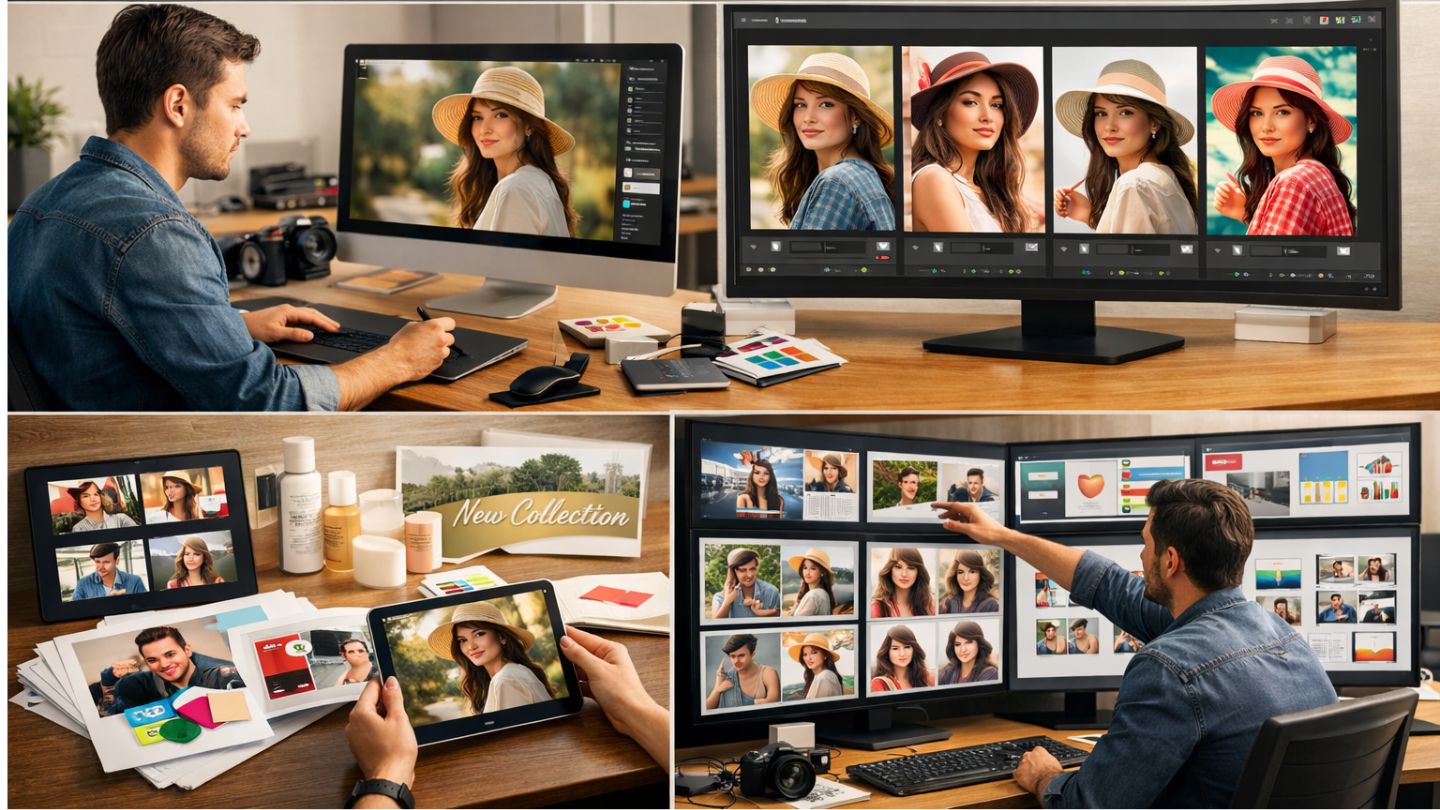
The rise of generative visuals has changed the way creators think about content production. A strong idea is still important, but the bottleneck is often no longer imagination. It is adaptation. One image now has to become a thumbnail, a social post, a campaign concept, a stylized visual, or a brand variation without forcing the creator to rebuild everything from zero. That is why Image to Image tools feel more useful than many people first assume. They are less about spectacle and more about controlled transformation.
In my observation, the best platforms in this category are not simply the ones that can make something look dramatic. They are the ones that help users move from one usable visual to another with less friction. Some are better for realism. Some are better for quick iteration. Some work well for editing small parts of an image, while others are stronger when you want a broad stylistic shift. For creators who want free entry points before paying for scale, the difference matters.
Why Content Creators Need Image to Image Now
A content creator rarely works on isolated assets anymore. A single visual idea often needs to travel across multiple channels and formats. What starts as one source image may need to become a stylized banner, a product illustration, an editorial visual, or a short-form promotional asset.
That is where image-to-image platforms become practical. They let creators keep the structure and intent of an existing visual while changing the style, mood, detail, or context. In many cases, that produces a faster and more stable workflow than starting from a blank prompt every time.
Creative Speed Is Now A Publishing Advantage
For independent creators and small teams, speed is not only about convenience. It is part of competitiveness. The faster a good asset can be adapted into several versions, the easier it becomes to maintain publishing consistency without burning out creative energy.
Visual Consistency Matters More Than Endless Novelty
It is easy to chase novelty with AI. It is harder to maintain identity. In my testing, the more useful platforms are often the ones that preserve the source image’s logic while still allowing meaningful change.
How I Judge A Good Free Platform
A strong free image-to-image platform does not need to do everything. It needs to make one or two workflows clearly usable before asking the user to upgrade. That usually means an accessible interface, understandable model behavior, and enough free capacity to test whether the system actually fits the task.
The Ten Platforms Worth Watching Closely
1. To Image AI For Multi-Model Creative Routing
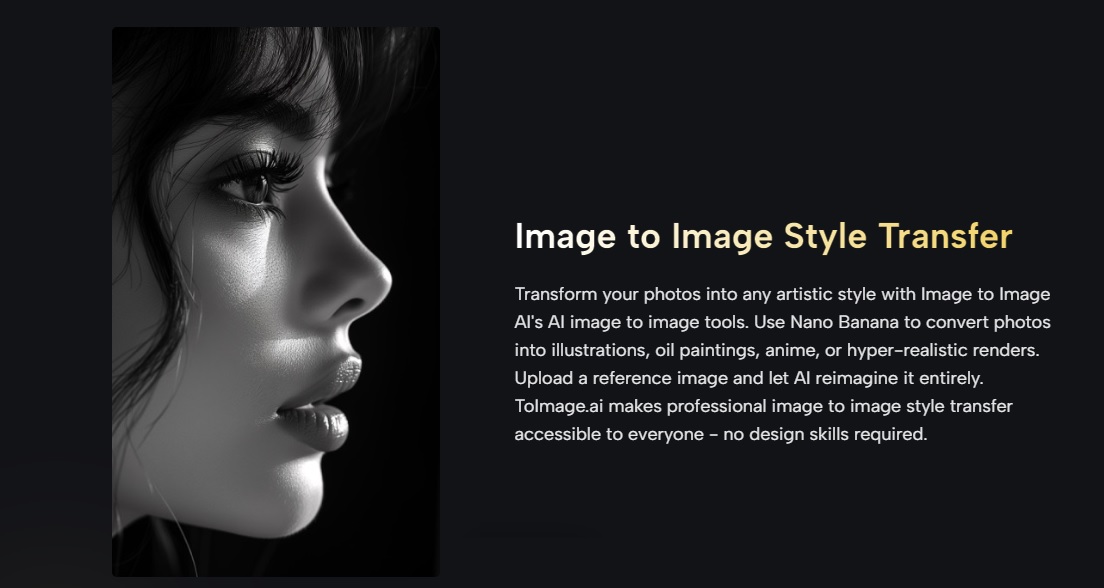
Image to Image AI stands out because it is not built around one fixed model personality. It brings together options such as Nano Banana, Nano Banana 2, Seedream, and Flux, then lets users route the task through the model that fits best. In practical use, that makes it feel more like a flexible image transformation hub than a single-purpose filter. If the job changes from realism to speed to selective editing, the workflow does not have to move elsewhere.
2. Leonardo AI For Polished Creator Workflows
Leonardo remains one of the better choices for creators who want a clean interface and an easy entry into visual refinement. The platform supports image-based generation and refinement, and its free access makes it approachable for people who want to test serious output quality before committing to a paid workflow.
3. Adobe Firefly For Familiar Editing Habits
Firefly is especially useful for people who already think in design-tool logic rather than raw prompting logic. Its image generation and editing features feel aligned with a more traditional creative workflow, and Adobe offers free access with a set number of generative credits. For users who care about mainstream usability and a recognizable editing environment, that matters.
4. OpenArt For Broad Model Access And Experimentation
OpenArt is a good fit for creators who want variety. Its free plan gives users a real way to test generation without a card, and the platform’s larger ecosystem makes it appealing for those who like trying different model styles and output behaviors without switching tools too often.
5. Recraft For Design-Led Visual Work
Recraft feels different from many AI image tools because it leans into design use cases, not only art generation. It supports image generation, vectors, mockups, and edited visuals, and its free plan refreshes daily. For creators working on brand assets, posters, or clean graphic outputs, this design orientation can be more useful than a purely artistic engine.
6. getimg.ai For High Variation And Fast Testing
getimg.ai works well for users who value breadth and speed. Its image-to-image feature is clearly positioned around transformation, and the platform supports multiple leading models under one system. In my view, it is most useful when the creator wants many variations quickly and does not want to manually research every model before trying it.
7. Fotor For Simple Visual Restyling
Fotor is often underestimated because it presents itself in a beginner-friendly way, but that accessibility is part of its value. It supports image-based generation and broader AI editing tools, which makes it useful for creators who want a low-friction starting point rather than a highly technical environment.
8. insMind For Clean Product And Visual Edits
insMind is particularly interesting for users who care about practical commercial visuals. Its image-to-image generator is built around upload-plus-prompt transformation, and the wider toolset includes background work, enhancement, and product-oriented editing. It feels especially relevant for creators who move between lifestyle content and product presentation.
9. Picsart For Mobile-Friendly Creative Volume
Picsart has long been associated with accessible editing, and its AI layer extends that convenience. While it is broader than a dedicated image-to-image platform, its AI photo editing and generation tools make it useful for creators who want content speed and easy access across casual or frequent workflows.
10. Playground-Style Platforms For Quick Prompt Iteration
Platforms inspired by the Playground model remain useful for creators who value speed, experimentation, and a lightweight approach to trying multiple image directions. They may not always offer the deepest editing control, but they still serve an important role for ideation-heavy work.
Where The Differences Become Easier To See
A comparison table helps because these tools solve slightly different problems even when they appear to belong to the same category.
|
Platform |
Best fit |
Main strength |
What to keep in mind |
|
ToImage AI |
Multi-model creators |
Model choice across several workflows |
Best when you want flexibility in one place |
|
Leonardo AI |
General content creation |
Polished interface and strong visual outputs |
Better once you know your direction |
|
Adobe Firefly |
Design-oriented users |
Familiar editing logic and free credits |
Credit limits shape heavier usage |
|
OpenArt |
Experimenters |
Free plan and broad model ecosystem |
Output style can vary by model choice |
|
Recraft |
Designers and marketers |
Strong design and vector-oriented workflow |
More design-led than purely artistic |
|
getimg.ai |
Fast variation workflows |
Multiple models and rapid testing |
Credit-based usage still matters |
|
Fotor |
Beginners and quick edits |
Accessible workflow and easy restyling |
Less specialized than model-heavy hubs |
|
insMind |
Product and lifestyle visuals |
Practical editing and commercial image focus |
Best when asset clarity matters |
|
Picsart |
Social-first creators |
Easy editing and broad AI toolkit |
Broader toolset means less niche depth |
|
Playground-style tools |
Idea generation |
Fast iteration and prompt testing |
Precision may be more limited |
How Creators Should Choose One
The right choice depends less on brand reputation and more on workflow shape. A creator doing brand visuals may prefer design clarity. A social creator may value speed. Someone working from strong source photos may care more about realism and editing control.
Choose For The Job, Not The Hype
In my observation, people get better results when they pick the platform based on the transformation they need. Broad restyling, precise editing, batch experimentation, and design-driven output are not the same task.
Use Free Access To Test Stability First
The smartest way to use these tools is to test them with your real assets before deciding anything. A platform may look great in demos but respond differently to your subjects, compositions, or prompt style.
Why This Category Will Keep Growing
The value of image-to-image tools is not simply that they generate attractive results. It is that they turn one visual into a reusable creative asset. That is increasingly how modern content works. Creators do not just need more images. They need more mileage from the images they already have.
That is why the best free image-to-image platforms matter. They offer a low-risk way to discover which workflow actually helps you adapt, publish, and iterate faster. For content creators in 2026, that may be the more important advantage than raw novelty alone.





Comments 0
No comments yet. Be the first to start the conversation.