



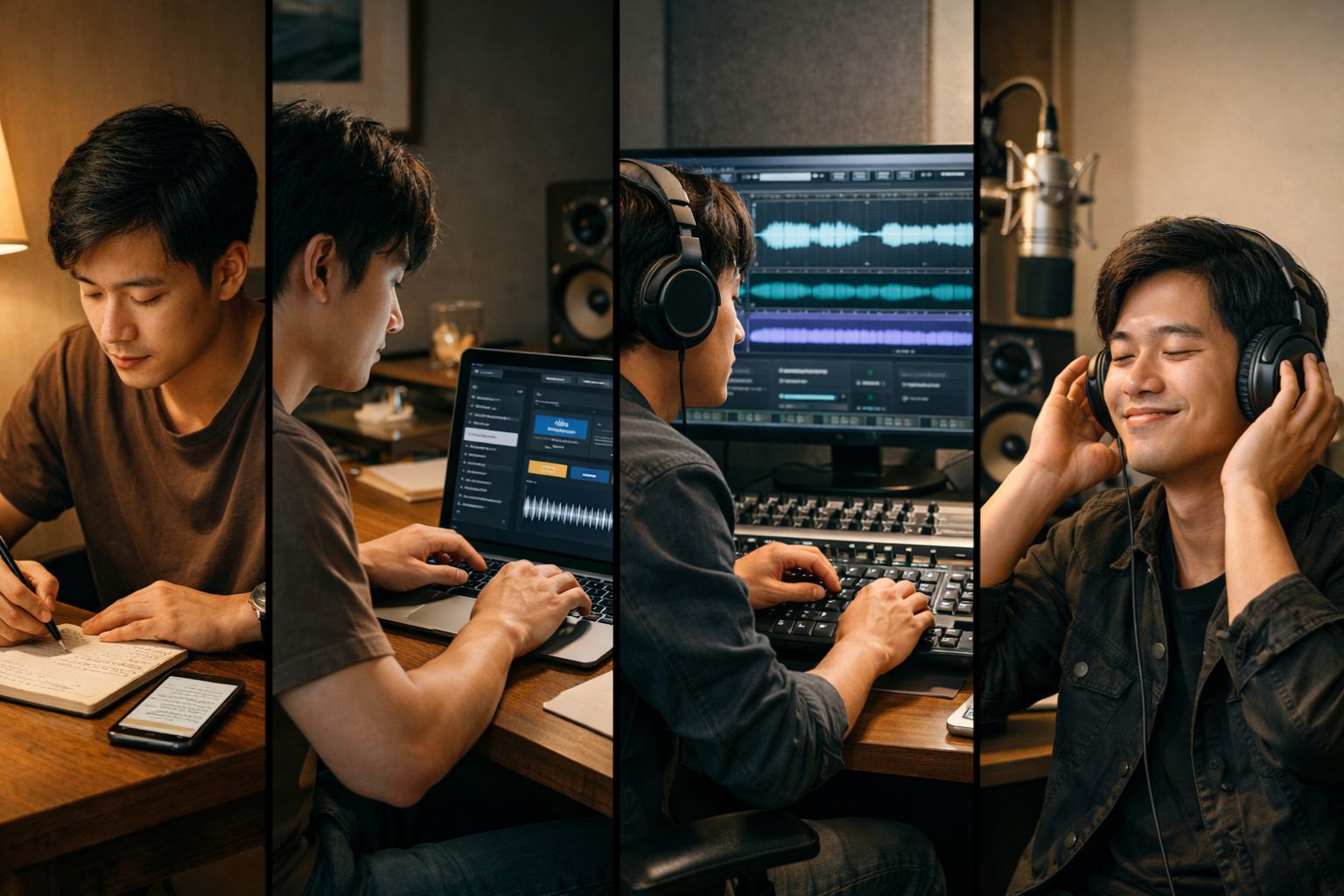
How to Turn Your Lyrics into a Full Song
We’ve all been there. It’s 2:00 AM, the house is quiet, and a line of poetry hits you like a bolt of lightning. You scramble for your phone or a napkin, scribbling down words that feel raw, honest, and—dare we say it—actually good.
But then comes the wall. You aren’t a classically trained pianist. You don’t have a $5,000 home studio. And frankly, your shower singing, while enthusiastic, isn’t exactly "radio-ready." So, those lyrics sit in your Notes app, destined to become a digital graveyard of "what ifs."
It’s time to stop letting your stories gather dust. In 2026, the bridge between a written verse and a soaring chorus has finally been built, and it’s more accessible than ever. Here is how you can transform your lyrics into a professional-sounding song using AI Song Generator, without needing a single music theory lesson.

1. The Anatomy of a Song-Ready Lyric
Before you jump into the AI tools, let’s talk about the "skeleton" of your song. AI is a powerful collaborator, but it works best when you give it a clear structure. If you dump a giant block of prose into a generator, you might get a chaotic soundscape. If you give it a song structure, you get a hit.
The Golden Trio: Verse, Chorus, Bridge
-
The Verse: This is where you tell the story. Keep the rhythm steady.
-
The Chorus: This is your "hook." It should be the emotional core of the song and easy to remember.
-
The Bridge: This usually happens about two-thirds of the way through. It’s a "twist"—a change in perspective or a shift in the melody that keeps the listener engaged.
Pro Tip: Pay attention to your meter. You don’t need to be a poet, but try reading your lyrics out loud. If you find yourself tripping over a specific line because it has too many syllables, your AI vocalist will probably trip over it too. Trim the fat.
2. Meet Your New Co-Producer: Text to Song AI
This is where the magic happens. While there are dozens of complex DAWs (Digital Audio Workstations) out there that require a PhD to operate, Text to Song AI has simplified the process into a few intuitive clicks.
What makes this tool stand out isn’t just that it "makes music"—it’s that it understands vibe. Whether you’re looking for a lo-fi indie track to accompany a rainy-day poem or a high-energy synth-pop anthem for a celebratory lyric, the AI acts as your personal session band and producer.
Why this tool?
-
Zero Learning Curve: You don't need to know what "MIDI" or "compression" means.
-
High Fidelity: We’ve moved past the "robotic" sounding voices of the early 2020s. The vocals here carry genuine emotional weight.
-
Speed: You can go from a text file to an MP3 in under sixty seconds.
3. The Step-by-Step Transformation
Ready to hear your words come to life? Follow this workflow to get the best results.
Step 1: Input Your Masterpiece
Copy your lyrics into the main text area. If you’re feeling stuck, you can even ask the AI to help you expand on a single theme.
Step 2: Define the "Sonic Soul"
This is the most important part. Don’t just choose "Pop." Be specific. Are we talking "1980s neon-soaked synth-wave" or "stripped-back acoustic folk with a raspy female vocal"? The more descriptive you are about the instruments and the mood, the closer the result will be to the "sound" in your head.
Step 3: Iterate and Refine
The first generation might be 90% there, but don't be afraid to tweak. Maybe the tempo is too fast, or the voice is too "shiny" for your gritty lyrics. Adjust your style prompts and hit generate again. In the world of AI music, "trial and error" is just called "creative direction."
4. How to Avoid the "AI Flavor"
We’ve all heard AI music that feels a little... hollow. To ensure your song sounds like it was written by a human with a soul (because it was!), use these "Authenticity Hacks":
-
Inject Specificity: Instead of writing "I’m sad in the city," write "The neon sign at the 4th Street diner is flickering, and my coffee's gone cold." Specificity creates a "human" texture that AI rarely generates on its own.
-
Break the Rhyme: Humans don't always use perfect AABB rhyme schemes. Throw in a "slant rhyme" (like orange and storage) to give the song a more organic, indie feel.
-
Add "Non-Musical" Cues: In your style prompts, try adding words like "lo-fi hiss," "breathiness," or "recorded in a large hall." These tiny imperfections make the digital output feel like a physical recording.
5. What Do You Do With Your New Hit?
Once you’ve hit "Download," the world is your oyster.
-
Social Media: AI-generated songs are perfect for background tracks on TikTok or Instagram Reels. Since you provided the lyrics, the content is uniquely yours.
-
Personal Gifts: Imagine sending a custom-written song to a partner for an anniversary, featuring the exact words of your first letter to them.
-
Prototyping: If you are a musician, use this as a "sketchpad." Hear how your lyrics sound with a full band before you spend money on a real studio.
The Verdict: The Death of the "Silent Poet"
For decades, the ability to create music was guarded by gatekeepers—expensive equipment, technical talent, and industry connections. But the heart of a song has always been the story.
Tools like Text to Song AI are essentially "democratizing the earworm." They allow the storytellers, the poets, and the late-night overthinkers to finally hear their internal monologues set to a melody.
So, go back to that Notes app. Find that one line you wrote three months ago. Give it a genre, give it a voice, and finally—give it a listen. Your lyrics have been silent for long enough. It’s time to turn the volume up.







This is a great guide for aspiring musicians who want to turn their written lyrics into a complete song. AI tools are making music creation more accessible, even for beginners. Similarly, a <a href="http://airbrush.com/background-remover">background remover AI</a> can help creators prepare clean, professional visuals for their music releases and promotional content.