




Classrooms now depend on laptops, tablets, and learning platforms as much as on whiteboards and textbooks. Teachers share assignments online, students submit work through apps, and administrators track progress through dashboards. Those tools can lift engagement and make learning feel more personal, yet they introduce real risks when schools treat security as an afterthought.
Students trust schools with grades, health information, personal stories, and family details. Criminals view that information as valuable. They look for weak passwords, unpatched apps, and confused users. When a school takes digital safety seriously, it protects children, shields staff, and keeps learning running smoothly even when threats evolve.
You do not need every cutting-edge tool to create a safe digital classroom. You need clear priorities, honest conversations, and habits that treat security as part of caring for students, not as a separate technical project.
Digital Safety as Part of Student Wellbeing
Student wellbeing covers more than physical safety and academic progress. It includes privacy, dignity, and the feeling that adults protect personal information with care. When a school chooses safe tools, students feel more comfortable experimenting, asking questions, and submitting work that reflects their real thoughts and experiences.
Cyber incidents in schools cut directly into classroom life. A breach can lock systems, delay report cards, or expose sensitive records. Those disruptions shake families and erode trust. When leaders place digital safety on the same level as fire drills and health protocols, they send a clear message that student data deserves real protection.
Teachers play a big role here. Every time they choose where to store files, how to share links, and which apps to use with students, they influence risk. Training and strong policies empower teachers so they can support learning without exposing classes to avoidable threats.
Protecting Student Data And Choosing Vendors Wisely
Schools sit on large collections of personal data. Enrollment records, individualized education plans, contact details, and behavior notes all require careful handling. Each new app or platform interacts with that information in some way.
District leaders need a structured process for evaluating vendors. Contracts should spell out data handling, retention periods, and deletion procedures. They should describe how vendors encrypt data, monitor access, and respond to incidents. School leaders work with technology teams focused on ensuring compliance with application security standards so that classroom apps protect student records and meet legal obligations. This collaboration turns dense technical topics into clear requirements that vendors must meet before they enter the classroom.
Privacy laws and regional regulations provide a baseline. Strong schools go beyond the minimum. They ask how companies use analytics, whether they share information with third parties, and how they handle student data when a contract ends. Clear answers help schools avoid surprise uses of student information that parents would find unacceptable.
Evaluating Classroom Apps Before Adoption
Teachers constantly discover new digital tools that promise to save time or boost engagement. Those tools can help a lot, yet each one adds a new potential doorway into student data and classroom content. A quick, informal adoption may feel convenient in the moment and create headaches later.
Schools benefit from a simple review process before any app touches student accounts. A small committee or digital learning team can test features, check permissions, and read policies. That team can see whether the app requests access to contacts, cameras, or locations without a clear classroom reason. They can confirm that students can log out, reset passwords, and delete work if policies require that option.
Clear guidance supports teachers. When staff know which tools the school approves, they can move quickly without constant case-by-case decisions. A short list of trusted platforms, each with documented settings and tips, reduces confusion and keeps student work inside safer systems.
Building Strong Access And Identity Practices
Access control sits at the core of digital safety. Schools need reliable ways to confirm that the person who uses an account truly matches the name on the screen. Weak passwords, shared logins, and sticky notes on monitors all weaken that confidence.
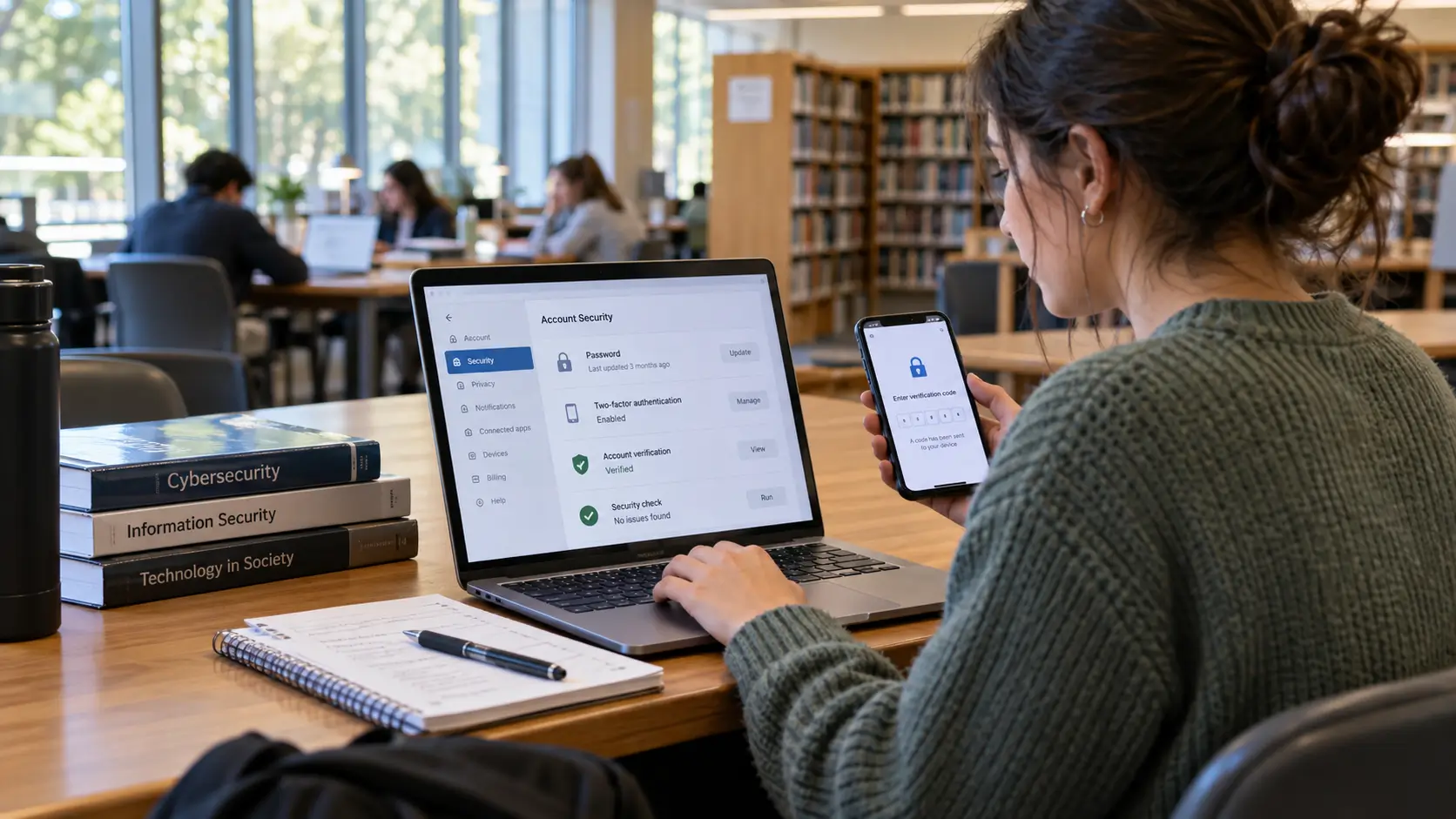
Districts can provide single sign-on systems that give students and staff one strong account for core tools. With that structure, technology teams can enforce stronger passwords, encourage multi-factor authentication for staff, and revoke access quickly when someone leaves the organization. Students receive simple paths into learning tools, while administrators gain more control.
Role-based access helps as well. Teachers need different rights than students. Office staff need different rights than classroom aides. When systems reflect real roles, people see only the information they require for their work. That limit reduces the risk that one compromised account unlocks every part of the network.

Safe digital tools allow classrooms to enjoy the best parts of technology without leaving learners exposed to needless risk. Strong vendor vetting, careful app selection, good access practices, practical training, family partnership, and solid incident response together create a protective net. When schools treat digital safety as part of caring for children and supporting teachers, they give everyone in the community a more secure foundation for curiosity, creativity, and growth in connected classrooms.




Comments 0
No comments yet. Be the first to start the conversation.