



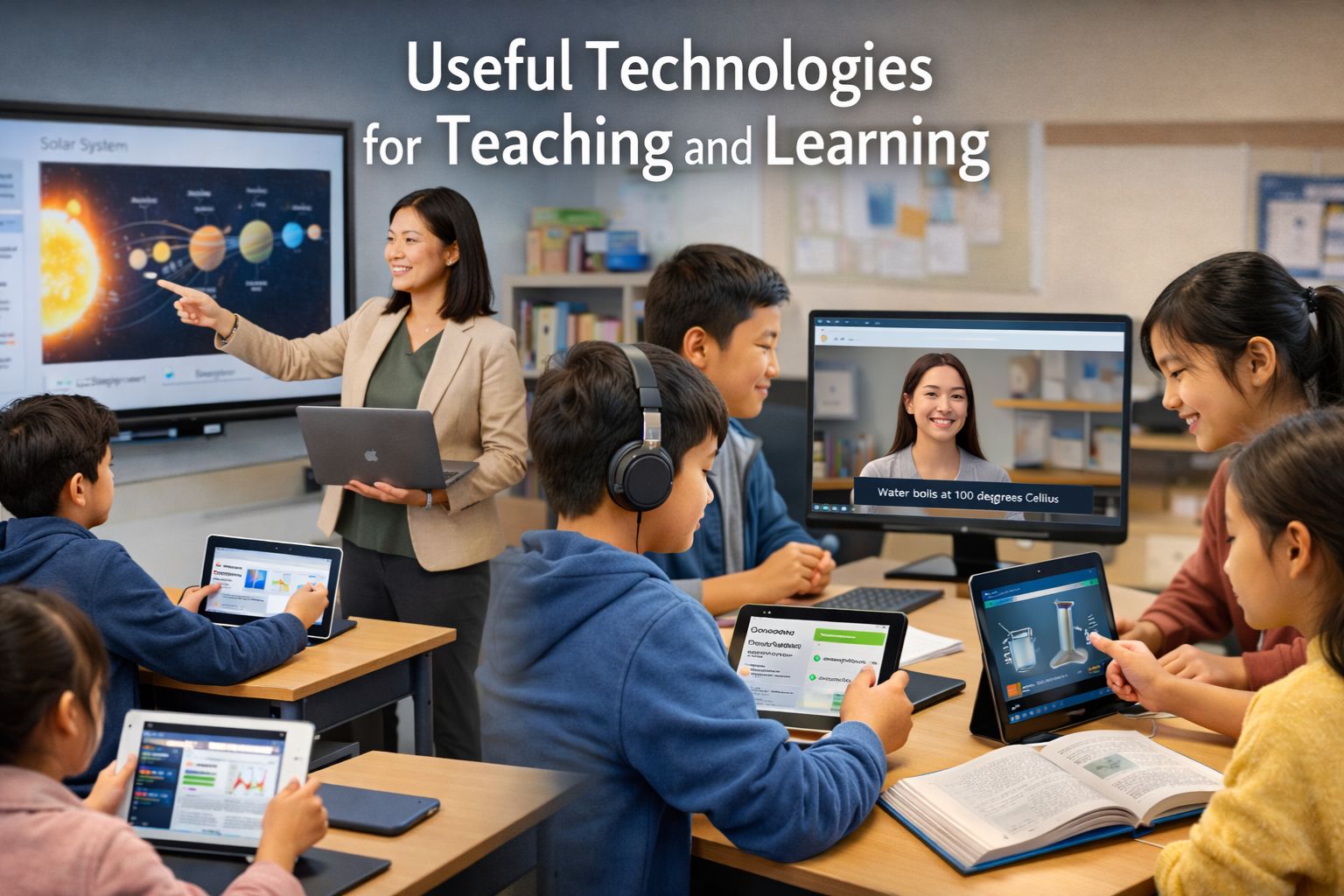
How to Choose Useful Technologies for Teaching and Learning
Technology is most useful in teaching and learning when it helps people do core academic work better: explain ideas clearly, practise skills, check understanding, collaborate, and remove barriers to participation. UNESCO, OECD, the U.S. Department of Education, and the Education Endowment Foundation all point in the same direction: the tool matters less than the learning task, the design of instruction, and whether students and teachers can use the tool well.
In classrooms, colleges, and training settings, that means the “most useful” technologies are rarely the flashiest. A school may own tablets, projectors, or smart displays, yet still gain little if the course lacks structure, feedback, accessible materials, or teacher support. By contrast, a modest mix of an LMS, accessible content, low-stakes assessment, and collaborative workspaces can produce stronger learning conditions because it gives students clear pathways, timely guidance, and more than one way to participate. UNESCO’s reporting on unequal connectivity also shows why schools should judge usefulness in relation to their own context, including bandwidth, disability access, language, and teacher capacity.
Summary
The most useful technologies for teaching and learning are learning management systems, collaboration tools, formative assessment tools, accessibility and assistive technologies, video and lecture-capture tools, simulations, and open educational resources. These categories matter because they organize learning, give feedback, widen access, and let students practise in different ways. Their value depends on fit with learning goals, teacher support, accessibility, and limits on distraction rather than novelty or price alone.
Table of Content
- How to Choose Useful Technologies for Teaching and Learning
- What makes a teaching technology useful?
- Which technologies help most across subjects?
- What quality signals should schools and teachers look for?
- What are the limits of classroom technology?
- How can teachers and learners build a practical tool stack?
- Conclusion
Key Takeaways
-
An LMS is often the backbone because it organizes content, assignments, communication, and progress in one place.
-
Formative assessment tools matter because fast checks for understanding help teachers adjust instruction and help students see where they stand.
-
Accessibility tools such as captions, screen-reader-friendly materials, and text-to-speech widen participation for more learners, not only for those with formal disability labels.
-
Simulations and virtual labs are especially useful where hands-on practice is costly, risky, or hard to schedule.
-
Open educational resources help reduce cost barriers and allow adaptation to local language or curriculum needs.
-
More screen use does not automatically mean more learning; distraction, poor design, and weak guidance can reduce the value of classroom technology.
-
The best tool set is usually small, connected, and easy for teachers and students to learn.
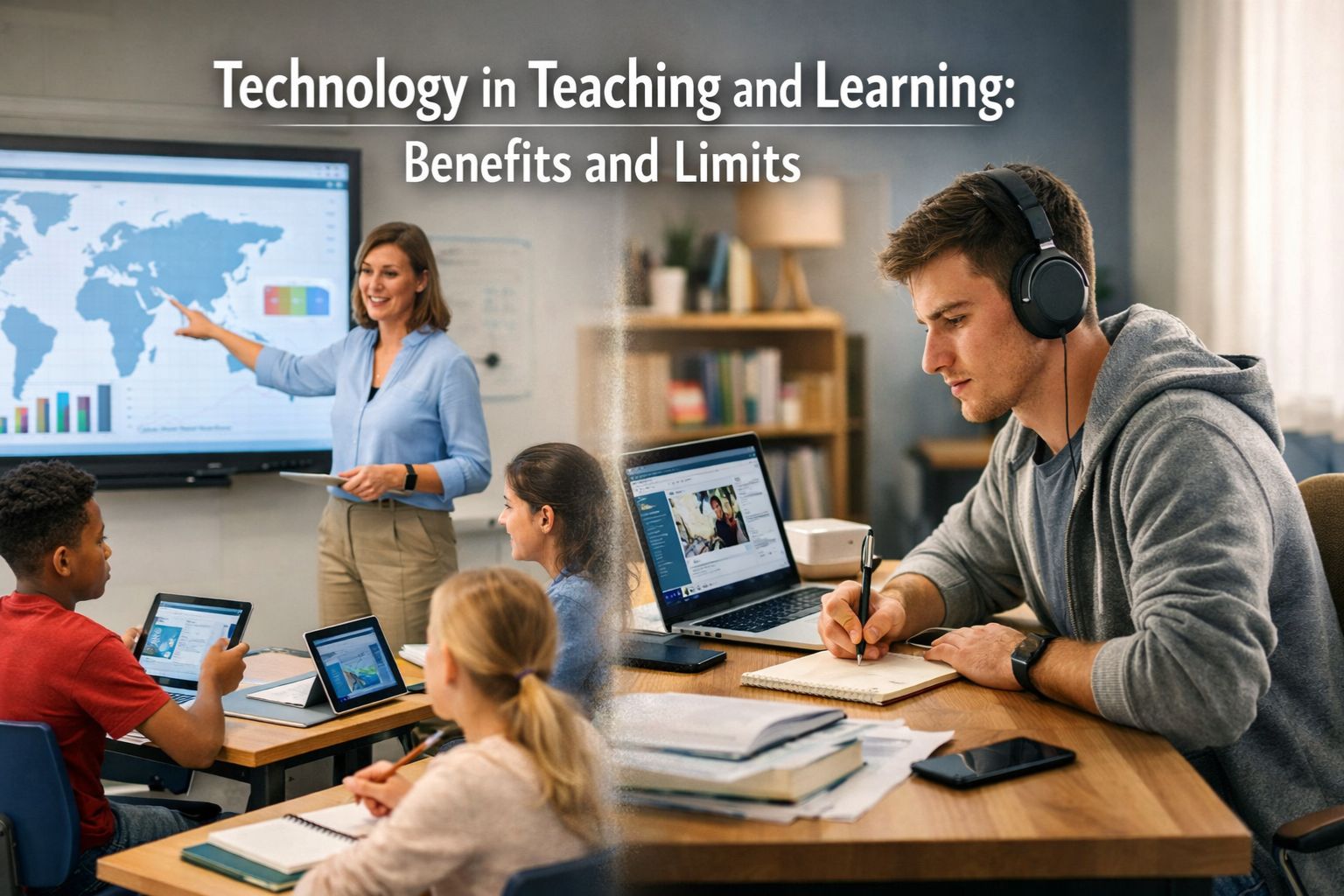
What makes a teaching technology useful?
A useful teaching technology helps learners do academic work more effectively, more accessibly, or with better feedback. It should make a lesson clearer, practice easier, collaboration smoother, or participation wider. UNESCO describes digital technology as useful for instruction when it increases practice opportunities, available time, and personalization, and when it offers different ways to represent content and support interaction.
Useful does not mean new or expensive
New tools are not automatically better tools. OECD’s review of digital technologies in education says access alone does not guarantee educational gain, and successful use depends on pedagogical choices as much as technical ones. The U.S. Department of Education’s 2024 NETP makes a related point by naming design and use, not only access, as major divides. A platform that teachers know well and students can access on weak internet connections may be more useful than a richer system that few people can use consistently.
The six classroom functions that matter most
Most helpful teaching technologies tend to do one or more of six jobs well.
-
They organize learning.
Students need a place to find readings, deadlines, instructions, and feedback. This is where LMS platforms are strong. -
They check understanding.
Quizzes, polls, and other formative tools help teachers see confusion early and adjust lessons. EEF guidance links digital technology to stronger learning when it is tied to teaching, practice, and feedback rather than used as an add-on. -
They support collaboration.
Shared documents, discussion spaces, and peer-review tools help students produce work together and leave a visible record of contributions. OECD’s work on digital resource use highlights how teachers and students use digital tools across learning activities, not only for content delivery. -
They widen access.
Accessible materials, captions, readable layouts, keyboard navigation, and assistive tools remove barriers for many learners. CAST places this at the center of Universal Design for Learning. -
They extend participation beyond the room.
Video meeting platforms, lecture capture, and asynchronous discussion help when learners are absent, remote, working, or revising at a different pace. UNESCO’s work on technology in education recognizes the role of digital delivery in access and flexibility. -
They allow safe or repeated practice.
Simulations and virtual labs are useful when materials are scarce, laboratory time is short, or the activity carries cost or safety issues.
Which technologies help most across subjects?
The technologies below tend to deliver the most consistent value across many settings because they connect directly to core learning needs. The order is functional, not a universal ranking.
Learning management systems
An LMS is often the most useful single technology category because it gives structure to teaching and learning. It can hold the course map, readings, tasks, deadlines, feedback, attendance-related communication, and basic progress data in one place. OECD’s work on digital resources and practitioner-oriented search results alike show that course platforms remain central because they reduce confusion and create a stable routine for learners.
For teachers, the value of an LMS is not only administration. A good course shell helps with learning sequence: what comes first, what depends on what, where students practise, and where they receive feedback. For students, especially in blended or self-paced environments, this clarity can reduce the hidden workload of “figuring out the course.” That is one reason an LMS often matters more than a specialized app.
A practical example is a secondary teacher who posts one weekly module with a short overview, one reading, one short video, one practice task, and one exit question. The technology is useful here because it creates rhythm and reduces search time, not because it contains many features.
Collaboration and shared-work tools
Collaboration tools are useful because learning often improves when students write, discuss, and revise together. Shared documents, collaborative slides, discussion boards, and comment tools give students space for peer feedback and group work while leaving a trace of thinking that teachers can review. OECD’s analysis of digital resources focuses on how teachers and students use tools for classroom activities, and broad search results on teaching tools continue to feature collaboration as a core category.
These tools are most effective when the task is structured. A blank shared document is less useful than a document with prompts, roles, deadlines, and a rubric. In literature classes, collaboration tools help with annotation and comparison. In social studies, they help with group briefing notes. In higher education, they help with joint note-making or project planning.
Formative assessment and feedback tools
Formative assessment tools are useful because they shorten the feedback cycle. When teachers can see misunderstandings during a lesson or soon after it, they can reteach, regroup, or adjust the next task. EEF guidance on digital technology argues that the strongest uses tend to support explanation, practice, and feedback rather than treat technology as a reward or decoration. OECD’s 2025 work also frames digital tools as helpful when they are used strategically rather than left to routine screen exposure.
These tools do not need to be complex. A short quiz, exit ticket, poll, or auto-marked practice set can do useful work when it reveals which concept needs another example. In language learning, quick vocabulary checks work well. In mathematics, item-level errors can show whether the problem is calculation, method, or reading of the prompt.
A practical sequence is simple: teach the idea, ask three check questions, group students by error pattern, then offer one follow-up task. In that setup, the technology is useful because it helps the teacher notice patterns early.
Video conferencing and lecture capture
Video tools are useful when instruction needs to travel across time or distance. They help in hybrid courses, revision, guest sessions, oral feedback, and continuity during absence. UNESCO’s education technology work treats digital delivery as a real channel of access, and many current search results keep video tools among the most common categories for day-to-day teaching.
Their value is strongest when they are used in short, purposeful ways. A recorded five-minute explanation with captions often serves learning better than a long, unstructured lecture file. Recorded walkthroughs also help students revisit a process at their own pace, which is useful in lab preparation, essay planning, or software training.
Video tools become more valuable when paired with accessibility features. U.S. Department of Education pages on accessible educational media point to captioning, audio description, and ASL interpretation as part of educational access.
Accessibility and assistive technologies
Accessibility and assistive technologies are among the most useful tools in education because they widen participation across many subjects and age groups. CAST’s UDL framework treats learner variability as a design issue, which means schools should build courses that offer more than one way to access content, engage with it, and show learning. The UDL Guidelines also call for access to accessible materials and assistive technologies.
This category includes captions, transcripts, readable document formats, keyboard navigation, screen readers, text-to-speech, speech-to-text, adjustable display settings, and compatible file formats. U.S. Department of Education resources on educational media for learners with disabilities show that captioning, audio description, and interpreted media are not side issues; they are core access tools in education.
These tools help more learners than schools often assume. Captions help deaf and hard-of-hearing students, but they also help multilingual learners, students in noisy homes, and students reviewing content. Text-to-speech helps some students with print barriers and also helps learners proofread their writing. When schools choose technology with accessibility built in, they reduce retrofitting later.
Simulations and virtual labs
Simulations and virtual labs are most useful in subjects where students need repeated practice, variable testing, or safe rehearsal. Science, engineering, health, and technical training benefit from tools that let students observe cause and effect, test inputs, and revisit a process without consuming physical materials each time. The University of Colorado Boulder’s PhET project describes its simulations as research-based science and mathematics tools, and UNESCO’s LabXchange page highlights free virtual lab simulations that support secondary, postsecondary, and workforce learning.
This does not mean virtual tools replace real labs in every case. They are strongest when they prepare students for physical practice, extend it, or make concepts visible before the real activity. A chemistry class can use a simulation before a wet lab. A health training course can use a virtual scenario before supervised practice. In low-resource settings, they also help keep advanced topics available when equipment is limited. UNESCO’s TVET glossary notes that virtual labs can simulate experiments without the same risks and costs as physical laboratory work.
Open educational resources and digital libraries
Open educational resources are useful because they reduce cost barriers and allow adaptation. UNESCO defines OER as openly licensed learning materials within an international policy framework adopted by its General Conference. That matters for schools and colleges that need flexible materials which can be revised for local language, curriculum, and context.
OER and digital libraries are especially helpful for revision, teacher preparation, bridge courses, and resource-constrained settings. They also work well when a teacher wants multiple examples of the same idea at different difficulty levels. The strongest use is selective, not endless. A smaller set of quality resources usually serves teaching better than a huge resource bank with weak curation.
What quality signals should schools and teachers look for?
A good educational technology choice is one that serves the lesson, the learners, and the local conditions. OECD, UNESCO, CAST, and the U.S. Department of Education all point toward a small group of criteria that matter more than feature counts.
Alignment with learning goals
The first question is simple: what learning problem does the tool solve? If the goal is course organization, an LMS makes sense. If the goal is discussion, a collaborative platform fits better. If the goal is practice with feedback, a formative assessment tool is the stronger choice. EEF’s guidance is useful here because it links digital technology to teaching and feedback, not to technology use for its own sake.
A quick self-check works well:
-
Does this tool help students understand, practise, discuss, or demonstrate learning?
-
Is the gain academic, or only administrative?
-
Can the same aim be met with a simpler tool already in use?
Accessibility, offline access, and low-bandwidth use
A useful technology must be reachable by the learners who need it. UNESCO’s reporting on school connectivity shows why access remains a live issue, and CAST’s framework shows why accessibility should be designed from the start. Tools that allow offline work, mobile access, captions, readable files, keyboard navigation, and translation options are often more useful than richer systems with strict hardware demands.
A practical review checklist includes:
-
Works on phones as well as computers
-
Loads on weak internet
-
Supports captions or transcripts
-
Exports files in open or common formats
-
Works with screen readers or text-to-speech
Teacher support, interoperability, and export options
Teachers need more than a login. OECD’s 2025 paper on teacher policies says technical and pedagogical barriers still limit deliberate use of digital resources, and that guidance and support matter. A tool is more useful when teachers can learn it quickly, get help when needed, and move student work out of the system if the school changes platforms.
This is why a connected tool stack is often better than a long list of disconnected apps. One platform for course structure, one for shared work, one for short assessment, and one for accessible media may serve a school better than ten tools that overlap.
Privacy, safety, and student data
A useful technology should not create avoidable harm. Students need safe digital spaces, clear rules, and sensible handling of personal data. The U.S. Department of Education’s recent edtech work also places digital health, safety, and citizenship within education technology planning, while OECD’s literature review flags cyberbullying and distraction as part of the wider picture.
Schools should ask:
-
What data does the platform collect?
-
Who can view student work?
-
Can families understand the privacy terms?
-
Are moderation and access settings clear?
What are the limits of classroom technology?
Classroom technology has real limits. The strongest evidence-backed view is balanced: digital tools can help learning, motivation, and access, but they can also distract, fragment attention, and widen gaps when design and support are weak.
Distraction and non-learning screen use
Not all device use in class is educational. OECD’s report Students, digital devices and success notes that excessive use of digital devices for leisure in classrooms can harm academic performance and gives concrete examples of student distraction during lessons. That does not argue against classroom technology as a whole. It argues for boundaries, task design, and school norms that separate learning use from non-learning use.
Access gaps and uneven teacher support
Schools often adopt tools faster than they build support around them. UNESCO documents unequal connectivity across school levels, and OECD’s recent policy work points to persistent technical and pedagogical barriers for teachers. A technology choice that looks strong on paper may fail in practice if students lack stable access or teachers receive minimal training.
Tool overload and shallow adoption
Too many tools can weaken teaching. Students forget passwords, teachers duplicate content across systems, and lesson time shifts toward navigation. EEF guidance and OECD reviews both suggest that the value of digital technology depends on thoughtful use tied to learning aims. A smaller set of familiar tools often produces more stable routines and better learning conditions than frequent platform switching.
How can teachers and learners build a practical tool stack?
A practical tool stack is a small, purpose-led set of technologies that covers organization, feedback, access, and subject-specific practice. It should match the setting rather than chase every available category.
A low-resource model
A low-resource model can still be strong. Use:
-
One LMS or shared course folder for structure
-
One lightweight quiz or exit-ticket tool
-
Readable PDF or text documents
-
Captioned short videos
-
OER for extension work
This model works well where bandwidth is uneven because it keeps the core experience predictable. UNESCO’s OER framework and access reporting make this model especially relevant for schools serving mixed access conditions.
A blended-learning model
For blended or partly remote learning, a practical stack usually includes:
-
An LMS for weekly modules
-
A video platform for short explanations or live sessions
-
One shared-work tool for discussion and group tasks
-
One formative assessment tool for quick checks
-
Accessibility features across all materials
This model is useful for higher education, adult learning, and schools with flexible attendance patterns because it keeps the course coherent across time and place. UNESCO and OECD both frame digital resources as part of broader delivery and participation, not a separate world outside teaching.
A science and skills model
For science, technical, and skills-focused learning, add:
-
Simulation or virtual lab tools
-
Short pre-lab videos with captions
-
An LMS checklist for preparation and reflection
-
OER or digital library resources for background review
This works because students can preview a process, test variables, then reflect after the real task. PhET and UNESCO’s LabXchange show how science-oriented digital resources can support this sequence.
Conclusion
The most useful technologies for teaching and learning are the ones that handle core educational tasks well: organizing a course, checking understanding, supporting collaboration, widening access, and allowing safe or repeated practice. An LMS, accessible media tools, formative assessment tools, collaborative workspaces, simulations, and OER usually provide more lasting value than scattered single-purpose apps. UNESCO, OECD, the U.S. Department of Education, CAST, and EEF all point toward the same broad lesson: educational technology works best when it is chosen for a clear learning goal, taught well, and made accessible to the learners who need it.
A sensible next step is to review the tools already in use and sort them by function: structure, feedback, collaboration, access, and practice. Keep the tools that serve those functions clearly, and remove the ones that add noise.
Resourced Used
-
UNESCO. Technology in Education: GEM Report 2023. 2023. UNESCO Global Education Monitoring Report / UNESCO.
-
U.S. Department of Education, Office of Educational Technology. A Call to Action for Closing the Digital Access, Design, and Use Divides: 2024 National Educational Technology Plan. 2024. ERIC / U.S. Department of Education.
-
U.S. Department of Education. Office of Educational Technology (OET). Reviewed 2025. U.S. Department of Education.
-
OECD. The impact of digital technologies on students’ learning. 2025. OECD Publishing.
-
OECD. Key findings and integration strategies on the impact of digital technologies on students’ learning. 2025. OECD Publishing.
-
OECD. Using digital resources for learning. 2025. OECD Publishing.
-
OECD. Teacher policies to support the use of digital resources in the classroom. 2025. OECD Publishing.
-
OECD. Students, digital devices and success. 2024. OECD Directorate for Education and Skills.
-
UNESCO. Open Educational Resources. UNESCO.
-
UNESCO. The 2019 UNESCO Recommendation on Open Educational Resources. UNESCO / UNESDOC.
-
CAST. Universal Design for Learning. CAST.
-
CAST. UDL Guidelines. CAST.
-
U.S. Department of Education. Educational Technology, Media, and Materials for Individuals with Disabilities. 2026. U.S. Department of Education.
-
U.S. Department of Education. Accessible Education Video Projects (84.327C). 2026. U.S. Department of Education.
-
U.S. Department of Education. Disability Discrimination: Technology Accessibility. U.S. Department of Education.
-
Education Endowment Foundation. Using Digital Technology to Improve Learning. 2019. EEF.
-
University of Colorado Boulder, PhET Interactive Simulations. What is PhET? and Research. University of Colorado Boulder.
-
UNESCO Global Education Coalition. LabXchange. UNESCO.



Comments 0
No comments yet. Be the first to start the conversation.