



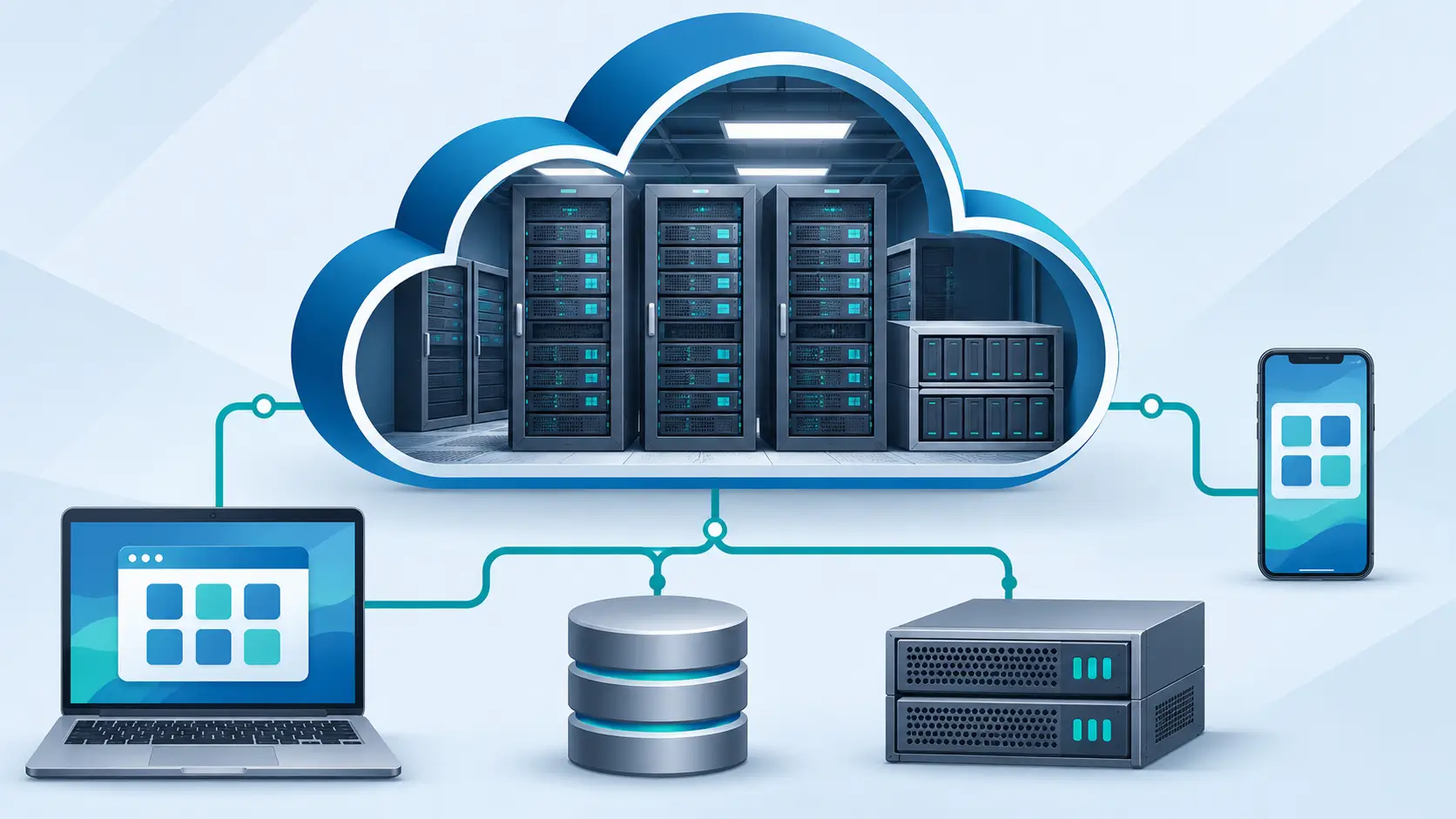
When you open an online document, save a photo to an online account, or use a web-based email service, some of the work happens on a provider's servers rather than your own device.
This is a familiar use of cloud computing. But the term covers much more than storing files online. It also describes how organizations rent computing capacity, run applications, manage databases, and make services available across networks.
Understanding cloud computing helps people choose services and manage their data, costs, and security.
Answer Summary: Cloud computing delivers computing resources—such as storage, processing power, databases, and software—over a network, usually the internet. Instead of owning and maintaining every server, customers use resources supplied by a provider. Cloud services range from ready-to-use applications to tools for building software and rented virtual servers. Important considerations include convenience, control, costs, security, reliability, and data portability.
Key Takeaways
-
Cloud computing provides access to software and computing resources over a network.
-
IaaS, PaaS, and SaaS describe different levels of provider and customer control.
-
Public, private, community, and hybrid describe cloud deployment arrangements.
-
Usage-based billing offers flexibility but needs monitoring.
-
Cloud security and backups depend partly on customer settings and service terms.
What Is Cloud Computing?
Cloud computing provides computing resources as a service rather than requiring customers to purchase and maintain every component.
The US National Institute of Standards and Technology (NIST) defines cloud computing through shared resources, on-demand access, flexible capacity, measurable use, and network availability. Its official definition distinguishes cloud services from ordinary remote computer access.
The “cloud” consists of physical servers, storage, networks, data centers, and software. What changes is how these resources are supplied.
For example, a business can host its website on a rented virtual server instead of purchasing a physical machine. It may still need to maintain the virtual server's operating system.
How Does Cloud Computing Work?
Cloud computing connects a user's device or application to resources operated by a provider.
When you open an online spreadsheet, your browser communicates with the provider's systems. Those systems check access, retrieve information, process requests, and return results. Some application work may happen on your device too.
Data centers contain servers, storage, and networking equipment. Virtualization and other software help allocate physical resources to different customers while separating their workloads.
Providers may distribute resources across locations to improve availability. However, service continuity and recovery depend on the particular design and configuration. Cloud access does not guarantee protection from outages or data loss.
What Are the Main Features of Cloud Computing?
NIST identifies five characteristics of cloud services:
-
On-demand self-service: Request resources without arranging each change with provider staff.
-
Broad network access: Reach services through standard network methods on supported devices.
-
Resource pooling: Share an underlying pool of infrastructure while keeping workloads separate.
-
Rapid elasticity: Add or release capacity as demand changes, within service limits.
-
Measured service: Track use for monitoring and, where applicable, billing.
These features explain how a website can add computing capacity without replacing physical equipment. They do not mean every service has unlimited capacity.
Types of Cloud Computing Services: IaaS, PaaS and SaaS
The three main service models differ in how much of the system the provider manages.
| Model | What the provider supplies | What the customer typically manages |
|---|---|---|
| Infrastructure as a Service (IaaS) | Virtual servers, networks, and storage | Operating systems, applications, and data |
| Platform as a Service (PaaS) | A managed environment for developing applications | Application code, data, and permissions |
| Software as a Service (SaaS) | A finished application | Accounts, content, and sharing settings |
Infrastructure as a Service (IaaS)
IaaS rents computing infrastructure. Azure Virtual Machines is an example. It suits teams that need operating-system control but can also require system updates and maintenance.
Platform as a Service (PaaS)
PaaS offers tools and managed infrastructure for building applications. Azure App Service is an example. Developers maintain their code and data, with less direct control over the underlying platform.
Software as a Service (SaaS)
SaaS provides applications such as web-based email and online office software. Users do not operate the underlying servers but still manage their accounts and information.
Microsoft's IaaS, PaaS and SaaS comparison explains how responsibilities differ.
Public, Private, Community and Hybrid Clouds
Deployment models describe who uses cloud infrastructure and how environments are arranged.
-
Public cloud: A provider makes resources available to customers, with separation between customer workloads.
-
Private cloud: Infrastructure is reserved for one organization, either on its premises or elsewhere.
-
Community cloud: Several organizations share infrastructure for common needs, such as governance or security.
-
Hybrid cloud: Distinct cloud environments are connected to allow data or application portability.
A private cloud is not automatically more secure, nor is a hybrid arrangement automatically less expensive. Outcomes depend on configuration and management.
Examples of Cloud Computing in Everyday Life
Cloud services support many familiar tasks:
-
Email: Providers store messages and operate mail software.
-
Online documents: Users edit and share files across devices.
-
Photo storage: Remote storage can synchronize photos between devices.
-
Video streaming: Connected systems store and deliver media.
-
Website hosting: Organizations rent capacity to run websites and databases.
-
App development: Developers build and publish software using managed platforms.
These tasks do not use the same service model. An online document editor is usually SaaS, while a custom website may use IaaS or PaaS.
Benefits and Limitations of Cloud Computing
Cloud computing can reduce the need to own equipment, although the benefits depend on the workload.
Benefits
-
Lower initial equipment costs: Projects can begin without buying servers.
-
Flexible capacity: Resources can increase or decrease with demand.
-
Access across locations: Authorized users can work on supported connected devices.
-
Managed infrastructure: SaaS and many PaaS providers handle much of the maintenance.
-
Recovery options: Some services offer replication and restoration features.
Limitations and Risks
-
Network dependence: Connectivity problems can prevent access.
-
Variable spending: Processing, storage, and data transfers may create unexpected charges.
-
Outages: Provider or network failures can interrupt work.
-
Privacy considerations: Users may need to examine storage locations and data access.
-
Migration effort: Moving services or large datasets between providers can take work.
Google Cloud's billing guidance notes that budget alerts warn about charges but do not automatically limit spending. This distinction matters when testing paid services.
Is Cloud Computing Secure?
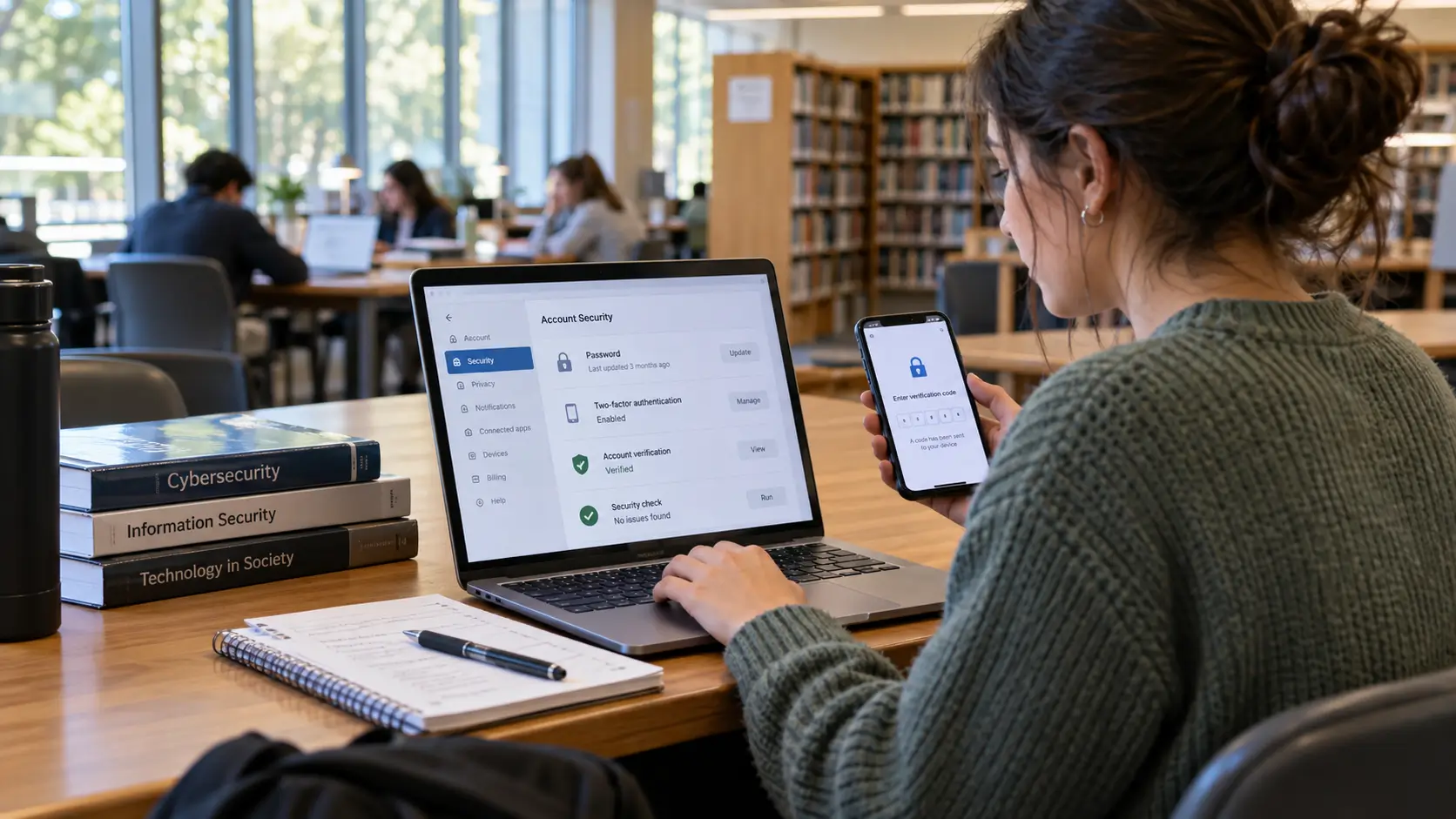
Cloud computing can be secured, but using a cloud provider does not transfer every security responsibility away from the customer.
Under the shared responsibility model described by AWS, the provider protects the infrastructure it operates while customers retain responsibilities that depend on the service. A customer managing a virtual server typically has more security work than someone using a ready-made web application.
Useful precautions include:
-
Use strong, unique passwords and multifactor authentication where supported.
-
Give people access only to the files and systems they need.
-
Review sharing settings before uploading private information.
-
Check backup and recovery options, including how deleted files can be restored.
-
Keep any software and systems you manage updated.
-
Understand the provider's data retention, export, and account recovery policies.
A file that synchronizes across devices is not necessarily a separate backup. If accidental deletion or another unwanted change spreads through syncing, recovery may depend on version history or another independent copy.
For organizations, data location matters as well. Google Cloud's storage location documentation shows how the choice of location can affect availability, performance, and data residency considerations.
Cloud Computing vs. Distributed Computing
Cloud computing describes a service-delivery model. Distributed computing describes a technical approach in which multiple connected computers coordinate work.
The two concepts overlap. Cloud platforms commonly rely on distributed systems to store information, handle requests, and share computing tasks. Yet a distributed system can run within one organization without being sold or offered as a cloud service.
For example, a university can connect computers to work on a shared research problem. That is distributed computing, even if no commercial cloud provider is involved. By contrast, renting processing capacity through a cloud platform describes how the computing resource is supplied.
IBM's explanation of distributed systems describes how independent computers coordinate over a network.
How to Choose a Cloud Service
Start with your task, then compare services against practical requirements.
-
Define the purpose. Do you need file sharing, website hosting, business software, or application development?
-
Choose the service model. SaaS offers ready-made software, PaaS supports development, and IaaS provides infrastructure control.
-
Assess the information involved. Check privacy, access permissions, storage location, and retention policies.
-
Estimate ongoing costs. Include computing, storage, data transfers, and support.
-
Plan for problems. Determine how to recover files, export data, or work during an outage.
-
Test a limited project. Review access settings, performance, and actual usage before expanding.
For personal files, an online storage service may be enough. For a custom application, PaaS may reduce maintenance. Teams needing specific operating-system settings may prefer IaaS.
Readers interested in the skills behind these choices can read Collegenp's guide on how to start a career in cloud computing.
A Brief History of Cloud Computing
Cloud computing developed from shared computer systems, networking, remote access, and virtualization.
A commercial milestone occurred in 2006 when Amazon Web Services introduced Simple Storage Service (S3) and Elastic Compute Cloud (EC2), making storage and computing capacity accessible over the internet. AWS documents these launches in its platform history.
Cloud services now extend beyond rented servers to managed databases, development environments, and collaboration applications.
Conclusion
Cloud computing makes software, storage, and computing capacity available without requiring each user or organization to own all the supporting equipment. Its value comes from choosing the right service model and understanding what the provider manages.
Before relying on a cloud service, check access requirements, costs, security settings, backup options, and how to retrieve your data. These checks are more useful than assuming every cloud product offers the same protections or benefits.
Related Topics
Advantages and Disadvantages of JavaScript
Easy Ways to Recover Permanently Deleted Files From the Computer




Comments 0
No comments yet. Be the first to start the conversation.