



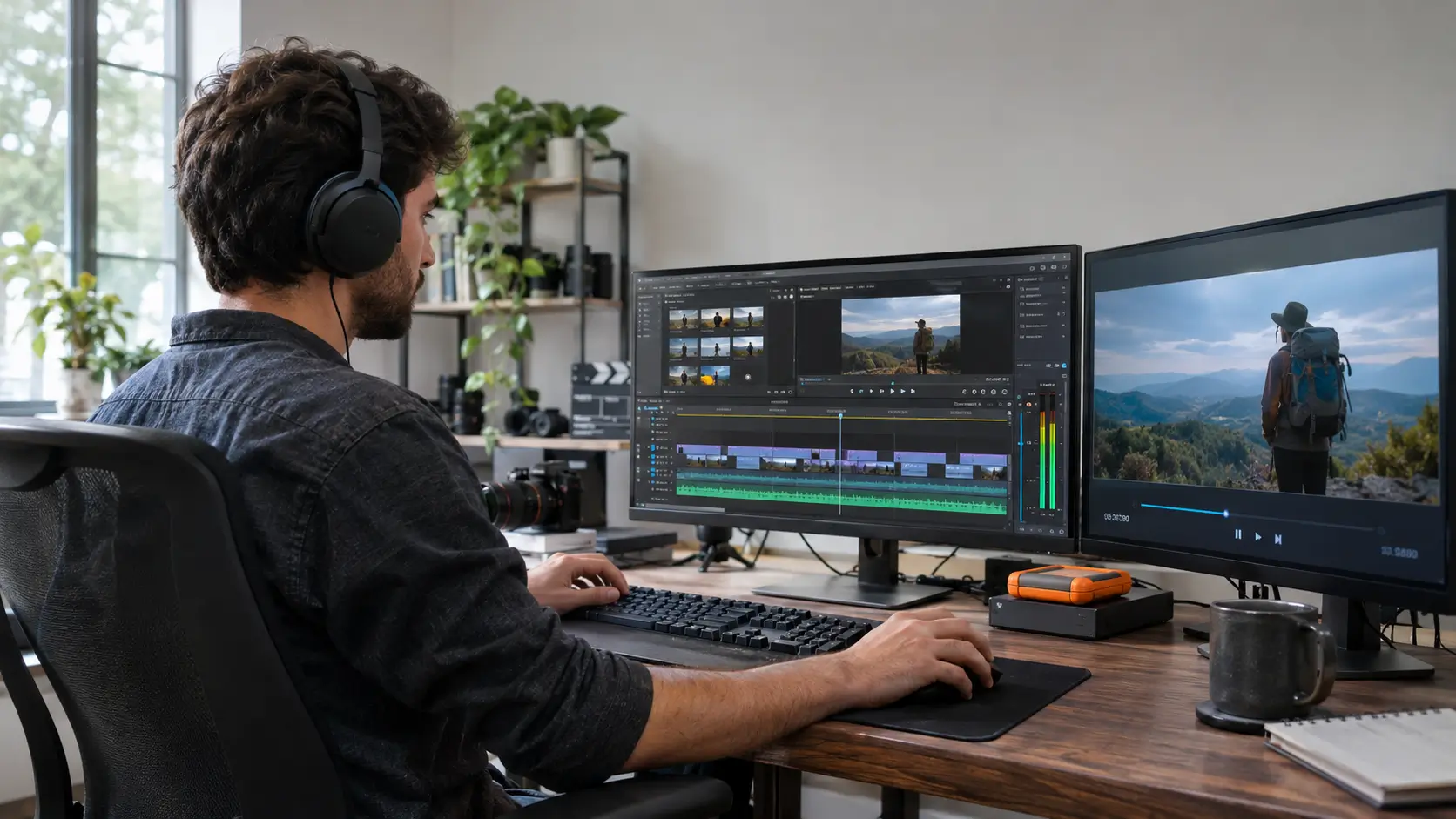
Video editing can provide income opportunities for people who know how to turn raw footage into clear, well-organized, and engaging content. Businesses, filmmakers, educators, event organizers, and online creators use edited videos for communication, training, entertainment, and documentation.
People with video editing skills can earn money through freelance projects, ongoing client work, specialized production services, digital products, or teaching. The suitable option depends on technical ability, experience, available time, equipment, and access to clients.
However, learning video editing does not guarantee paid work. Building a useful portfolio, understanding client requirements, setting appropriate prices, and delivering reliable work are important for developing a sustainable source of income.
Here are ten ways to earn money with video editing skills, including the services involved, how to begin, and the challenges worth considering.
1. Freelance Video Editing
Freelance video editing involves working independently on projects for individuals, businesses, or organizations. Editors may charge for individual videos, hourly work, or ongoing assignments.
Freelancers can work on interviews, educational videos, promotional content, event recordings, and social media videos.
How to Get Started
-
Create a portfolio with three to five editing samples showing different skills.
-
Identify the types of videos you can edit confidently.
-
Prepare a clear description of your services and the work included.
-
Look for suitable opportunities through professional contacts, referrals, or freelance marketplaces.
-
Agree on deadlines, revision limits, and payment terms before beginning a project.
Platforms such as Upwork and Fiverr provide freelance marketplaces, although participation depends on their eligibility rules.
Freelancing offers flexibility, but income may be irregular. Editors are also responsible for communicating with clients, managing deadlines, and maintaining financial records.
People considering independent work can review the advantages and challenges of freelancing before choosing this approach.
2. Wedding and Event Video Editing
Wedding and event video editing involves organizing recorded footage into a finished video that documents an occasion.
Potential clients include wedding videographers, photographers, event production companies, and individuals who have recorded personal celebrations.
Common assignments include wedding highlights, ceremony recordings, birthday videos, graduation events, and conference summaries.
How to Get Started
Develop a sample event video using footage you own or have permission to edit. Practice selecting meaningful moments, balancing audio levels, arranging scenes, and maintaining a consistent visual style.
Contact local videographers and event photographers who may need editing support during busy periods.
Before accepting a project, clarify the expected video length, delivery format, music rights, and number of revisions.
Event footage often contains personal moments and private information. Editors should handle these recordings confidentially and obtain permission before using client footage in a public portfolio.
3. Corporate and Business Video Editing
Businesses use edited videos to explain services, train employees, present information, and communicate with customers or staff.
Corporate editing work may involve interviews, product demonstrations, internal training videos, presentations, and recorded meetings.
This type of editing often requires clear communication, consistent formatting, readable text, and accurate presentation of information.
How to Get Started
Prepare sample videos demonstrating professional editing techniques, including clean transitions, readable titles, appropriate graphics, and clear audio.
Learn to work with client instructions and existing branding materials.
Potential clients include businesses, production agencies, training providers, and nonprofit organizations.
Corporate projects may involve several people reviewing the same video. Establishing one point of contact and a clear approval process can help prevent conflicting instructions and unnecessary revisions.
4. YouTube Video Editing and Channel Support
YouTube creators may hire editors to prepare videos while they concentrate on research, recording, scripting, or presenting.
Editing assignments can include removing unnecessary footage, arranging clips, correcting audio, adding subtitles, and preparing suitable video formats.
Some editors also provide related services, such as preparing thumbnails or organizing approved video files.
How to Get Started
Practice editing different YouTube formats, including tutorials, interviews, educational videos, and recorded discussions.
Prepare short samples showing how you organize information and maintain a clear sequence.
Editors who provide regular services may agree on a fixed number of videos per month rather than negotiating each assignment separately.
If a client requires assistance with uploading or channel management, access should be provided through appropriate YouTube channel permissions rather than by sharing account passwords. Google provides separate permission levels for channel collaborators.
Editing quality can improve how clearly a video communicates information, but higher views, subscribers, or advertising revenue cannot be guaranteed.
5. Online Course and Educational Video Editing
Educational institutions, training providers, teachers, and course creators may need assistance editing recorded lessons.
Educational video editing focuses on making explanations understandable and helping viewers follow the learning material.
Assignments may include lecture editing, screen recordings, tutorial videos, demonstrations, subtitles, and lesson introductions.
How to Get Started
Create a sample lesson with clear sound, readable text, and an organized sequence of explanations.
Learn to combine screen recordings, presentation slides, and recorded narration without distracting viewers.
Editors working with educational content should check terminology, spelling, captions, and the timing of visual examples.
Potential clients include independent instructors, training organizations, educational institutions, and companies producing employee learning materials.
The main consideration is accuracy. Editors should clarify unclear content with the instructor rather than changing technical or academic explanations without approval.
6. Social Media Video Editing
Social media video editing focuses on preparing content for platforms such as Instagram, Facebook, TikTok, and YouTube Shorts.
Projects often involve short videos, subtitles, text overlays, product demonstrations, interviews, and adaptations of longer recordings.
Some clients require the same footage in multiple formats for different platforms.
How to Get Started
Practice producing vertical and horizontal videos with readable captions and appropriately positioned text.
Develop examples demonstrating how one longer recording can be edited into shorter, self-contained clips.
Learn the relevant platform requirements for video dimensions, duration, and audio use.
Clients may include local businesses, content creators, educational organizations, and media teams.
A useful related skill is understanding social media communication and content creation, especially when working with clients who publish regularly.
Editors should avoid promising that a particular video will become viral or achieve a specific number of views. Audience response depends on factors beyond the editing process.
7. Selling Stock Footage and Video Templates
Stock footage and video templates offer an alternative to editing videos for individual clients.
Stock footage consists of recorded clips that customers can license for use in their projects. Video templates are editable designs that allow users to replace text, images, or other elements.
Examples include landscape recordings, workplace scenes, simple background footage, animated titles, and presentation templates.
How to Get Started
Create original footage or templates that meet the technical and licensing requirements of the intended marketplace.
Adobe Stock and Shutterstock are examples of platforms that license creative content, subject to their contributor eligibility policies.
Before submitting footage, check ownership, commercial-use permissions, technical quality, and any required consent forms.
Adobe Stock requires appropriate documentation for recognizable people and certain protected properties. Its video submission requirements explain these conditions.
Stock footage and templates may generate income through licensing or sales, but earnings depend on approvals, customer demand, licensing terms, and sales. Content may remain available for purchase without generating any revenue.
8. Video Editing for Influencers and Content Creators
Content creators who publish regularly may seek editing assistance to maintain consistent production schedules.
These projects can include interviews, tutorials, product reviews, travel videos, educational content, and short clips adapted from longer recordings.
Unlike single-project assignments, ongoing editing arrangements may involve repeated work with the same creator.
How to Get Started
Choose the types of content you understand and can edit effectively.
Prepare examples showing consistent audio levels, accurate captions, suitable pacing, and a recognizable editing style.
Discuss the creator's requirements, including video length, publishing schedule, visual preferences, and expected revisions.
A recurring agreement can specify the number of videos delivered during an agreed period and the services covered by the fee.
Editors should establish clear boundaries around working hours and last-minute requests. Regular assignments may provide more predictable work, but continued income depends on the client maintaining the arrangement.
9. Documentary and Film Editing
Documentary and film editing involves selecting and arranging footage to communicate a story or present information.
Editors may work with filmmakers, documentary producers, independent studios, or other production teams.
This field requires attention to storytelling, continuity, timing, dialogue, and sound.
How to Get Started
Study how scenes are structured and how editing decisions influence the order and clarity of information.
Practice editing interviews, short documentaries, and narrative sequences using footage you have permission to use.
Develop skills in organizing large collections of files, maintaining consistent audio, and working with a director's instructions.
Entry-level opportunities may include assistant editing, organizing footage, or working on smaller productions.
The U.S. Bureau of Labor Statistics identifies film and video editing work across motion picture production, broadcasting, professional services, and self-employment. Its occupational profile for film and video editors also explains the technical and communication skills associated with the profession.
Film projects can involve irregular schedules and lengthy production periods. Editors should consider project duration, payment arrangements, and their responsibilities before accepting assignments.
10. Teaching Video Editing Skills
People with sufficient editing experience can earn income by teaching others how to use editing software and apply basic production techniques.
Teaching options include individual lessons, workshops, recorded tutorials, and structured courses.
Potential learners may include students, content creators, teachers, and individuals developing digital production skills.
How to Get Started
Identify the editing skills you can explain accurately and demonstrate.
Organize lessons around specific learning outcomes, such as importing footage, making cuts, editing audio, adding captions, and exporting finished videos.
Prepare original practice files that learners can use without copyright concerns.
Teaching may take place through eligible educational platforms, authorized workshops, or direct arrangements with learners.
An introductory course should state its required software, starting skill level, and expected learning outcomes. Instructors should not promise employment or income after course completion.
How Much Money Can You Earn from Video Editing?
Video editing income varies according to location, experience, type of work, project complexity, client requirements, and employment arrangements.
Freelance income is particularly difficult to predict because the number and size of projects can change.
Editors may use different pricing methods:
|
Pricing method |
How it works |
Suitable assignments |
|---|---|---|
|
Per project |
One agreed fee for defined deliverables |
Wedding videos, business videos |
|
Hourly |
Payment based on recorded working time |
Open-ended editing support |
|
Per video |
A fee for each completed video |
YouTube and social media editing |
|
Monthly agreement |
Payment for an agreed volume of recurring work |
Ongoing creator or business support |
|
Licensing or sales |
Payment when an eligible product is purchased or licensed |
Stock footage and video templates |
|
Per lesson or course |
Payment for teaching sessions or educational products |
Video editing instruction |
No single pricing method is suitable for every assignment.
When setting a price, consider editing time, footage length, technical difficulty, software expenses, file storage, revisions, and delivery requirements.
For project-based work, the effective hourly earnings can be estimated by dividing the amount received, after direct project expenses, by the total hours spent. This helps identify assignments that require more time than their fees reasonably cover.
How to Start Earning with Video Editing Skills
Beginners can prepare for paid editing work by developing technical ability and creating examples that demonstrate what they can deliver.
A practical starting approach includes:
-
Learn essential editing skills. Practice cutting footage, organizing clips, adjusting audio, adding captions, and exporting videos.
-
Choose suitable software. Evaluate tools according to device requirements, available features, learning needs, and licensing terms.
-
Create a portfolio. Prepare several original samples showing different editing techniques and formats.
-
Identify a service area. Consider educational videos, events, social media content, or another category that matches your skills.
-
Define the work clearly. Establish deliverables, deadlines, revision limits, and payment conditions.
-
Evaluate completed projects. Review the time required, feedback received, and areas needing improvement.
Editors should also confirm that they meet the age, identity, payment, and other eligibility requirements of any platform they intend to use. Some marketplaces require contributors to be adults, while others have specific supervised-participation rules.
Common Mistakes to Avoid
Video editing work involves technical, financial, and professional responsibilities. Several avoidable mistakes can create difficulties even when the completed video meets the client's expectations.
Accepting Projects Without a Clear Agreement
Unclear instructions can lead to disagreements about editing style, delivery dates, payment, and revisions.
A written project description should specify what will be delivered and how changes will be handled.
Using Copyrighted Material Without Permission
Music, footage, graphics, and other creative materials may have copyright restrictions.
Editors should use original materials, appropriately licensed assets, or content they are authorized to include.
Client-provided footage also requires appropriate handling. Ownership of the final work, permitted uses, and portfolio rights should be established in the agreement, consistent with applicable law.
Underestimating Editing Time
Reviewing footage, making corrections, managing files, and exporting videos can require substantial time.
Pricing should account for these tasks rather than considering the final video length alone.
Ignoring Client Privacy
Unpublished videos, private events, internal business recordings, and educational materials may contain confidential information.
Files should be stored securely and shared only with authorized people.
Relying on a Single Source of Work
Depending entirely on one client or platform can create financial uncertainty if assignments stop.
Editors can assess whether a combination of suitable clients or services is manageable without compromising delivery quality.Conclusion
Video editing skills can support several forms of paid work, including freelance projects, corporate videos, event editing, educational content, film production, and digital product creation.
Each option involves different technical requirements, working arrangements, costs, and income uncertainties.
People starting in this field can benefit from developing a focused portfolio, understanding client expectations, and evaluating whether assignments provide reasonable compensation for the work involved.
Long-term opportunities depend not only on editing ability but also on reliability, communication, responsible use of creative materials, and continued skill development.


Comments 0
No comments yet. Be the first to start the conversation.