



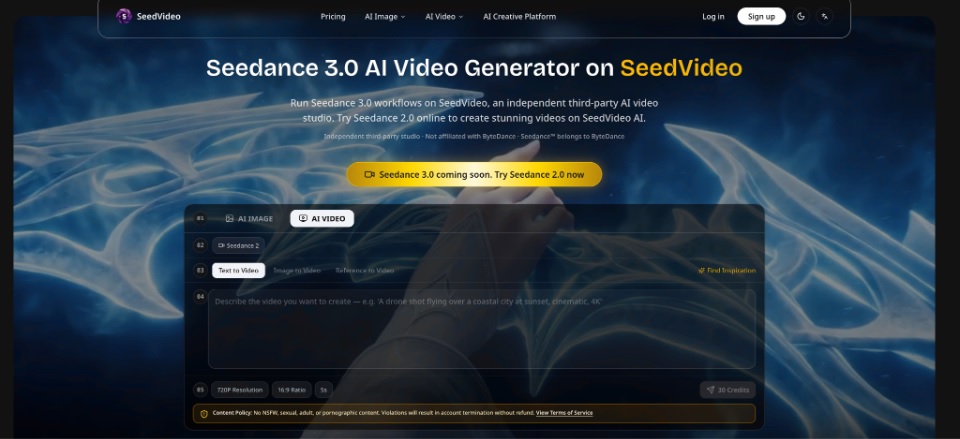
Video budgets rarely fail because one render costs too much. They fail when a team treats every draft as a final export. A social editor may spend credits on long clips, high resolution, and audio before deciding whether the opening action works. SeedVideo gives that editor a place to compare Seedance 3.0 workflows while keeping duration, resolution, audio, and mode visible as separate cost choices.
SeedVideo is an independent third-party studio, not a ByteDance-owned service. That disclosure changes the buying question. The sensible comparison is not “which badge sounds newest?” It is “which access path lets the team test the creative decision at a small cost, then pay for the winning version?”
Put The Cost Question After The Creative Question
Before comparing plans, define the decision that the next clip must settle. If the question is whether a presenter turns toward camera, a five-second draft may be enough. If the question is whether a finished voice track and visual beat land together, audio belongs in the test. If the question is export quality, a lower-resolution preview cannot answer it.
This order prevents a common budget error: paying for the most expensive setting before the team knows what it wants to keep. The same prompt can have different value at different stages. A quick motion sketch is cheap evidence. A clean delivery file is a production asset.
Compare The Four Variables That Move Spend
SeedVideo’s pricing guidance separates four practical drivers: duration, resolution, audio, and mode. Retries add a fifth driver because a failed creative decision still consumes attention even when the team keeps the credit bill small. For the model-specific workflow, the Seedance 3.0 AI Video Generator guide gives the team a common reference point before it compares outputs.
|
Decision |
Use for exploration |
Save for the winner |
|
Duration |
Short clip that proves the action |
Longer sequence with a clear editorial purpose |
|
Resolution |
Lower setting for composition review |
Higher setting for a delivery candidate |
|
Audio |
Off when judging only movement |
On when speech, rhythm, or sound is part of the brief |
|
Mode |
Fast draft path for prompt search |
Quality setting after the direction survives review |
The point of the table is not to promise a universal price. The final charge depends on the provider, model tier, clip length, resolution, audio choice, and credit plan. It is a decision map for stopping a team from upgrading every variable at once. A test protocol should name the one variable under review and the visible result that would justify moving on.
Price The Cost Of Rework Before Export
Credits are only one line in the ledger. A failed draft can also send an editor back to the brief, delay a scheduled post, and force a second approval. If a clip cannot show the intended action, discard it before the team spends time polishing sound, captions, or color.
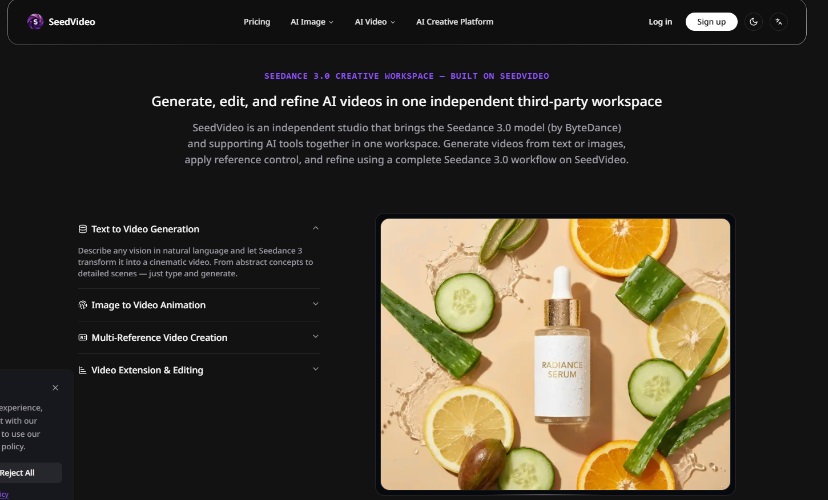
Run A Small Test That Can Change The Budget
Run the smallest test that can expose the expensive mistake. A team that ignores this step can burn an afternoon on revisions and still have no clean answer about the final shot.
Test The Action Without Buying The Finish
Use a short clip and keep audio off when the review concerns only movement. Watch whether the subject enters, turns, or stops at the right moment. If the hand reaches the wrong object, better resolution will not fix the brief. Rewrite the action before spending on a polished render.
Change One Setting Between Creative Variants
When a team changes duration, ratio, prompt, model, and audio together, the comparison has no useful conclusion. Keep the scene stable and change one decision. A product editor can then tell whether the new setting improved legibility or simply produced a different clip. If a hand melts into the prop, the team has a visible failure, not a reason to increase resolution.
Keep The Winner Prompt With Its Settings
A winning prompt without its ratio, duration, reference, and model choice is not a reusable production asset. Save the complete combination. That record prevents the team from recreating a good result from memory and paying for the same search twice.
When A Cheap Draft Creates A False Saving
Low cost can mislead when the test cannot answer the publishing question. A muted preview cannot prove that dialogue will land. A cropped ratio cannot prove that a headline will remain inside frame. A tiny render may hide warped text or a broken hand. Move one level up only when the next setting tests a real risk.
SeedVideo’s workflow is useful when the team can name that risk. It becomes wasteful when people use credits to avoid making a creative choice. The editor still has to decide whether the result is clear enough to ship.
Teams should also compare the cost of delay. A low-cost test that answers the brief in ten minutes can protect a scheduled post, while a more expensive draft that answers nothing can hold the whole review. That is why the strongest budget record includes the creative question, the chosen setting, the visible pass signal, and the reason for any discard.
Audio deserves a separate decision because sound can disguise a visual problem. Turn it on when the voice or beat is part of the creative test. Leave it off when the editor is judging only movement. The team can then tell whether a weak result came from the image, the action, or an unnecessary production layer.
The workspace’s value sits in that separation. The workspace gathers the controls, but the editor still decides when a clip has earned a final render. A credit plan becomes easier to defend when every larger spend follows a visible improvement in the asset.
One more rule keeps the ledger honest: never call a draft cheap because its credit line is small. Count the revision it creates. A clip that needs a new prompt, a new crop, and another approval has already cost more than its visible generation fee. The better test earns a clear next action.
The ledger should include the failed route as well as the winning one. Record the decision that stopped the spend, then move only the approved direction into the higher-quality render.
A manager can use this record in the next budget meeting. The question becomes concrete: which setting changed the result, which failure cost the most time, and which version deserves the final render? That conversation is more useful than comparing a list of model names without a shared brief.
For a small team, this record can be a simple line in the production sheet. The important part is the link between the setting and the result. Once that link is clear, the editor can stop buying guesses and reserve credits for delivery.
That makes the final approval easier to defend.
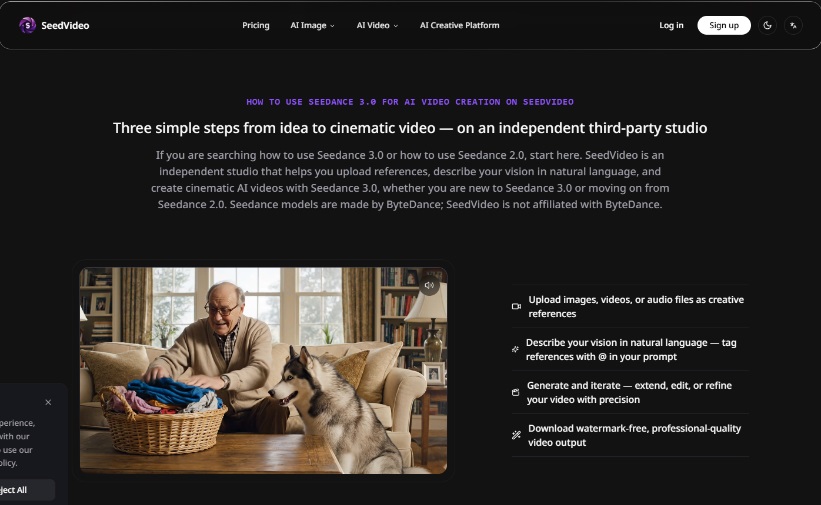
Spend On Evidence, Then Spend On Delivery
SeedVideo makes the most sense for teams that separate prompt search from final rendering. Start with a brief, choose the smallest test that can answer it, compare a few variants, and upgrade only the version that earns further review. The credits then support a decision instead of replacing one.






Comments 0
No comments yet. Be the first to start the conversation.