



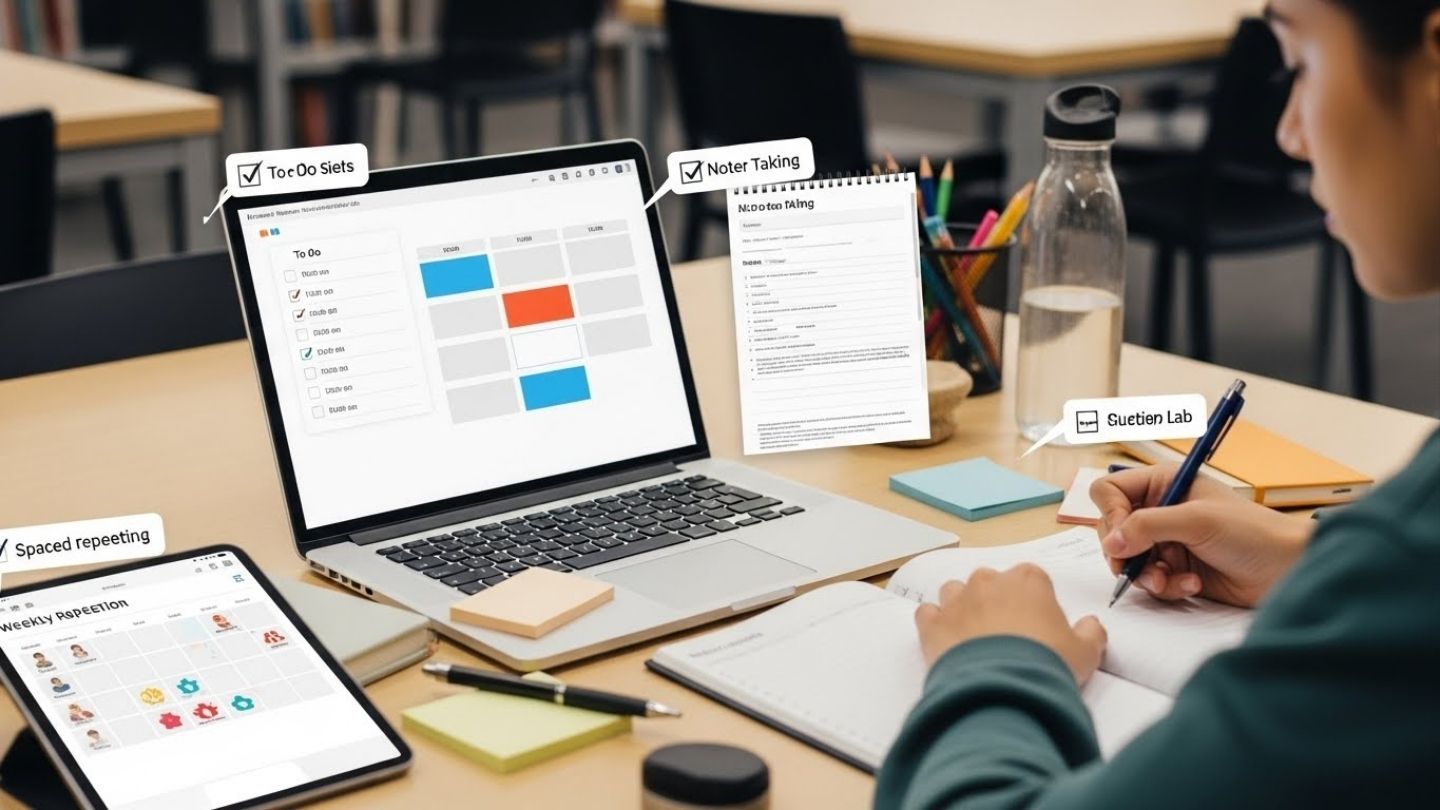
Free Productivity Tools Students Can Use Every Day
If you’re a student, “busy” can feel normal. Yet deadlines still creep up, notes scatter across apps, and study time slips into short bursts between messages. Most of the stress comes from two pressure points:
-
Too many tasks living in your head
-
Too many interruptions breaking your attention
Research on interrupted work has linked frequent interruptions with higher stress and time pressure, even when people try to compensate by working faster (Mark et al.). Planning helps in a different way: research by Masicampo and Baumeister found that forming a plan for unfinished goals can reduce intrusive thoughts tied to those goals.
This article focuses on a practical, free setup that students can run daily: capture tasks, plan time, study with methods that support long-term recall, and keep files safe. You do not need many apps. You need a small tool stack plus a simple routine.
What “productivity” means for students
Student productivity is not “doing more.” It is steady progress you can track:
-
You can see deadlines early.
-
You start study blocks with less delay.
-
Your study method leads to recall in exams, not short-term familiarity.
-
Your files stay recoverable.
Tools help when they reduce mental load and cut repeat work.
The small tool stack rule
Use one tool per job. A stack like this covers most student needs:
-
Tasks and deadlines
-
Calendar and time blocks
-
Notes
-
Study system (flashcards or practice questions)
-
Storage and backup
-
Account safety (password manager)
If two tools compete for the same job, confusion rises and consistency drops. Pick one, run it for a full week, then adjust.
A daily workflow that fits real schedules
Tools work when they sit inside a routine. Keep the routine short, so it survives busy weeks.
Morning capture and plan (5–8 minutes)
-
Write down tasks you are carrying in your head.
-
Pick three priority actions for the day.
-
Put one or two study blocks on your calendar.
-
Add the next action for any assignment that feels vague.
A “next action” is a single step you can start, such as “open the document and write the outline headings” or “solve problems 1–5.” Planning matters since unfinished tasks can keep returning as intrusive thoughts; plan-making can reduce that mental pull (Masicampo & Baumeister).
Study blocks that start on time
Start with blocks you can keep:
-
25 minutes focus + 5 minutes break
-
or 45 minutes focus + 10 minutes break
Make the first step small. Starting is often the hardest part, not the work itself.
Evening reset (6–10 minutes)
-
Mark completed tasks.
-
Move unfinished tasks to tomorrow with one clear next action.
-
Scan your calendar for the next two deadlines.
This reset protects the next morning from confusion.
Free tools for tasks and deadlines
A task tool is your external memory. It holds what your brain should not.
What to store in your task tool
For each assignment, store:
-
Title
-
Due date
-
Next action
-
Rough time estimate
-
Status: next / waiting / done
That detail turns “write report” into steps you can start.
Good free options
Microsoft To Do (free)
Microsoft To Do supports lists, due dates, reminders, and cross-device sync under a Microsoft account. It fits students who want a clean daily list and straightforward reminders.
Todoist (free plan)
Todoist has a free plan with clear limits listed on its pricing page. It fits students who want fast task entry and separate lists per subject. Check the free plan limits before building a full semester system in it, since plan terms can change.
Trello (free plan)
Trello uses boards, lists, and cards. It works well for assignments with many steps and for group work, since progress stays visible. Trello’s pricing page describes what is included in the free plan.
A simple student setup for tasks
Create these lists:
-
Today
-
This Week
-
Assignments (one card or task per assignment, broken into steps)
-
Admin (forms, emails, office visits, fee tasks)
That is enough for most students.
Free tools for calendars and time-blocking
Tasks tell you what matters. A calendar decides when it happens.
Calendar blocks students can keep
Pick time blocks that match real energy:
-
One block for reading
-
One block for problem solving or writing
-
One short block for review
Add fixed commitments first (classes, commute, work shifts). Then add study blocks around them.
A weekly deadline scan habit
Once a week, scan course outlines, class messages, and assignment sheets. Add every due date you can find to your calendar. This cuts deadline surprises.
Free tools for notes that stay usable
Notes help only when they serve future revision. Many students take notes that look complete, yet fail in exam season.
What note-taking research suggests
Research by Mueller and Oppenheimer raised concerns that laptop note-taking can lead to shallow processing when students type long, verbatim notes. The practical takeaway is simple: write in your own words, focus on meaning, and avoid copying full sentences from slides.
A notes structure that works in revision season
Use a three-layer habit:
-
Capture: write key points during class
-
Clarify: add definitions in your own words and one example later the same day
-
Compress: once a week, write a one-page summary
That weekly summary becomes your revision base. It also feeds flashcards and practice questions.
Free note tool options
-
Google Keep for quick capture and checklists
-
Obsidian (free for personal use) for long-term knowledge notes
-
Joplin (open source) for offline-first notes
Pick one and keep your course notes in a single home. Split by subject and week.
Free tools for studying that support long-term recall
Rereading and highlighting feel productive, yet they often build familiarity rather than recall. Two techniques repeatedly supported across learning research are spaced practice and practice testing.
Spaced practice: study across days
A large meta-analysis by Cepeda and colleagues reviewed distributed practice research across many experiments and found consistent benefits for spaced learning compared with massed study. The student version is simple: review smaller chunks across more days.
A workable schedule:
-
Day 1: learn content
-
Day 3: short review and self-test
-
Day 7: short review and self-test
-
Day 14: final review and mixed practice
Practice testing: self-quizzing
Roediger and Karpicke’s work on test-enhanced learning reported that testing can improve long-term retention, not only measure it. Self-quizzing forces recall, which is the same skill exams demand.
Easy ways to practice testing:
-
Past papers
-
End-of-chapter problems
-
Short quizzes you write from your weekly summary
-
“Blank page” recall: close notes and write what you remember, then check gaps
What a major review found helpful
Dunlosky and colleagues reviewed ten learning techniques and rated practice testing and distributed practice as high-utility methods across learners and tasks. That supports a study plan built around recall practice and spaced sessions.
Anki for spaced repetition
Anki is a flashcard system designed around spaced repetition. It helps you spend more time on harder material and less on easy material. It works well for terms, formulas, short concepts, and language learning.
A student-friendly card rule:
-
One card = one idea
-
Question first, then answer
-
Add a short example for tricky content
Avoid turning cards into paragraphs. Keep cards short enough that you can review them daily.
Free tools for focus and distraction control
Attention breaks often come from interruptions, not lack of effort. Research by Mark and colleagues linked frequent interruptions with higher stress and time pressure in real work settings. Students face a similar pattern: an interruption pulls you away, then restarting takes extra mental effort.
Simple focus boundaries students can run daily
-
Put your phone out of reach during study blocks.
-
Turn off non-study notifications for a set time window.
-
Keep one browser window for school tabs only.
-
Use a timer for a clear start.
Pomodoro-style timing in study sessions
A 2025 scoping review in BMC Medical Education mapped literature on Pomodoro-style study intervals in education contexts. A timer will not solve motivation on its own, yet it often helps students start and stay contained.
A basic pattern:
-
25 minutes focus
-
5 minutes break
-
After four rounds, take a longer break
If 25 minutes feels too long on a hard day, start with 15 minutes.
Free tools for writing and citations
Academic writing gets easier when sources are organized from day one.
Zotero for collecting and citing sources
Zotero is a free reference manager that supports collecting, organizing, annotating, and citing sources. It fits essays, reports, research papers, and long projects.
A practical Zotero routine:
-
Save sources as you read them.
-
Tag by course and topic.
-
Add short notes on how each source supports your argument.
-
Insert citations during writing, not after the draft is finished.
This reduces last-minute citation errors.
Free writing tools students use daily
-
Google Docs for collaboration and access across devices
-
LibreOffice for offline writing and common document formats
Pick the tool that matches your course submission method and your device setup.
Free tools for files, backup, and storage
Students lose work through device loss, failed drives, accidental deletes, and sync confusion. A backup habit prevents a bad week from becoming a failed semester.
Know free storage limits
-
Google accounts include 15 GB shared across Drive, Gmail, and Photos. If Photos and email grow, Drive space shrinks.
-
Microsoft OneDrive lists 5 GB as the free storage amount on its plan pages.
A simple backup habit that fits student life
-
Keep one folder named “Semester” in your cloud drive.
-
Inside it: Subject → Week folders.
-
Name files with date and label, such as:
2082-09-28_Economics_Unit2_Notes.docx
Once a week, download the Semester folder to a second location (a laptop folder, an external drive, or a second cloud account). Two copies are safer than one.
Free tools for account safety
If your main email account gets compromised, you can lose access to course platforms, cloud files, and password resets. Basic account safety supports productivity.
Bitwarden for passwords
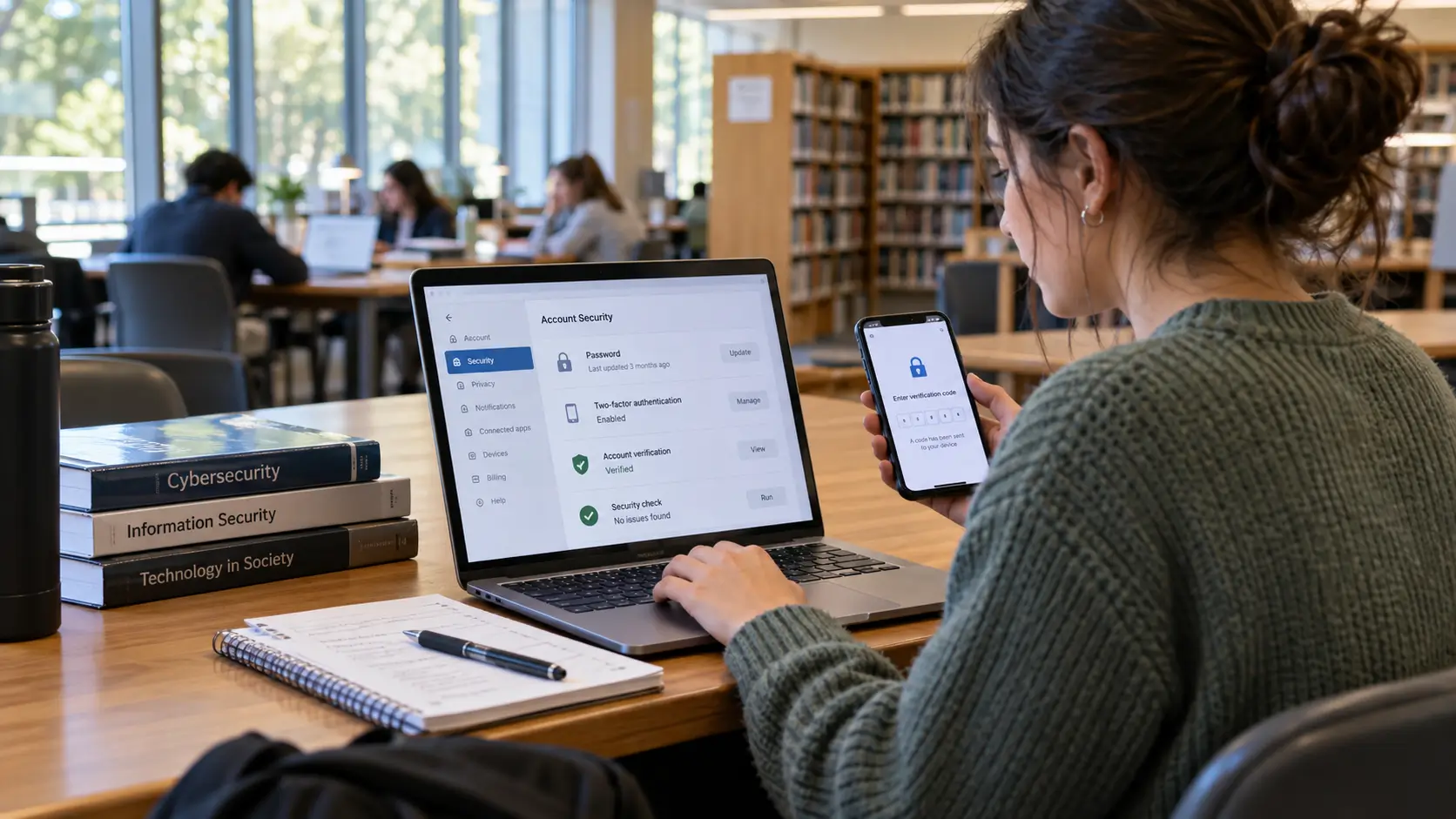
Bitwarden offers a free password manager plan with cross-device access and encryption. A password manager helps you use unique passwords for email, cloud storage, and campus portals.
Practical habits:
-
Use a unique password for your main email.
-
Turn on two-step verification for email and cloud storage.
-
Store recovery codes in a safe offline place.
Choosing tools without wasting weeks
Free productivity tools for students differ in style, offline access, and export. A quick checklist helps you pick without getting stuck:
-
Device fit: phone-only, laptop-only, or both
-
Export: can you export notes, tasks, or files
-
Offline access: can you work without stable internet
-
Semester fit: free plan limits match your workload
-
Simplicity: setup stays usable during exam weeks
If a tool makes your day feel heavier, it is not a good fit, even if it is popular.
Common mistakes and quick fixes
Mistake: a task list with no next actions
Fix: add one clear next action for each assignment. “Research sources” becomes “find 3 sources for section 1.”
Mistake: notes that never get reviewed
Fix: write a weekly one-page summary, then quiz yourself from it. Spaced review and self-quizzing align with high-utility learning methods (Dunlosky; Roediger & Karpicke; Cepeda).
Mistake: study sessions that blur into scrolling
Fix: start with timed blocks and keep the phone away from reach. Interruption research links broken attention with stress and time pressure (Mark et al.).
Mistake: deadlines living in chats and memory
Fix: store every due date in your calendar the moment you receive it, then scan the calendar weekly.
Conclusion
Free productivity tools help students when they support a small routine: capture tasks, block time, take notes you can revise, study with spaced sessions and self-quizzing, and keep files backed up. Research on learning supports spaced practice and practice testing for long-term recall, and research on interruptions helps explain why focus boundaries reduce stress and time pressure. A small tool stack plus consistent habits can turn busy days into steady progress.
FAQs
1) What are the best free productivity tools for students?
A strong free stack covers tasks, calendar, notes, study, storage, and password safety. Many students start with a task app, a calendar, one notes app, Anki for flashcards, cloud storage, and a password manager.
2) How do free productivity apps help with deadlines?
They keep due dates visible, support reminders, and help you break assignments into next actions. That reduces last-minute rush and missed steps.
3) What study method helps memory more than rereading?
Spaced practice and practice testing have strong support in learning research and major reviews, with benefits for recall over time (Cepeda; Roediger & Karpicke; Dunlosky).
4) Is Anki useful for every subject?
It works well for terms, formulas, short concepts, and language content. For essays and problem solving, pair flashcards with practice questions, outlines, and short writing drills.
5) How can students keep files safe without paying?
Use a clear folder system in cloud storage, watch storage limits, and keep a second copy of your Semester folder updated weekly. Two copies reduce the chance of losing work.
References
-
Mark, G., Gudith, D., & Klocke, U. Research on the effects of interruptions on stress, time pressure, and performance in office-style work settings.
-
Masicampo, E. J., & Baumeister, R. F. Research on unfinished goals, intrusive thoughts, and the role of plan-making.
-
Cepeda, N. J., Pashler, H., Vul, E., Wixted, J. T., & Rohrer, D. Meta-analysis on distributed practice and spacing effects in learning.
-
Roediger, H. L., & Karpicke, J. D. Research on test-enhanced learning and long-term retention.
-
Dunlosky, J., Rawson, K. A., Marsh, E. J., Nathan, M. J., & Willingham, D. T. Review of learning techniques and their utility.
-
Mueller, P. A., & Oppenheimer, D. M. Research comparing laptop note-taking and handwriting in learning outcomes.
-
Google Account help documentation on 15 GB storage shared across Drive, Gmail, and Photos.
-
Microsoft OneDrive plan documentation listing 5 GB free storage.
-
Zotero official documentation describing features for collecting, organizing, annotating, and citing sources.
-
Anki official documentation describing spaced repetition flashcard use.
-
BMC Medical Education (2025). Scoping review mapping literature on Pomodoro-style study intervals in education contexts.
-
Bitwarden official documentation describing free password manager features and encryption approach.






Comments 0
No comments yet. Be the first to start the conversation.