



Computer-based learning uses digital tools to support teaching, practice, assessment, and communication. A virtual classroom is a shared online space where teachers and students conduct lessons, ask questions, discuss ideas, and complete learning activities. Both can widen access to education, but neither automatically improves understanding or replaces the support some learners need.
For a student choosing an online course or a teacher planning virtual lessons, the key questions are practical: Will students have reliable access? How will they interact with the teacher? Can they demonstrate what they have learned? This article explains the available formats, what research says about learning outcomes, and how to judge whether a course is suitable.
What Is Computer-Based Learning?
Computer-based learning is instruction or study supported by a computer, tablet, or another digital device. It may involve educational software, interactive exercises, recorded lessons, simulations, quizzes, and online discussions.
The terms overlap but have different meanings:
-
Computer-based learning includes offline and internet-connected activities.
-
Online learning delivers most instruction and materials through the internet.
-
Distance learning describes education when teachers and learners are physically separated; it does not necessarily require computers.
-
A virtual classroom usually involves interaction between a teacher and a group of learners through an online platform.
How did it develop?
Computer-assisted instruction predates the modern internet. The University of Illinois introduced the PLATO teaching system in 1960, demonstrating how computers could present lessons, exercises, and feedback. Later, personal computers and educational software made independent digital study more accessible. Internet connections then supported online course materials, discussion forums, and live classes.
The important change was not simply moving textbooks onto screens. Digital systems also made it possible to exchange feedback, collaborate across locations, and revisit learning materials outside scheduled lessons.
How Do Virtual Classrooms Work?
A virtual classroom connects learners and teachers through video, audio, text, or shared digital workspaces. The format determines when participants interact.
Live, self-paced, and blended learning
-
Live (synchronous) classes require participants to attend at a scheduled time. Teachers can answer questions and guide discussion during the lesson.
-
Self-paced (asynchronous) learning uses recorded explanations, readings, discussion boards, and assignments that students complete within set deadlines.
-
Blended learning combines online activities with in-person teaching. For instance, students may review a demonstration online before practising a skill in a classroom.
A course may combine these approaches. A recording alone, however, does not provide the same opportunity for immediate discussion as a live class. Students should check whether a program offers office hours, tutor feedback, group work, or other ways to ask for help.
A learning management system (LMS) can organize assignments, course materials, grades, and communication. Readers unfamiliar with these systems can review the components of a learning management system.
What Does Research Say About Learning Outcomes?
Virtual classrooms can support learning, but their effectiveness depends on how teaching is designed and delivered. Technology by itself is not a reliable measure of course quality.
The Education Endowment Foundation's review of evidence on remote learning found that teaching quality matters more than whether explanations are delivered live or through recordings. It also highlighted the importance of access to technology, peer interaction, and support for independent study.
A 2026 meta-analysis of research on live online webinars reported favourable learning outcomes for synchronous instruction in the settings examined. That finding does not mean every online class will be more effective than every face-to-face class. Age, subject, course design, and the comparison being made all matter.
Engagement is more than attendance
Joining a video call or watching a recording does not establish that a student has understood the lesson. Teachers need ways to check understanding: short questions, worked examples, practice tasks, discussion, and feedback on errors.
Students also need a clear route to help when they fall behind. Unanswered questions, unclear deadlines, and lengthy sessions without participation can weaken engagement regardless of the platform.
Advantages and Limitations of Computer-Based Learning
Digital learning offers useful choices, especially where travel, schedules, or access to specialist teaching are barriers. Its benefits should be weighed against the demands it places on learners and institutions.
Potential advantages
-
Flexibility: Recorded materials can help students review difficult topics or study around other responsibilities.
-
Wider access: Online delivery can connect learners with courses that are unavailable locally, where suitable connectivity and admission arrangements exist.
-
Repeatable practice: Quizzes and exercises can provide opportunities to apply knowledge and identify gaps.
-
Varied presentation: Text, captions, diagrams, audio, and simulations can explain concepts in different ways.
-
Collaboration across locations: Shared documents, discussion groups, and online projects allow students to work together without travelling.
Important limitations
-
Unequal access: Devices, dependable electricity, internet service, and data costs are not equally available.
-
Less direct contact: Some students need more personal guidance and routine than an online course provides.
-
Delayed support: Feedback may arrive too late when large classes or poorly organized platforms overwhelm teachers.
-
Practical requirements: Laboratories, clinical training, workshops, and supervised activities may require physical facilities.
-
Distraction and fatigue: Long periods on screen can make it harder to concentrate, particularly when lessons lack breaks or active tasks.
-
Hidden costs: Equipment, connectivity, technical support, and software fees can offset savings from travel.
The 2025 Education Endowment Foundation review also warned that educational technology can widen attainment differences if disadvantaged students receive less benefit. Access and support need attention before institutions treat online delivery as an equal alternative for everyone.
How Can Teachers Make Virtual Classes Effective?
Effective virtual instruction begins with a learning goal and a plan for checking whether students reach it. The digital tools should serve that plan rather than determine it.
Plan for participation and feedback
Before class, provide the topic, required materials, and instructions for joining. During a live lesson, alternate concise explanations with questions or activities that require students to think and respond. Afterward, explain common mistakes and allow time for revision.
Feedback should tell students what they understood, where they made an error, and what to try next. An automatic quiz score can identify a problem, but a teacher's explanation or a worked solution may be needed to resolve it.
Group activities also need clear roles. Rather than asking students to "discuss the topic," assign a question or shared task with a defined outcome, then review the responses together.
Design for different access needs
Provide downloadable notes or low-data alternatives where possible. Captions, transcripts, readable documents, keyboard-friendly interfaces, and accessible assessment formats can reduce barriers for learners with disabilities.
CAST's Universal Design for Learning Guidelines recommend offering different ways to engage with content, access information, and demonstrate understanding. Teachers should also ask learners what barriers they face rather than assuming that one format suits everyone.
A recorded lesson should have a clear purpose and appropriate privacy safeguards. Schools should explain how recordings, student work, and personal information are stored and who can access them.
Integrating Technology Without Overcomplicating Lessons
Video meetings, shared documents, quizzes, learning platforms, and simulations can support different parts of a lesson. A platform with many features is not necessarily easier to teach or learn with.
A reasonable approach is to select the few tools needed for communication, practice, assessment, and feedback. Students then have fewer accounts and instructions to manage. Teachers can spend more time helping learners rather than troubleshooting overlapping systems.
Before adopting a tool, an institution should check device compatibility, accessibility, data protection, technical support, and whether teachers are trained to use it. It should also plan an alternative for students who cannot connect during a scheduled session.
Virtual Classrooms vs. In-Person Learning
Neither format is preferable for every subject or student. Their suitability depends on learning goals, available support, and the practical work involved.
|
Consideration |
Virtual classroom |
In-person classroom |
|---|---|---|
|
Schedule and location |
Can reduce travel; live classes still have fixed times |
Requires attendance at a physical location |
|
Interaction |
Depends on discussion, feedback, and course design |
Allows direct contact and informal conversation |
|
Practical activities |
Some simulations and demonstrations work online |
Often necessary for equipment-based and supervised tasks |
|
Access requirements |
Needs appropriate devices and connectivity |
Needs travel and access to facilities |
Students comparing formats in greater detail can read online learning versus classroom learning.
A blended arrangement may suit courses that combine conceptual knowledge with hands-on practice. But combining formats creates additional planning responsibilities; it is not a guarantee of stronger results.
How to Evaluate an Online Course Before Enrolling
A suitable course should make its academic expectations and learning support clear. Before committing time or money, consider these questions:
-
Are the learning objectives, syllabus, assessment methods, and course schedule stated clearly?
-
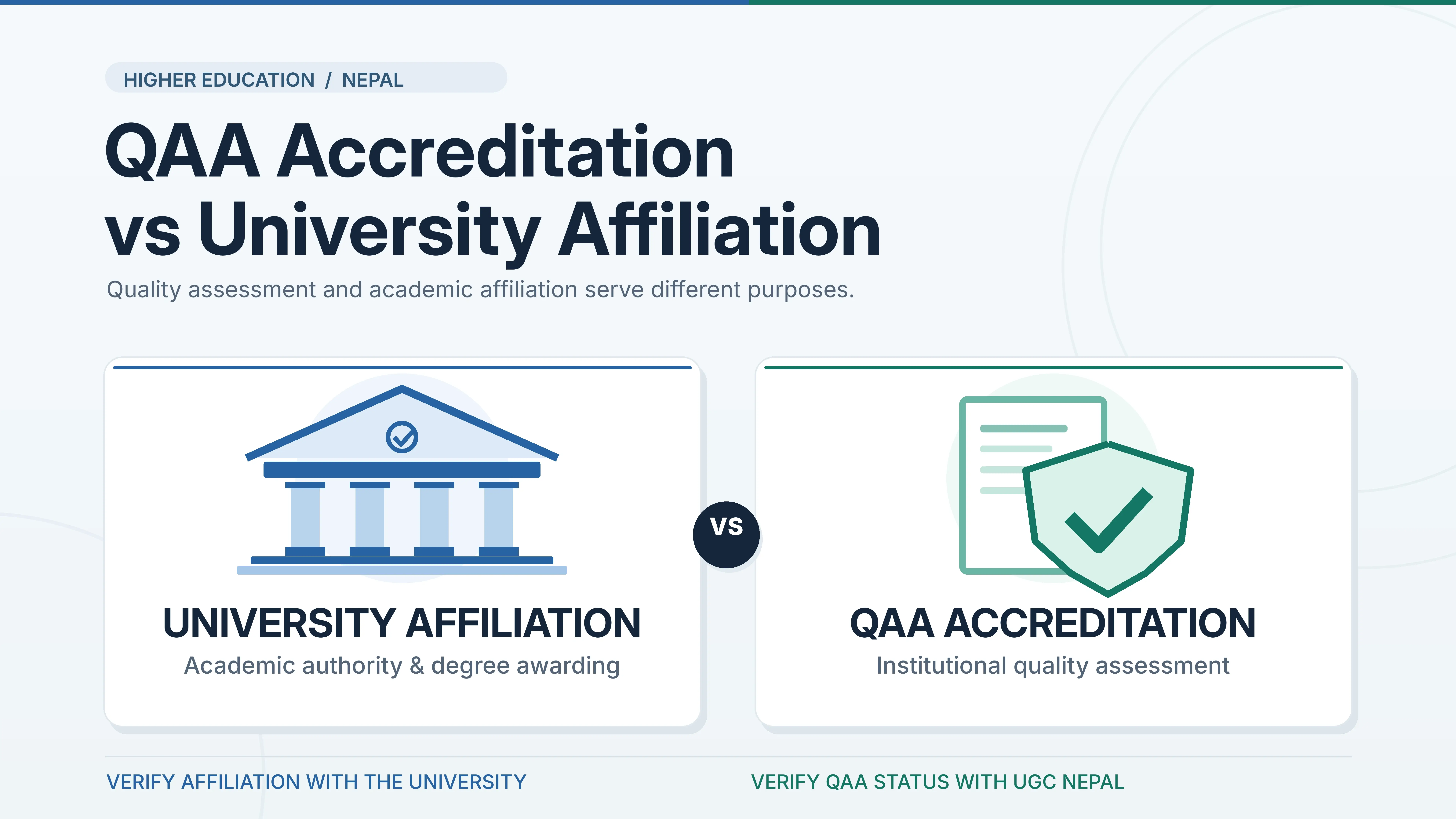
Is the provider's identity clear, and is any claimed recognition or accreditation verifiable through the relevant authority?
-
Can students contact a teacher or tutor and receive feedback within a reasonable period?
-
Are practical components, examinations, and attendance requirements explained?
-
Do the platform and materials work with the devices, internet connection, and accessibility tools students have?
-
What are the full costs, including software, data, examinations, and required visits?
For qualifications used in further study or regulated professions, verify recognition with the receiving institution or competent authority. Completing an online course does not, by itself, establish that a certificate will be accepted for admission or employment.
What Developments Matter Next?
Digital education is moving beyond video conferencing toward more adaptive exercises, learning analytics, and artificial-intelligence-supported tutoring. These tools can help teachers identify areas where students need practice, but their usefulness depends on the quality of the content and how learners use the assistance.
The OECD's 2026 Digital Education Outlook distinguishes between getting help to finish a task and learning to perform it independently. It cautions that artificial intelligence can improve an assignment without producing lasting understanding when students hand over the thinking to a tool.
Schools and course providers also need to consider inaccurate automated feedback, student privacy, accessibility, and fairness. UNESCO's report on technology in education emphasizes that educational needs, rather than the availability of new devices or software, should guide technology decisions.
Conclusion
Computer-based learning gives teachers and students more ways to access materials, practise skills, and communicate. Virtual classrooms are most useful when lessons are clearly structured, students can participate, and teachers provide meaningful feedback.
The practical test is whether a learning format helps students understand and apply what they study. Access, instructional quality, personal support, recognition, and hands-on requirements deserve more weight than the technology's novelty.



Comments 0
No comments yet. Be the first to start the conversation.