




Study Skills for Neurodiverse Learners: What to Try and What to Track
Neurodiverse (often: neurodivergent) learners don’t fail because they “aren’t trying.” More often, the study system they’re using assumes an “average brain”—and there isn’t one.
This guide focuses on two things:
-
What to try — practical, low-friction study strategies that reduce common bottlenecks (starting, focusing, organizing, remembering).
-
What to track — a minimal, realistic way to measure whether a strategy is helping, so you can keep what works and drop what doesn’t.
Important: Neurodivergence is broad (ADHD, autism, dyslexia, dyscalculia, and more). This is not medical advice or a diagnostic tool. It’s a study-systems playbook you can personalize.
What “neurodiverse study skills” really means (and why tracking matters)
Neurodiversity describes natural differences in how people think, learn, and interact with the world; differences are not automatically deficits.
In practice, study friction often shows up in a few predictable places:
-
Executive function: planning, organizing, starting, shifting tasks, and following through.
-
Attention regulation: sustaining focus, filtering distractions, managing impulsive task-switching (common in ADHD profiles).
-
Sensory load: noise, light, textures, movement needs, and general “environmental overwhelm.”
-
Language and symbol processing: reading/spelling load (common in dyslexia) or math symbol/quantity processing (common in dyscalculia).
Tracking matters because the “best” strategy is the one that measurably reduces friction for you—not the one that sounds good online. A small amount of data prevents the two biggest mistakes:
-
Keeping a strategy that feels productive but doesn’t improve learning.
-
Quitting a strategy that works, just because it feels harder at first.
Start with a 10-minute baseline (before you change anything)
Before you add new tools, pick one subject (or one repeating task like weekly quizzes) and run a quick baseline for 3–7 study sessions.
Choose one class/task and one week
Pick the area where you feel the most friction:
-
Reading chapters and remembering them
-
Completing homework without procrastinating
-
Studying for exams without cramming
-
Writing assignments that feel “too big to start”
What to record (minimum viable metrics)
Keep it simple. Track only:
-
Start latency: minutes between “I should start” and actually starting
-
Time-on-task: total focused minutes (not total desk time)
-
Output: one small outcome (e.g., practice quiz score, # problems correct, or a 5-question self-test result)
How to keep tracking simple (avoid burnout)
-
Use a notes app or a tiny paper tracker.
-
Record in 10 seconds after each session.
-
Don’t track mood, sleep, diet, and 12 other variables on week one. You can add later if needed.
Strategy Set 1: Externalize executive function (make “starting” easier)
When executive function is taxed, the brain ends up doing too much invisible work: deciding what matters, where to begin, what “done” means, and how long it will take. Externalizing that work reduces friction.
Task chunking + “next visible action”
Instead of “Study biology,” define the next step you could do in 2–5 minutes:
-
Open the chapter and write 3 headings as questions
-
Do 5 practice questions
-
Make 10 flashcards (only 10)
-
Set up a self-test sheet
If you repeatedly stall, your task is still too large. Shrink it again.
Try this rule: If you can’t start in 2 minutes, the next action isn’t concrete enough.
Checklists, planners, and rubrics
High-performing systems are often boring:
-
A daily checklist (start here, not a perfect weekly plan)
-
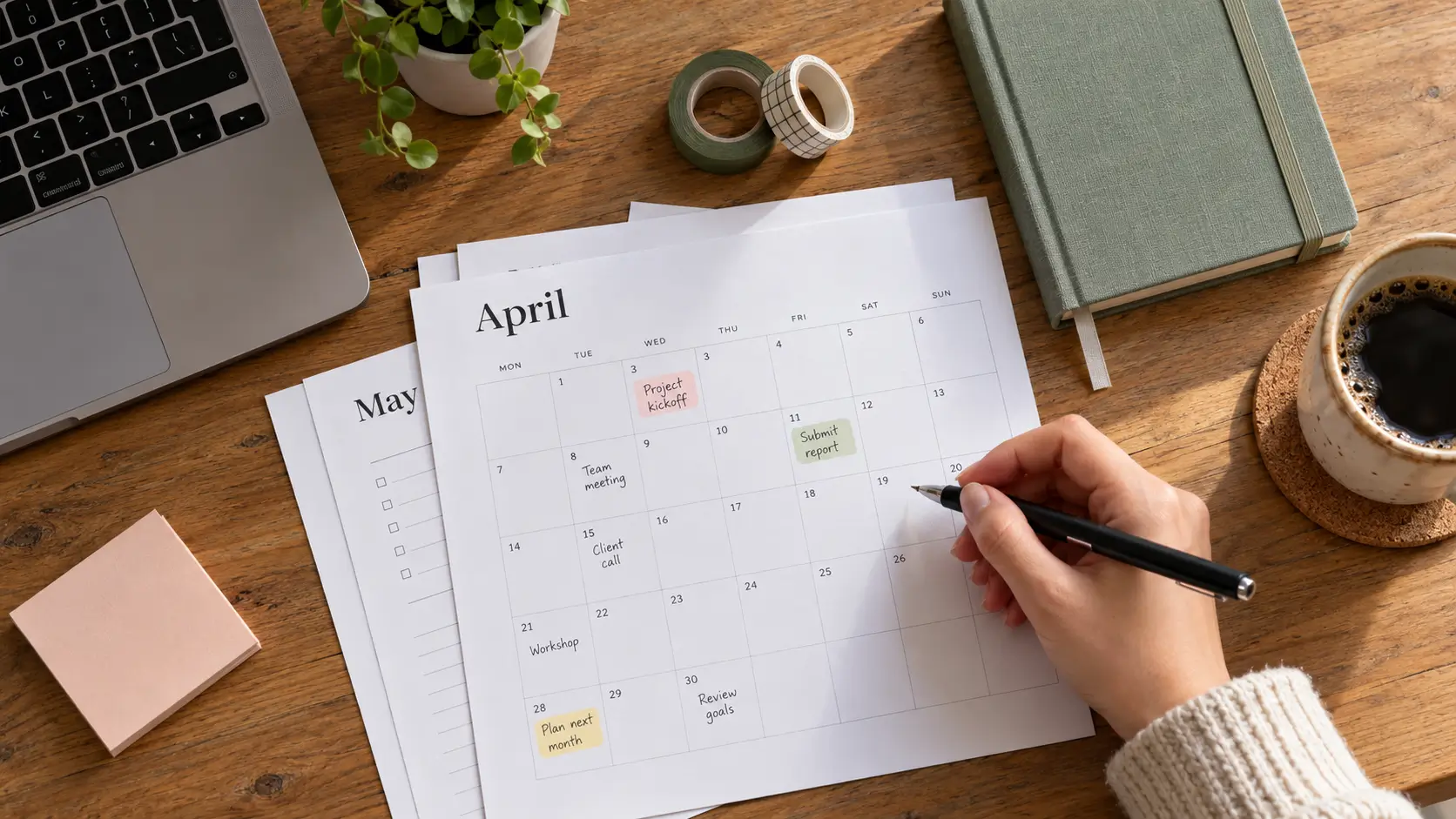
A planner/calendar for deadlines and study blocks
-
A rubric or “definition of done” for assignments
These supports are commonly recommended for learners who struggle with organization and follow-through.
What to try
-
A single “Today” list with 3 priority items
-
A “launch pad” spot for materials (same place every time)
-
A checklist for recurring tasks (homework, packing bag, submission)
What to track
-
Start latency (did the checklist reduce it?)
- of restarts (how many times you “re-begin” a task)
Time scaffolds: timers + time limits + buffer time
Time limits can reduce the “infinite task” feeling. Educational guidance often pairs checklists with time limits to make steps more realistic.
What to try
-
15–25 minutes focused work + 5 minutes reset (adjust the interval to your capacity)
-
Add a 5–10 minute buffer for transitions (setup, finding files, logging in)
What to track
-
Focused minutes completed (not planned)
-
Whether you finished the first micro-step (yes/no)
[Internal link: Executive function skills—what they are and how to support them]
Strategy Set 2: Design a sensory- and distraction-aware study environment
If your environment adds friction, your strategy has to fight uphill.
Reduce the “attention tax”
Start with the basics:
-
Phone out of reach (or notifications off)
-
Clear the visible desk surface
-
One tab/window for the current task
For some learners, “quiet” is essential; for others, predictable background sound helps. Understood’s accommodation lists frequently include a designated quiet workspace option.
Sensory supports (lighting, seating, movement breaks)
Sensory-friendly setups commonly include adjusting lighting, using movement breaks, and allowing flexible seating options.
What to try
-
One sensory variable at a time (e.g., lighting first)
-
Movement break that resets you (walk, stretch, water)
-
If sitting is hard: stand for short blocks (if available)
What to track
-
“Reset count”: how many breaks did you need before focus returned?
-
Triggers: noise, lighting, temperature, chair discomfort (one word is enough)
Routines and predictable cues
Routines reduce decision load. Executive function supports often emphasize establishing routines and explaining the “why” so the system sticks.
What to try
-
Same “study start” cue (music track, drink, clearing desk)
-
Same “study end” cue (2-minute recap, pack materials)
What to track
-
Start latency across days with vs. without a routine cue
Strategy Set 3: Use high-utility learning methods (retain more with less time)
Many learners spend hours “studying” without building durable memory. Evidence syntheses consistently highlight two high-utility strategies:
-
Practice testing (retrieval practice)
-
Distributed practice (spacing)
Practice testing (retrieval practice)
This is not high-stakes testing. It’s pulling information from memory:
What to try
-
Turn headings into questions and answer from memory
-
End a session with a 5-question self-quiz
-
Teach-back: explain the concept out loud in 60 seconds
What to track
-
Self-quiz score (or # correct)
-
“Blank rate”: how often you had no answer (that’s useful data)
Spacing (distributed practice)
Spacing means revisiting material across multiple shorter sessions, rather than cramming. Reviews emphasize that distributed practice supports longer retention than massed practice.
What to try
-
3 short sessions across a week rather than 1 long session
-
A 5-minute review 24 hours later, then again 3–7 days later
What to track
-
Retention after delay: score on the same mini-quiz next session
-
Total time to reach a stable score (often decreases over time)
Interleaving + mixing problem types
Mixing problem types (rather than doing one type in a large block) can improve problem-solving and discrimination between similar concepts.
What to try
-
Mix old + new question types in a single study set
-
Rotate between two topics during a session (with clear boundaries)
What to track
-
Error patterns (which type is confusing?)
-
Switching cost (did mixing increase overwhelm? If yes, reduce mixing)
When rereading/highlighting helps—and when it doesn’t
Rereading can help as a quick orientation, but it often produces “I recognize it” familiarity without strong recall. Major reviews rate rereading/highlighting lower utility than practice testing/spacing for durable learning.
Decision rule
-
If rereading is your main method, add retrieval at the end of the same session.
Strategy Set 4: Note-taking and processing options (choose the least-friction method)
Note-taking should reduce cognitive load, not increase it.
Typed notes, outlines, and guided notes
Supports often include typed notes or lesson outlines and explicit note-taking strategies (graphic organizers, mind-mapping tools).
What to try
-
Cornell-style cues only if it feels manageable
-
Teacher-provided outline → you fill examples
-
“Skeleton notes”: headings + 1–2 bullets per section
What to track
-
Can you answer a self-quiz using your notes?
-
Note completion rate (did you finish, or abandon halfway?)
Graphic organizers / mind maps
Best for: relationships, processes, cause-effect, comparing concepts.
What to track
-
One-minute explain test: can you explain the map without looking?
Audio notes + summaries (with caution)
Audio can reduce writing friction, but it can also become a pile you never revisit.
What to try
-
Record a 60–90 second recap at the end of study
-
Immediately write 3 bullets as an index (so you can find it later)
What to track
-
Reuse rate: did you actually listen to it again?
Strategy Set 5: Reading, writing, and math—supports that match the bottleneck
This section is about matching supports to where your process breaks.
If reading/spelling is the bottleneck (dyslexia-like load)
The International Dyslexia Association describes structured literacy as the most effective approach for learners with significant reading/spelling difficulty, emphasizing explicit, systematic language instruction.
What to try (study-facing, not curriculum design)
-
Use text-to-speech for heavy reading + follow along visually
-
Build vocabulary lists with retrieval practice (not just highlighting)
-
Pre-read headings and convert them into questions first
What to track
-
Comprehension (mini-quiz) vs. time spent reading
-
Which sections consistently fail (vocabulary, dense paragraphs, diagrams)
If writing is the bottleneck
What to try
-
A template: claim → evidence → explanation
-
Dictation (speech-to-text) for first draft, then edit
-
“One paragraph only” starts (reduce start friction)
What to track
-
Start latency for writing tasks
-
Words produced per focused minute (rough estimate)
If math/problem sets are the bottleneck (dyscalculia-like load)
What to try
-
Step cards (one line per step)
-
Worked example → do a near-copy → then a new problem
-
Error log: “what went wrong” (operation, sign, unit, setup)
What to track
-
Accuracy per problem type
-
Error categories (so you’re not “practicing mistakes”)
What to track: a simple dashboard that shows what’s working
Self-monitoring is commonly defined as self-assessing a target behavior and recording results, which can change the frequency/intensity/duration of existing behaviors.
Here’s a minimal dashboard you can run in under a minute.
The “Try → Track → Decide” table
| Category | Track this | Why it matters | Example |
|---|---|---|---|
| Output | Mini-quiz score (5 Q) or # correct | Measures learning (not just time) | 3/5 → 4/5 next session |
| Process | Focused minutes | Separates “desk time” from work | 2 × 20 min blocks |
| Start friction | Start latency (minutes) | Shows if the system helps initiation | 18 → 6 minutes |
| Attention resets | Break count | Shows sustainability | 3 breaks in 60 minutes |
| Confusion points | 1–2 “stuck moments” | Targets what to fix | “enzyme steps” |
| Strategy tag | What you tried today | Links cause to effect | “retrieval + spacing” |
| Environment tag | One key variable | Finds sensory/distraction triggers | “library quiet” |
Tip: Track one environment variable and one strategy variable at a time. Otherwise you won’t know what caused the change.
How to decide: keep, tweak, or drop a strategy
7–14 day decision rules
After 1 week, ask:
-
Did start latency drop by 20–30%?
-
Did mini-quiz scores improve or did the same score require less time?
-
Did the strategy reduce overwhelm (fewer restarts, fewer abandoned sessions)?
After 2 weeks, decide:
-
Keep if outcomes improved and friction decreased
-
Tweak if outcomes improved but friction is too high (shorten intervals, simplify tracking)
-
Drop if outcomes and friction didn’t improve (or got worse)
What progress looks like when grades don’t move yet
Grades are lagging indicators. Earlier wins often look like:
-
Starting faster
-
Finishing more sessions
-
Fewer “blank moments” on recall
-
More consistent recall after 24–72 hours
When to ask for accommodations or extra support
If you’re applying strategies consistently and still hitting a wall, it may be time to ask for supports. Many accommodation lists focus on:
-
environment options
-
organizational supports
-
alternative ways to show learning
-
chunking and clarity in instructions
Common pitfalls (and how to avoid them)
Pitfall 1: Overtracking and perfectionism
Tracking should reduce uncertainty, not become a second job.
-
Track fewer variables
-
Track less often
-
Use weekly review, not hourly analysis
Pitfall 2: Changing too many variables at once
If you change environment + timer + note method + app + sleep schedule, you won’t know what worked. Change one major variable per week.
Pitfall 3: Confusing “felt easy” with “learned well”
Spacing and retrieval can feel harder, but durable learning often comes from “desirable difficulty.” (General learning science principle; detailed quantification varies by context.)
FAQ
1) What if I can’t focus for 25 minutes?
Shorten the interval until you can reliably complete it (even 5–10 minutes). Track completion rate, then slowly increase.
2) What’s the fastest way to remember material for exams?
Use practice testing plus spacing. If you only reread, add a 5-question recall check at the end of each session.
3) How do I study if reading takes me forever?
Reduce decoding load with assistive options (e.g., text-to-speech) and switch to retrieval-based checks (questions, teach-back). For dyslexia-related difficulty, structured approaches to reading instruction are widely recommended.
4) What should I track if tracking stresses me out?
Track only two numbers: start latency and mini-quiz score (or # correct). That’s enough to make decisions.
5) How do I know if a strategy is helping ADHD-related challenges?
Look for reduced start latency, fewer restarts, more consistent study blocks, and stable recall after a delay—especially if attention rand organization are core symptoms for you.
Reference
-
Harvard Health Publishing — What is neurodiversity? (Nov 23, 2021).
-
CDC — Symptoms of ADHD (May 16, 2024).
-
NIMH — Attention-Deficit/Hyperactivity Disorder: What You Need to Know (Revised 2024).
-
Child Mind Institute — Helping Kids Who Struggle With Executive Functions (Last reviewed/updated Jun 5, 2025).
-
American Federation of Teachers (American Educator) — Dunlosky, Strengthening the Student Toolbox (Fall 2013).
-
Dunlosky et al. — Improving Students’ Learning with Effective Learning Techniques (2013) (PDF copy + PubMed record).
-
Vanderbilt IRIS Center — Self-Monitoring (module page) (no date found).
-
CAST — Universal Design for Learning (no date found).
-
Understood — Classroom accommodations for ADHD (Updated Mar 29, 2024).
-
International Dyslexia Association — Structured Literacy… and Effective Reading Instruction for Students with Dyslexia (no dates found).
-
Birmingham City University — Revising with ADHD (page accessed; date not shown in captured lines).
-
Flinders University blog — Neurodivergent-Friendly Study Day Workflow (Nov 8, 2024).




Comments 0
No comments yet. Be the first to start the conversation.