



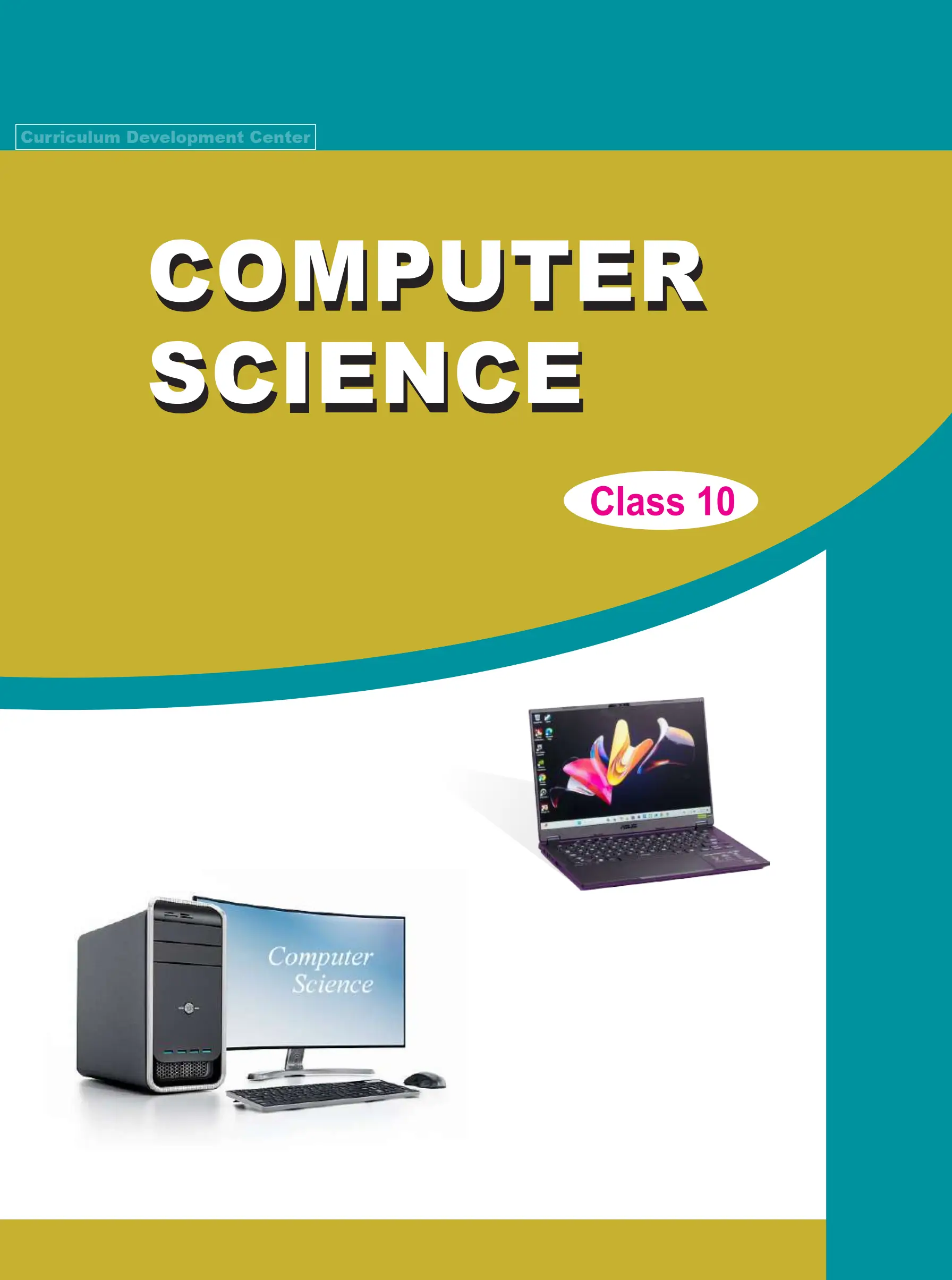
The Class 10 Computer Science Book is published by Nepal's Curriculum Development Centre (CDC) for students studying Optional Computer Science at the secondary level. Officially titled Computer Science, Class 10, the textbook follows the Secondary Level Optional Computer Science Curriculum, 2081. Its first edition was published in 2082 BS (2025 AD).
The book contains five units covering computer networks, database management, multimedia, Python programming, and artificial intelligence (AI) and contemporary technologies. It combines theoretical explanations with examples, exercises, software demonstrations, case studies and practical assignments.
Students looking for the Class 10 Computer Science Book PDF, SEE Computer Science Book, or Optional Computer Science Class 10 textbook can use this overview to identify the units, understand their content and locate relevant learning activities.
About the Class 10 Computer Science Textbook
The textbook is published by the Government of Nepal, Ministry of Education, Science and Technology, Curriculum Development Centre, Sanothimi, Bhaktapur.
It was prepared by Sunil Kumar Gharti, Bimal Thapa, Shyam Kumar Adhikari, Rajendra Rokaya, Binay Adhikari, Pratik Man Singh and Lav Dev Bhatta. Language editing was undertaken by Nabin Kumar Khadka and Deepak Raj Bhatta.
According to its preface, the book supports the National Curriculum Framework of School Education, 2076, and was developed in accordance with the Secondary Level Optional Computer Science Curriculum, 2081.
The textbook includes both theoretical and practical learning. Students study computer concepts through explanations and diagrams, then apply them through activities involving networking, MySQL databases, multimedia software and Python programming.
Class 10 Computer Science Book Unit List
The textbook has five main units. The following page numbers are taken from its contents page.
| Unit | Unit Name | Page |
|---|---|---|
| 1 | Computer Network and Communication | 1 |
| 2 | Database Management System | 37 |
| 3 | Multimedia | 81 |
| 4 | Programming in Python | 141 |
| 5 | AI and Contemporary Technologies | 229 |
Each unit addresses a different area of computing. Networking explains how devices communicate, database management deals with organised information, multimedia covers digital content, Python introduces programming techniques, and the final unit examines AI and related technologies.
Unit 1: Computer Network and Communication
The first unit explains how computers and other digital devices connect and exchange information.
It begins with telecommunication and introduces broadband, bandwidth, throughput, frequency and data packets. Students learn about 3G, 4G and 5G mobile networks and the differences among simplex, half-duplex and full-duplex communication.
The unit then examines guided and unguided transmission media. Guided media include network cables and optical fibre, while wireless communication involves technologies such as Wi-Fi, Bluetooth, RFID and satellite communication.
Students also study networking equipment, including repeaters, hubs, switches, bridges, routers, RJ-45 connectors and media converters.
Another section covers bus, star, ring and hybrid network topologies. These explain different ways of arranging connected devices.
The unit introduces Personal Area Networks (PAN), Local Area Networks (LAN), Metropolitan Area Networks (MAN) and Wide Area Networks (WAN). It also explains client-server and peer-to-peer network architectures.
Later lessons examine network protocols, IPv4 and IPv6 addressing, and the differences among the Internet, intranet and extranet.
Practical activities include identifying network hardware, checking IP addresses and using commands such as ping, ipconfig, tracert and nslookup.
The exercises include real-life situations involving school computer laboratories, Wi-Fi problems and network upgrades.
Unit 2: Database Management System
The second unit introduces databases and the software used to manage them.
Students first learn the differences among data, information, databases and Database Management Systems (DBMS). The unit explains how organised data supports record keeping, retrieval and updating.
It then introduces database tables, fields, records, data types and relationships.
Students learn how primary keys identify records, how foreign keys connect tables and how composite keys work. The textbook also explains one-to-one, one-to-many and many-to-many relationships.
A substantial section is devoted to MySQL and Structured Query Language (SQL).
Students study Data Definition Language (DDL), which is used to define database structures, and Data Manipulation Language (DML), which is used to work with stored records.
The practical examples introduce SQL commands such as CREATE, ALTER, DROP, INSERT, SELECT, UPDATE and DELETE. Students also encounter database constraints and clauses such as WHERE and LIKE.
The unit includes demonstrations of creating tables, inserting records, retrieving data and changing existing information.
One project involves designing a database for a farming application named KrishiKranti. Students identify entities, create related tables and organise agricultural records.
This assignment provides a practical opportunity to apply database concepts to a specific information-management problem.
Unit 3: Multimedia
The third unit examines multimedia and the tools used to create digital content.
It begins with five major components: text, graphics, audio, video and animation. Students learn how these components are used in educational materials, websites, presentations, entertainment and digital communication.
The text section introduces file formats such as TXT, RTF and DOCX.
The graphics section explains raster and vector images, pixels, image editing and file formats including PNG, JPG, GIF and SVG. Students also encounter graphics-editing activities using Pixlr X.
The audio section introduces digital sound, audio file formats and basic editing techniques.
The video section explains frames, frame rates, resolution and video editing. Practical activities involve arranging clips, adding transitions and preparing video output using tools such as Clipchamp or CapCut.
The animation section distinguishes between two-dimensional (2D) and three-dimensional (3D) animation.
Students also complete a multimedia project. They may create graphic materials or prepare a video presentation, edit the content and export the final work in an appropriate format.
The unit connects file formats and multimedia concepts with actual content-production tasks.
Unit 4: Programming in Python
The fourth unit develops programming knowledge using Python.
It begins with a revision of basic Python concepts, including input and output, conditional statements and loops. Students practise writing instructions that accept information, make decisions and repeat operations.
The next section introduces user-defined functions. Students learn to organise reusable code, pass arguments and return results.
The unit also covers Python modules, libraries and packages, explaining how existing code can support new programs.
Turtle graphics provides an introduction to drawing with Python commands. Students use movement, direction and colour instructions to produce graphical output.
Error handling is another topic. The textbook explains syntax errors, runtime errors, exceptions and try-except blocks.
Students then study file handling, including reading, writing and appending data. The lessons also introduce CSV files and the Pandas library for working with structured information.
The final section addresses data visualisation using Python, including graphical presentations of data.
Practical exercises require students to create programs, work with functions, process text, manipulate files and generate charts.
For example, students may write programs to identify positive or negative numbers, test prime numbers, read CSV records or produce graphs from numerical data.
This unit requires consistent programming practice because students must understand both Python syntax and the logic behind the instructions.
Unit 5: AI and Contemporary Technologies
The fifth unit introduces AI and technologies used in modern digital systems.
It begins with Artificial Intelligence and Machine Learning (ML), explaining how computer systems can use data to recognise patterns and perform tasks.
The unit discusses supervised and unsupervised learning, alongside AI applications such as speech recognition, image recognition, chatbots, fraud detection and intelligent robots.
A section on robotics explains how AI can support robotic operations and simulated tasks.
The textbook also introduces Generative AI, including systems capable of producing text and other forms of digital content.
Students examine AI tools integrated into document editing, email and office applications.
The unit addresses ethical issues through discussions of algorithmic bias, privacy and security. These sections explain why the use of AI requires attention to fairness, personal information and system protection.
Other topics include the Internet of Things (IoT), Virtual Reality (VR), Augmented Reality (AR), Extended Reality (XR) and cloud computing.
The final section introduces e-commerce, e-governance and e-education, connecting computing concepts with digital services.
This unit familiarises students with contemporary technologies while also introducing their limitations and responsible use.
Practical Activities and Assessment Preparation
The textbook includes multiple-choice questions, short-answer questions, long-answer questions, practical exercises and project assignments.
Different units require different approaches to learning.
Networking involves diagrams, comparisons and equipment identification. Database management requires practice with SQL commands and database relationships. Multimedia involves creating and editing digital files, while Python requires students to write, run and correct programs.
Students studying AI and contemporary technologies should understand the basic concepts, applications and ethical issues rather than memorising technology names alone.
The textbook also includes case studies that require students to apply concepts to specific situations.
For SEE preparation, students should use the book alongside the applicable examination specification chart, school guidance and relevant model questions. The textbook's exercise patterns do not necessarily represent the exact distribution of questions in the final examination.
Class 10 Computer Science Book PDF
The Class 10 Computer Science Book PDF allows students to consult the textbook on computers, tablets and mobile devices.
The digital version is particularly useful for reviewing network diagrams, checking database examples, studying Python code and following multimedia activities during computer laboratory sessions.
The Curriculum Development Centre lists the textbook under the title ऐच्छिक कम्प्युटर विज्ञान कक्षा १० (अङ्ग्रेजी संस्करण २०८२).
Students should check the edition when obtaining the textbook because Computer Science curricula, software examples and practical activities may differ between editions.
The official CDC publication is the appropriate reference for confirming the book's identity, contents and edition. Any public redistribution of the complete PDF should comply with applicable permissions and copyright requirements.
Conclusion
The Class 10 Computer Science Book covers five areas of computing, from networking and database management to multimedia, Python programming and AI.
The textbook combines explanations with practical activities, including SQL queries, digital media production, Python programs and technology-related case studies.
Students can use the 2082 BS edition to study the prescribed concepts, practise software-based tasks and prepare for assessments under the applicable Optional Computer Science curriculum.

Comments 0
No comments yet. Be the first to start the conversation.