




Last Updated: June 1, 2026
Technology is important for students because it gives access to information, supports regular practice, improves communication, builds digital literacy, and helps learners prepare for further study and work. Its value depends on how it is used. A device, app, online platform, or AI tool can support learning, but it cannot replace attention, reading, writing, discussion, practice, teacher guidance, or critical thinking.
UNESCO’s Global Education Monitoring Report 2023 explains that technology can help address education challenges when it is appropriate for the context, while also warning that it should serve learners rather than direct education decisions by itself. OECD’s 2025 review of digital technologies and student learning adds a practical caution: access to technology alone does not guarantee educational gain; teaching design and learning purpose matter.
For students, parents, and teachers, the main question is not whether technology is good or bad. The better question is how students can use it for real learning. A video can explain a difficult science idea, but it can also become passive watching. AI can help with brainstorming and feedback, but it can also weaken learning if it replaces the student’s own thinking. Online resources can widen access, but only when students also learn how to check sources, protect privacy, and manage distraction.
Answer Summary:
Technology helps students when it improves access to reliable information, supports practice, encourages collaboration, builds digital literacy, and makes learning more flexible. It can also create problems such as distraction, misinformation, privacy risk, unequal access, and overdependence. Students gain the most when they use technology to understand, create, check, discuss, and practice—not to copy work or spend more time on screens without learning.
Table of Content
- What Is the Importance of Technology for Students?
- Main Benefits of Technology for Students
- Examples of Technology Students Use in Learning
- Why Digital Literacy Matters for Students
- Challenges of Technology for Students
- How Students Can Use Technology Responsibly
- Short Essay on Importance of Technology for Students
- Conclusion
Key Takeaways
-
Technology supports learning when it has a clear purpose.
-
Students need digital literacy, not only device access.
-
Online information should be checked before use.
-
AI tools should support thinking, not replace it.
-
Screen time should be active and focused.
-
Unequal access remains a serious education concern.
-
Teachers and parents still play a key role in digital learning.
What Is the Importance of Technology for Students?
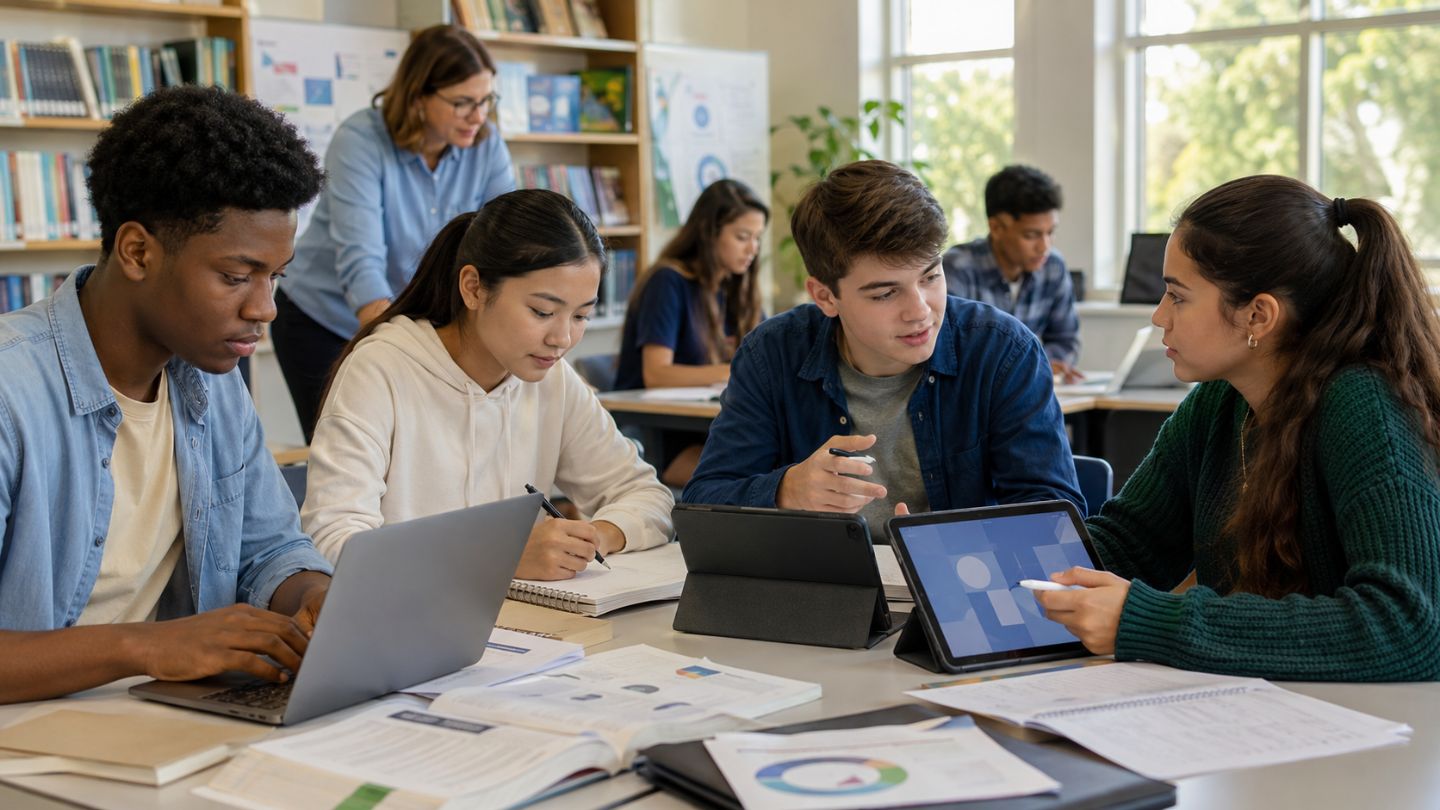
The importance of technology for students is that it helps them access wider learning resources, practice skills, complete projects, communicate with teachers and classmates, and learn in more flexible ways. Technology is useful when it supports a learning goal.
Technology in education includes computers, mobile devices, internet search, online classes, educational videos, learning apps, digital libraries, cloud documents, assistive tools, and AI study tools. The World Bank explains that digital technologies in education can support teachers, students, and the learning process more broadly when used well.
For students, this may mean using an online dictionary to understand vocabulary, a video lesson to review a science topic, a spreadsheet to organize project data, or a shared document for group work. The tool matters less than the learning task. A student who watches a lesson, takes notes, solves questions, checks mistakes, and asks for help is using technology actively. A student who watches videos without applying the lesson is using a screen, but not necessarily learning.
This distinction matters for school students, college students, and independent learners. Technology should not be treated as a shortcut. It should be treated as a learning support that helps students read better, think more clearly, practice more often, create stronger projects, and communicate more responsibly.
Main Benefits of Technology for Students

Technology benefits students by improving access, practice, communication, creativity, organization, accessibility, and digital skills. These benefits are strongest when students use digital tools with clear goals and guidance.
Access to Information
Technology gives students access to books, articles, videos, dictionaries, maps, simulations, online courses, and official information. This can help students who do not have easy access to large libraries, extra tutoring, or printed learning materials.
Access also brings responsibility. Students need to check whether a source is reliable, current, and relevant. A useful habit is to compare information from official education agencies, universities, research organizations, and trusted publications before using it in assignments.
For example, a student writing about climate change should not rely on one random blog post. A stronger approach is to compare a textbook explanation, a government or international organization page, and a teacher-recommended source.
Flexible Learning
Technology helps students learn from different places and at different times. Recorded lessons, online classes, digital notes, and practice apps allow students to review difficult topics after class.
This flexibility is useful for revision, illness-related absence, distance learning, and independent study. Students who want to understand the limits and benefits of remote study can also compare broader online learning benefits and challenges before depending too heavily on digital classes.
Flexibility should still include structure. Students learn better when they have a task, deadline, feedback, and time for offline practice. A recorded lesson is more useful when a student pauses, writes notes, solves questions, and checks understanding after watching.
Personalized Practice
Learning apps, quizzes, video lessons, and digital exercises can help students practice at their own pace. A student struggling with algebra can repeat a lesson. A language learner can practice pronunciation and vocabulary. A student preparing for exams can review weak areas through practice questions.
This does not mean every app improves learning. A quiz app that gives feedback and helps a student correct mistakes can support learning. A game-like app that rewards clicking without understanding may waste time.
Communication and Collaboration
Technology allows students to communicate through learning platforms, email, discussion boards, shared documents, and video calls. Group projects become easier when students can divide tasks, comment on drafts, and store work in one place.
This also builds practical habits: writing clearly, responding respectfully, meeting deadlines, organizing files, and revising work after feedback. These habits matter in school, college, and many workplaces.
For example, a class group can use a shared document to draft a project report. One student can collect sources, another can prepare charts, another can edit grammar, and another can check citations. The teacher can review progress and give comments before the final submission.
Creativity and Project Work
Technology helps students create presentations, videos, podcasts, posters, websites, charts, code, and digital portfolios. These activities can make learning more active because students must plan, organize, test, revise, and explain their ideas.
A social studies student can make a timeline. A science student can create a labeled diagram. A mathematics student can use a spreadsheet to organize data. A computer science student can write and test a simple program. In each case, the learning value comes from the thinking behind the product, not from the tool alone.
Creativity also improves when students learn to revise. Digital tools make it easier to edit a draft, rearrange a presentation, correct data, add captions, or improve a diagram after feedback.
Support for Different Learning Needs
Technology can support students with different learning needs through captions, screen readers, text-to-speech, speech-to-text, adjustable fonts, translation tools, keyboard navigation, and visual organizers. CAST’s Universal Design for Learning Guidelines describe UDL as a framework used to improve teaching and learning for all learners.
Accessibility tools are not only for students with diagnosed disabilities. Captions can help language learners. Audio can support review. Larger text can reduce reading strain. Visual organizers can help students plan essays and projects. Students who want more detail can also read about online learning for students with disabilities to understand both access benefits and limits.
Good technology removes barriers without lowering learning expectations. The goal is not to make learning easier in a weak sense. The goal is to make learning more reachable, clearer, and fairer.
Examples of Technology Students Use in Learning
Students use technology in many practical ways. The most useful tools are the ones that match the learning task.
| Technology | How Students Use It | Learning Value |
|---|---|---|
| Internet search | Research, definitions, and fact-checking | Access to information |
| Digital libraries | Books, journals, and references | Deeper study |
| Educational videos | Visual explanation of topics | Review and clarification |
| Learning apps | Practice, quizzes, and revision | Repetition and feedback |
| Online classes | Remote or blended learning | Flexible access |
| AI tools | Brainstorming, feedback, and concept explanation | Study support when checked |
| Assistive technology | Captions, screen readers, and speech-to-text | Accessibility |
| Cloud documents | Group assignments and drafts | Collaboration |
| Spreadsheets | Data, charts, and project work | Analysis and organization |
| Coding platforms | Programming practice and projects | Problem solving |
These examples show that technology is not one single tool. It is a set of supports for reading, writing, research, practice, creativity, accessibility, and communication.
A student preparing for exams may use flashcards, practice tests, and video explanations. A student working on a science project may use research databases, spreadsheets, diagrams, and presentation software. A student learning a new language may use audio lessons, pronunciation tools, vocabulary apps, and captions. The purpose should guide the tool choice.
Why Digital Literacy Matters for Students
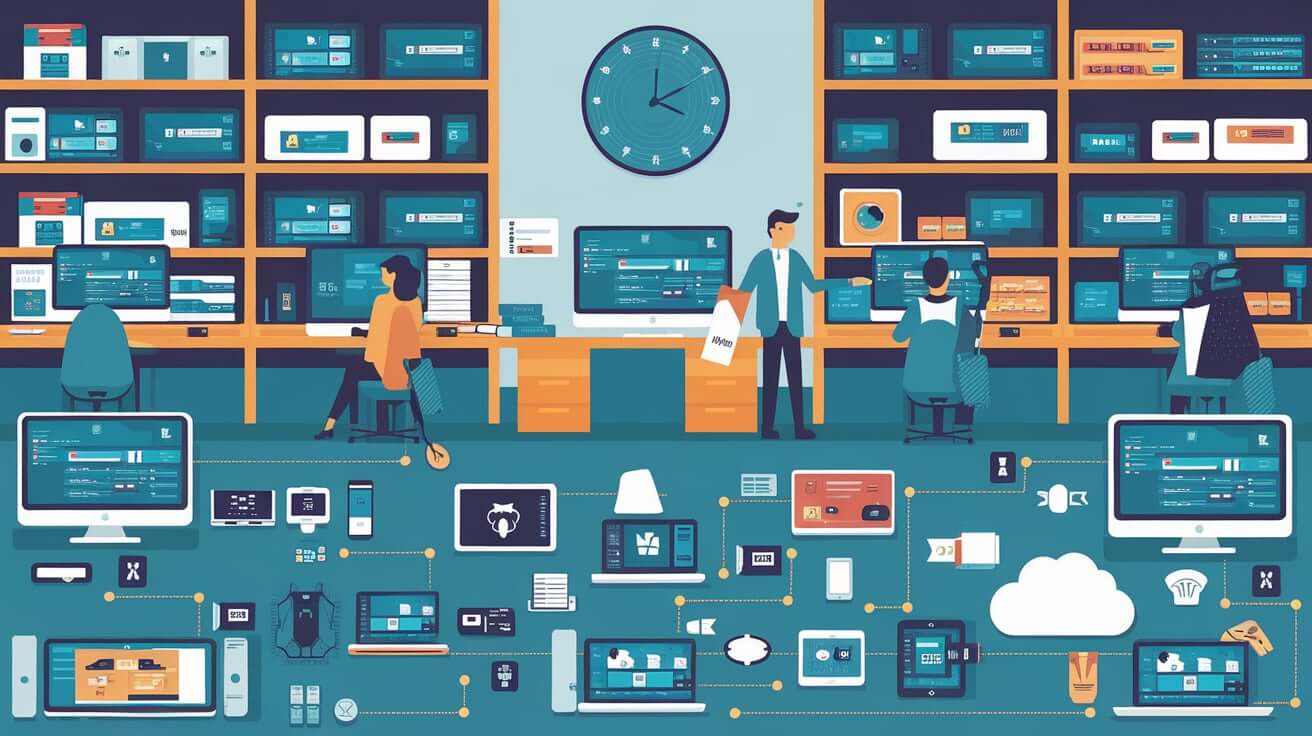
Digital literacy matters because students need to find, evaluate, create, communicate, and protect information in online spaces. It is part of academic life, career preparation, and everyday decision-making.
UNICEF’s Digital Education Strategy 2025–2030 focuses on learning gains, skills acquisition, evidence-based approaches, and improved learning outcomes. UNESCO’s AI Competency Framework for Students emphasizes responsible AI use, critical judgment, citizenship responsibilities, and foundational AI knowledge.
Digital literacy includes:
-
searching with clear keywords
-
identifying reliable sources
-
checking dates and authors
-
avoiding plagiarism
-
understanding privacy settings
-
using passwords safely
-
recognizing misinformation
-
using AI tools responsibly
-
communicating respectfully online
-
organizing files and digital notes
Students who build digital literacy skills are better prepared for school assignments, college research, online applications, digital projects, and many types of work.
Digital literacy is also a protection skill. It helps students avoid false information, unsafe links, weak sources, copied assignments, and careless sharing of personal details.
Challenges of Technology for Students
Technology can harm learning when it distracts students, spreads weak information, exposes personal data, increases inequality, or encourages copying instead of understanding. These risks do not mean students should avoid technology. They mean students need better habits and clearer guidance.
Distraction and Passive Screen Use
Devices can support learning, but they can also distract students through notifications, games, entertainment feeds, and unrelated browsing. OECD’s work on students, digital devices, and success notes both educational opportunities and risks, including cyberbullying, inappropriate content, privacy concerns, and debates about screen time.
Students should set a task before using a device. For example: “I will watch one lesson, take five notes, solve ten questions, and check my mistakes.” This keeps the screen connected to learning.
Passive screen use is different from active study. Watching a lesson without notes, practice, or review may feel productive, but it often leaves weak understanding. Active study includes asking questions, solving problems, summarizing ideas, and explaining concepts in personal words.
Misinformation and Weak Source Checking
Online information is not equal in quality. Some pages are reliable. Others are outdated, biased, copied, incomplete, or false. Students who use the first answer they find may submit weak or inaccurate work.
A reliable source-checking habit is to ask:
-
Who wrote this?
-
Which organization published it?
-
When was it published or updated?
-
Is evidence provided?
-
Do other credible sources agree?
-
Is the source trying to sell, persuade, or mislead?
-
Is the information suitable for my class level and assignment?
For school work, students should avoid copying from answer websites. For research work, they should cite sources according to the format given by the teacher.
Privacy and Data Risk
Students often create accounts, upload files, use AI tools, and share documents. These actions can involve personal data. Students should protect passwords, avoid sharing private details, and check school rules before using outside tools.
The U.S. Department of Education’s report on AI and the Future of Teaching and Learning says AI is increasingly embedded in educational technology and calls for knowledge sharing and policy development as schools respond to AI use.
Students should be careful with names, photos, addresses, contact details, school records, identity documents, private messages, and personal family information. If a tool asks for more information than needed, students should ask a teacher, parent, or school official before using it.
Unequal Access
Not all students have reliable internet, devices, electricity, quiet study space, or digital support. This is a major education concern. UNICEF and the International Telecommunication Union reported in 2020 that two thirds of the world’s school-age children had no internet access at home.
This means schools should not assume every student can learn online in the same way. Some students may need printed materials, shared devices, school-based computer labs, offline resources, flexible deadlines, or teacher support.
For students, unequal access can affect homework, research, exam preparation, and group work. Teachers and parents should watch for gaps that may look like low effort but are caused by limited access.
Overdependence and Shallow Learning
Technology becomes harmful when students use it to avoid thinking. Copying from AI tools, answer sites, or classmates may finish an assignment, but it weakens learning.
A better habit is: try first, use technology for help, check the answer, and then explain the idea in personal words. This protects the main purpose of education: understanding.
Students should also practice writing by hand, reading longer texts, solving problems without hints, discussing ideas with classmates, and asking teachers for feedback. Offline learning remains important for memory, focus, reasoning, and communication.
How Students Can Use Technology Responsibly
Students can use technology responsibly by setting learning goals, checking sources, protecting privacy, limiting distractions, crediting help, and balancing online and offline study.
Set a Learning Goal First
Before opening a device, students should decide what they are trying to do. A clear goal prevents aimless browsing.
Useful goals include:
-
understand one topic
-
revise one chapter
-
solve a fixed number of questions
-
find two credible sources
-
prepare a project outline
-
check grammar after writing a draft
-
review mistakes from a test
A clear goal also helps students choose the right tool. A dictionary app is useful for vocabulary. A spreadsheet is useful for data. A video is useful for visual explanation. A shared document is useful for group work.
Use AI as a Study Helper
AI can help students brainstorm questions, explain a difficult idea, create practice problems, organize notes, or review grammar. It should not write the assignment in place of the student.
Students should follow school rules on AI use because policies vary by institution, teacher, subject, and country. When AI use is allowed, students should use it transparently and check its output against reliable sources. AI tools can make mistakes, omit context, or produce confident-sounding but incorrect answers.
A responsible AI habit is:
-
Try the task first.
-
Ask AI for explanation or feedback.
-
Check the answer with class notes or reliable sources.
-
Rewrite the idea in personal words.
-
Cite AI assistance if the teacher requires it.
Verify Before You Trust
Students should check important information before using it. This is especially important for science, history, health, law, finance, current events, and AI-related topics.
A simple rule is to use at least two credible sources for important claims. Students should prefer official reports, educational institutions, recognized research organizations, and teacher-recommended materials.
When a source is unclear, students should not force it into an assignment. It is better to leave out a weak source than to build an answer on unreliable information.
Protect Personal Information
Students should not share passwords, identity documents, home addresses, private photos, school records, or personal family details on unsafe platforms. For group work, they should share only what classmates need to complete the task.
Good privacy habits include:
-
using strong passwords
-
not sharing login details
-
checking privacy settings
-
logging out on shared devices
-
avoiding unknown download links
-
asking before uploading personal documents
-
reporting suspicious messages to a trusted adult or school staff member
Privacy is part of digital literacy. It protects students from avoidable risks while allowing them to use technology for learning.
Balance Screen and Offline Learning
A useful study routine combines digital and offline work:
-
Read or review the topic.
-
Watch or use a digital explanation if needed.
-
Solve questions without help.
-
Check answers.
-
Rewrite key points in personal words.
-
Ask a teacher or classmate about unclear parts.
Students can also improve results by using evidence-based study skills such as retrieval practice, spaced revision, active recall, and error review. These habits work better than rereading notes or watching videos without practice.
Technology should support these habits, not replace them.
Short Essay on Importance of Technology for Students
Technology is important for students because it helps them learn, communicate, create, and prepare for further study and work. Through the internet, students can access books, videos, courses, dictionaries, and research materials. Learning apps and online quizzes help them practice at their own pace, while digital documents and classroom platforms make group work easier.
Technology also builds digital literacy. Students learn how to search for information, check sources, make presentations, organize files, use online tools, and communicate responsibly. These skills are useful in school, college, and many workplaces.
However, technology should be used carefully. It can distract students, spread false information, affect privacy, and increase inequality when some students lack devices or internet access. Students should use technology for clear learning goals, verify information, protect personal data, and avoid copying work. Technology is most helpful when it supports thinking, practice, creativity, and responsible learning.
Conclusion
Technology is important for students because it can improve access to information, support practice, build communication skills, encourage creativity, support accessibility, and develop digital literacy. It also helps students learn with more flexibility when they use digital tools with purpose and guidance.
The balanced view is that technology is a tool, not a full learning solution. Students still need teachers, reading, writing, discussion, memory, practice, and feedback. Schools and families also need to consider privacy, AI rules, unequal access, and screen balance.
A good final question for any student is: “Does this tool help me understand, practice, create, communicate, or check my learning?” If the answer is yes, technology is supporting education. If the answer is no, the student may need a better tool, a clearer goal, or a break from the screen.


Comments 0
No comments yet. Be the first to start the conversation.